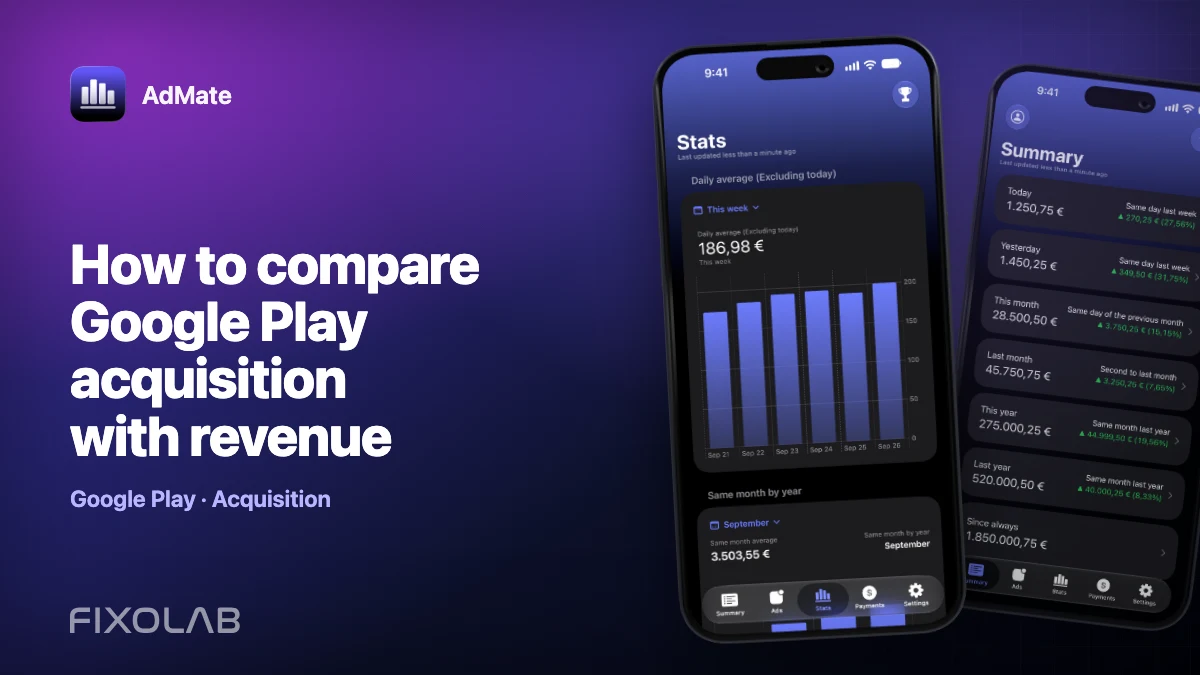
How to compare Google Play acquisition with revenue
Acquisition explains how people arrive; revenue explains what monetization produced. Putting both on one review can reveal useful patterns, but only when periods, apps and countries match.
AdMate helps place the signals in one workspace, but the original provider remains authoritative for permissions, definitions and finalized financial records.

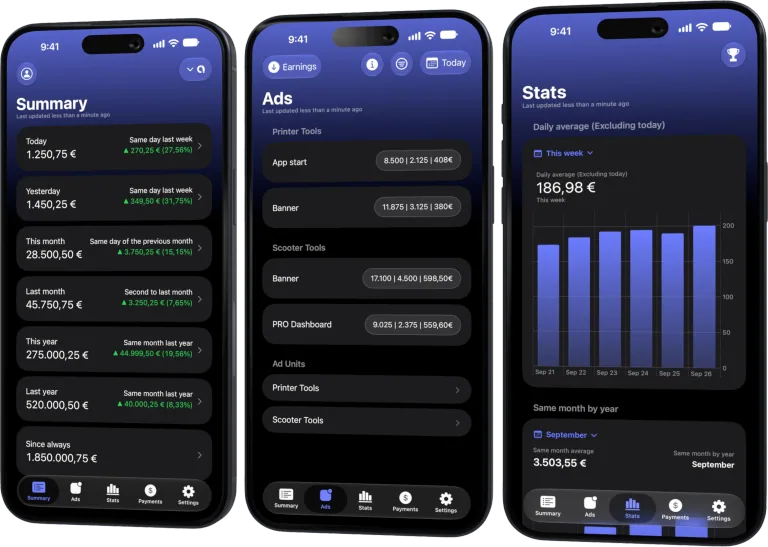
All your revenue in one dashboard
Track AdMob, AdSense, RevenueCat and App Store Connect across multiple accounts with filters by app, platform and country
Monitor revenue, clicks, eCPM, subscriptions, installs and payments on iPhone, iPad, Mac and Apple Watch
Align the scope first
Choose one Android app, one date range and the same country filter where available. Google Play acquisition data and monetization sources may update on different schedules, so note the latest complete day in each source.
Use cohorts as clues
A rise in store visitors or acquisitions can precede revenue, especially for subscriptions with trials. Compare direction and timing rather than dividing every revenue value by a same-day install count.
Distinguish store money from ad money
Google Play financial activity, RevenueCat transactions and AdMob earnings describe different flows. RevenueCat may reflect purchases processed by Google Play, while AdMob is advertising. Do not add overlapping purchase records twice.
Investigate the funnel in stages
If acquisition rises but revenue does not, check geography, product mix, trial starts and ad engagement. If revenue rises without acquisition, existing users, renewals, pricing or an advertising demand change may explain it.
Review checklist
- Select the exact Android app.
- Use matching periods and countries.
- Label every source and revenue definition.
- Allow for trial and reporting lag.
Frequently asked questions
Can I calculate revenue per install directly?
Only for a clearly defined cohort and compatible revenue window. A same-day ratio is usually misleading.
Does RevenueCat replace Google Play reports?
No. It offers subscription and purchase analytics, while official store reports remain authoritative for settlement.
Why can acquisition fall while revenue rises?
Renewals and monetization from existing users can grow even with fewer new users.
All your revenue in one dashboard
Track AdMob, AdSense, RevenueCat and App Store Connect across multiple accounts with filters by app, platform and country
Monitor revenue, clicks, eCPM, subscriptions, installs and payments on iPhone, iPad, Mac and Apple Watch
| FixoLab
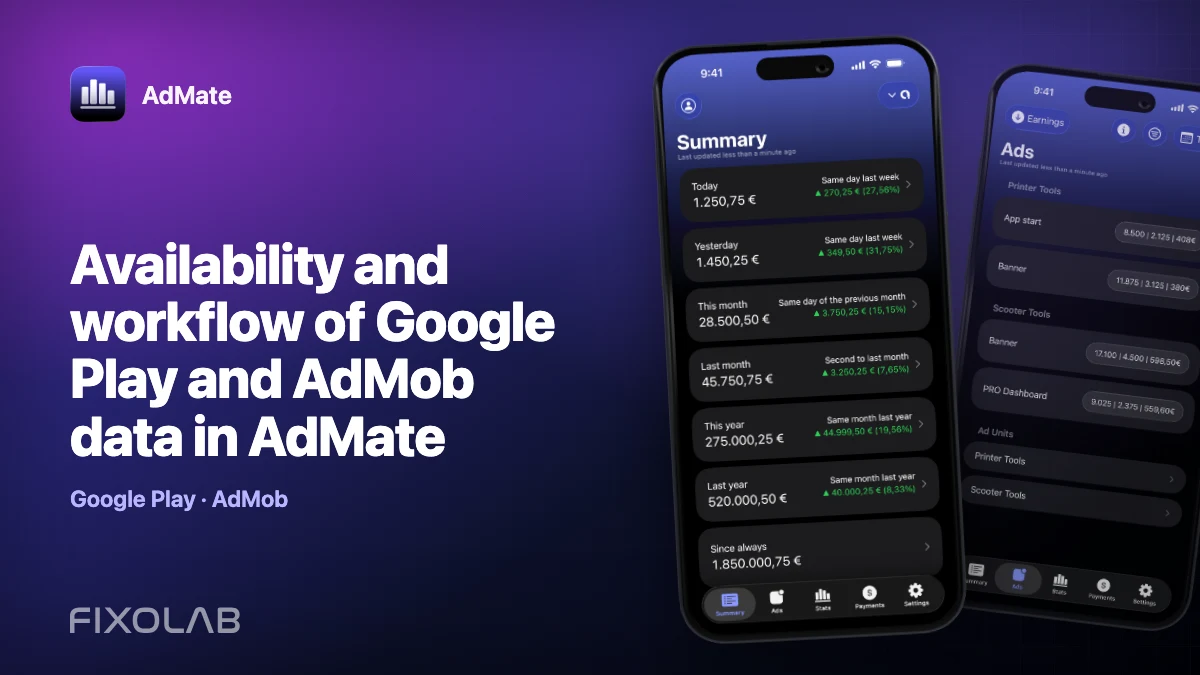
Availability and workflow of Google Play and AdMob data in AdMate
Understand how Google Play and AdMob are kept as separate sources in AdMate, what account access they require and how to avoid double-counting revenue.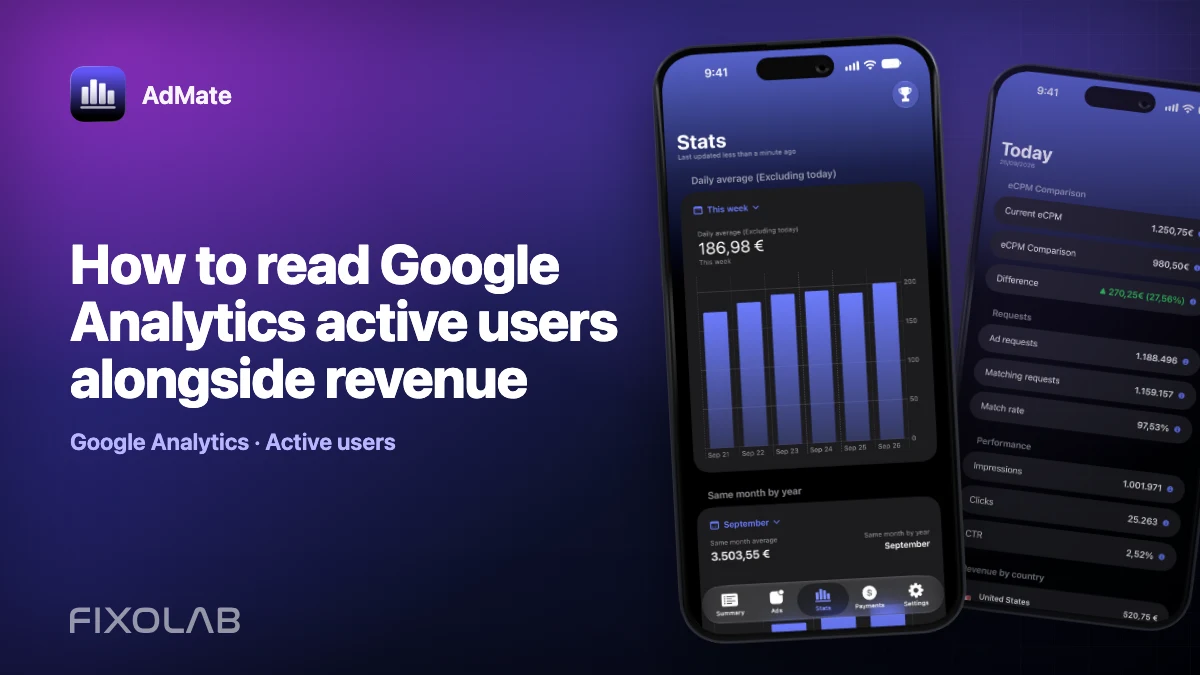
| FixoLab
How to read Google Analytics active users alongside revenue
Use active users as context for app revenue while respecting attribution, reporting and metric differences.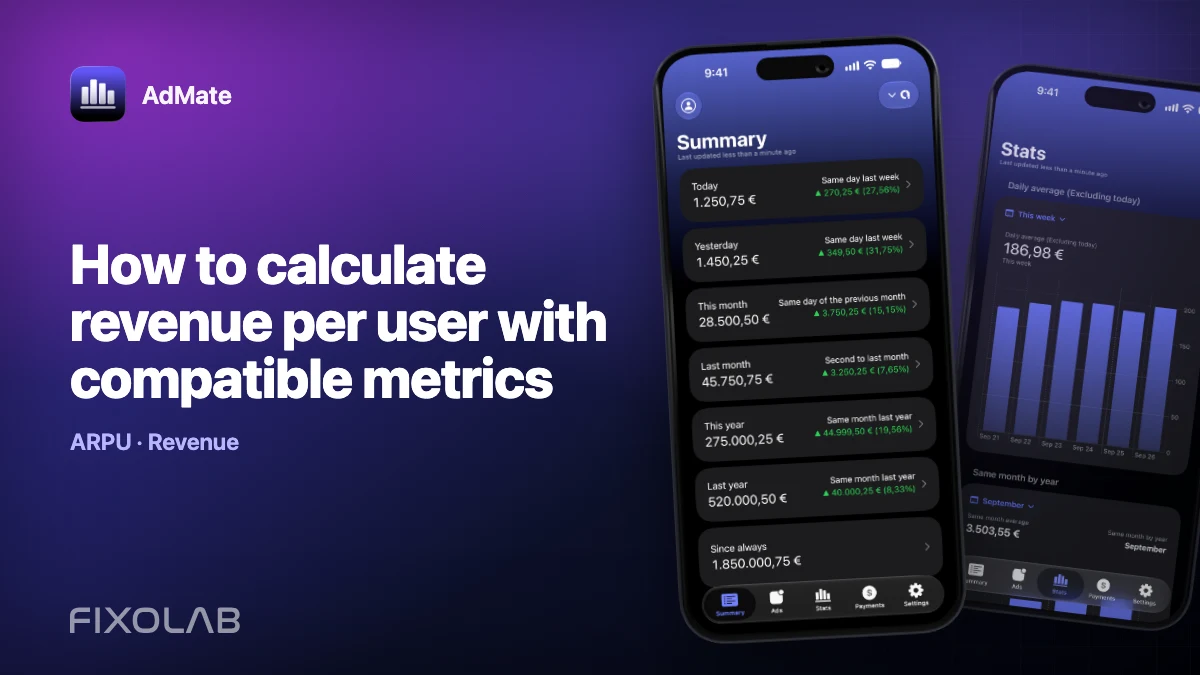
| FixoLab
How to calculate revenue per user with compatible metrics
Build a useful revenue per user calculation by matching population, period, currency and revenue definition.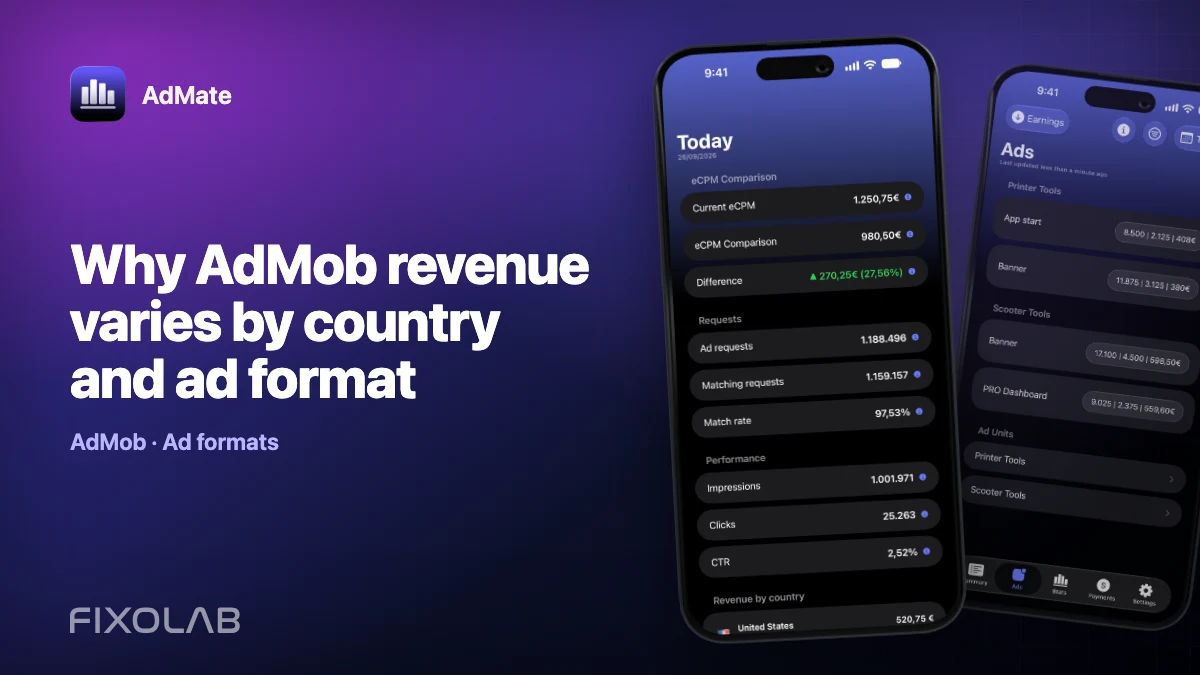
| FixoLab
Why AdMob revenue varies by country and ad format
Understand how impressions, eCPM, format and market demand combine to change estimated AdMob earnings.