Gallery
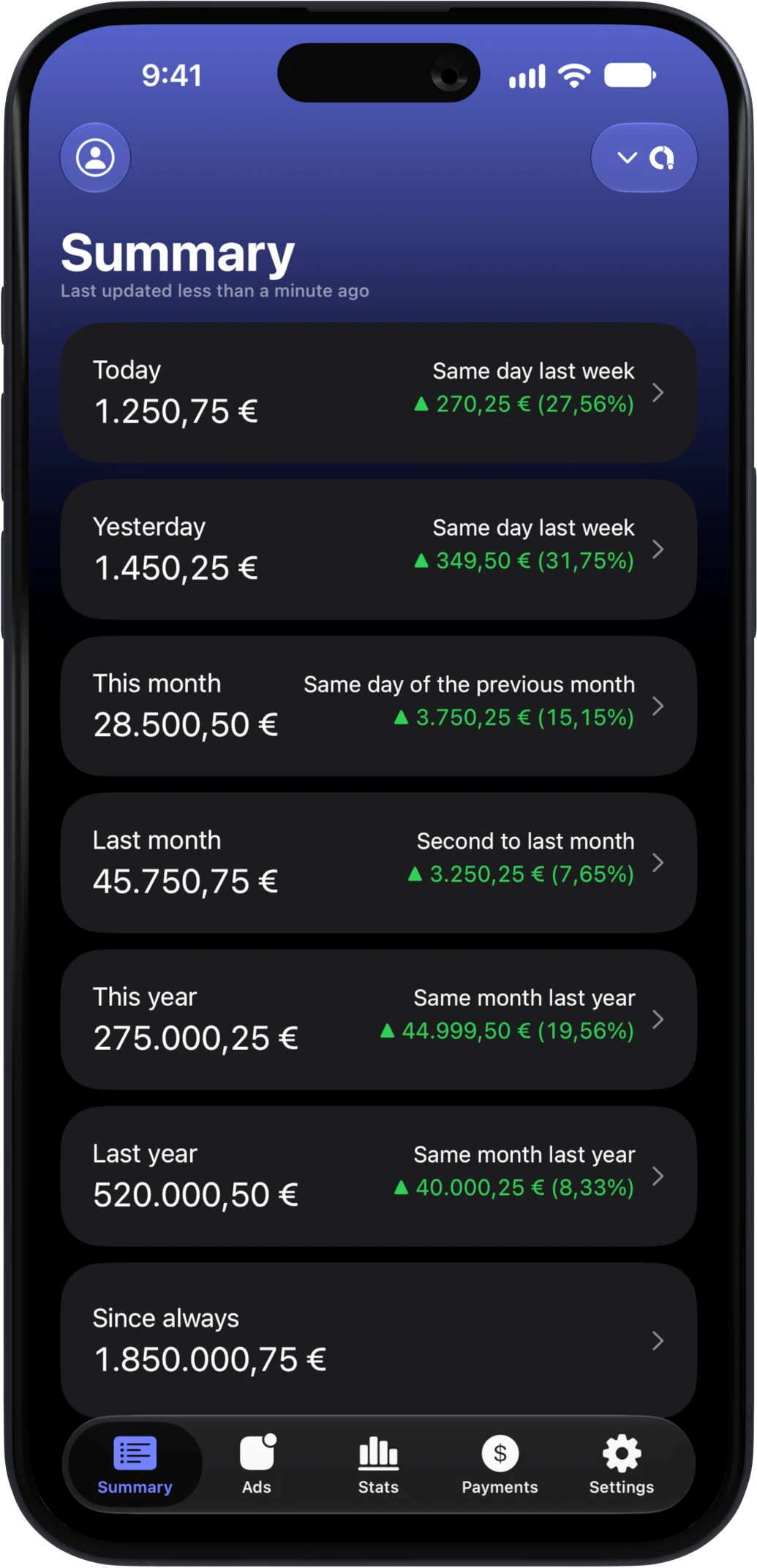
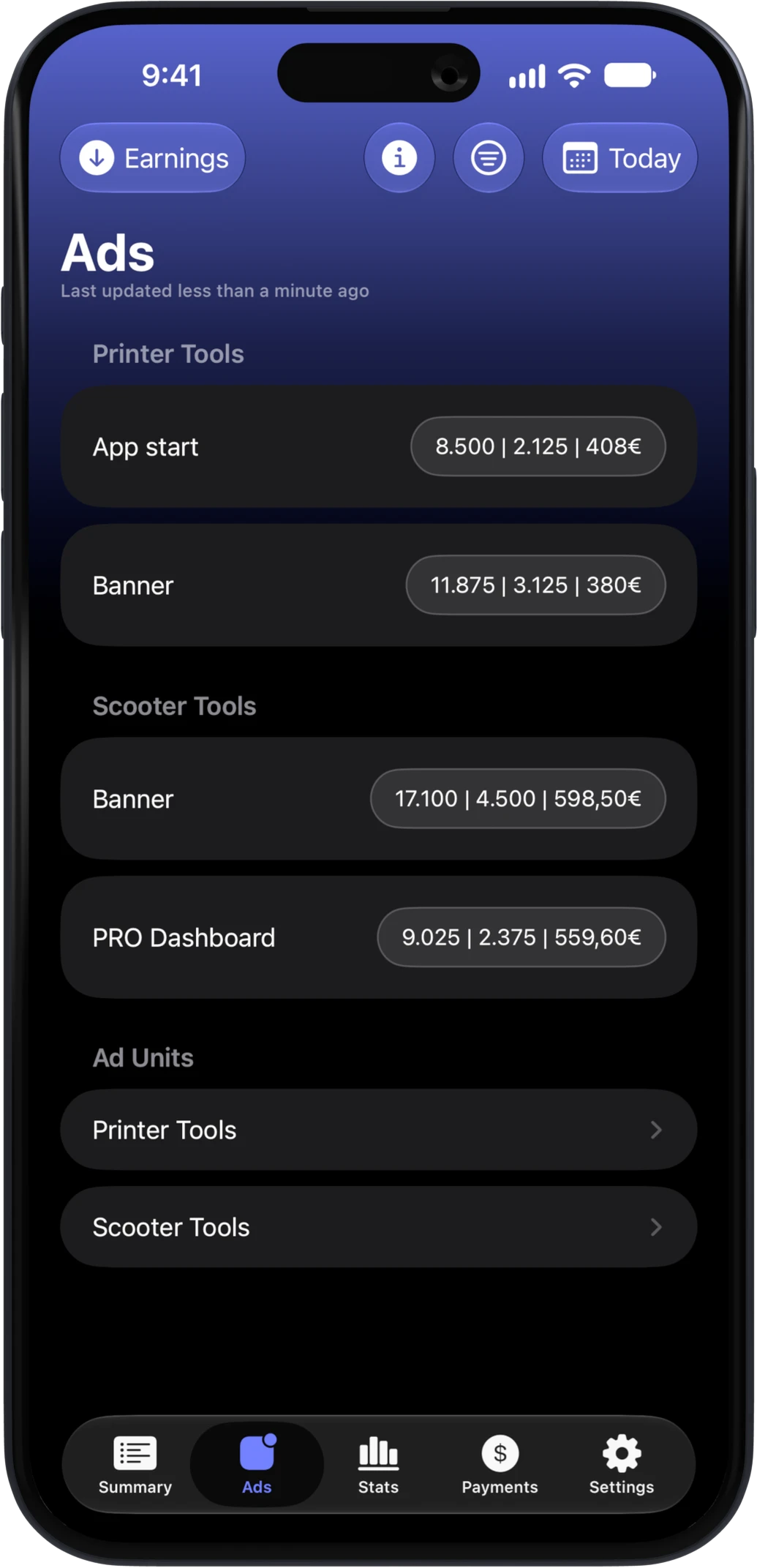
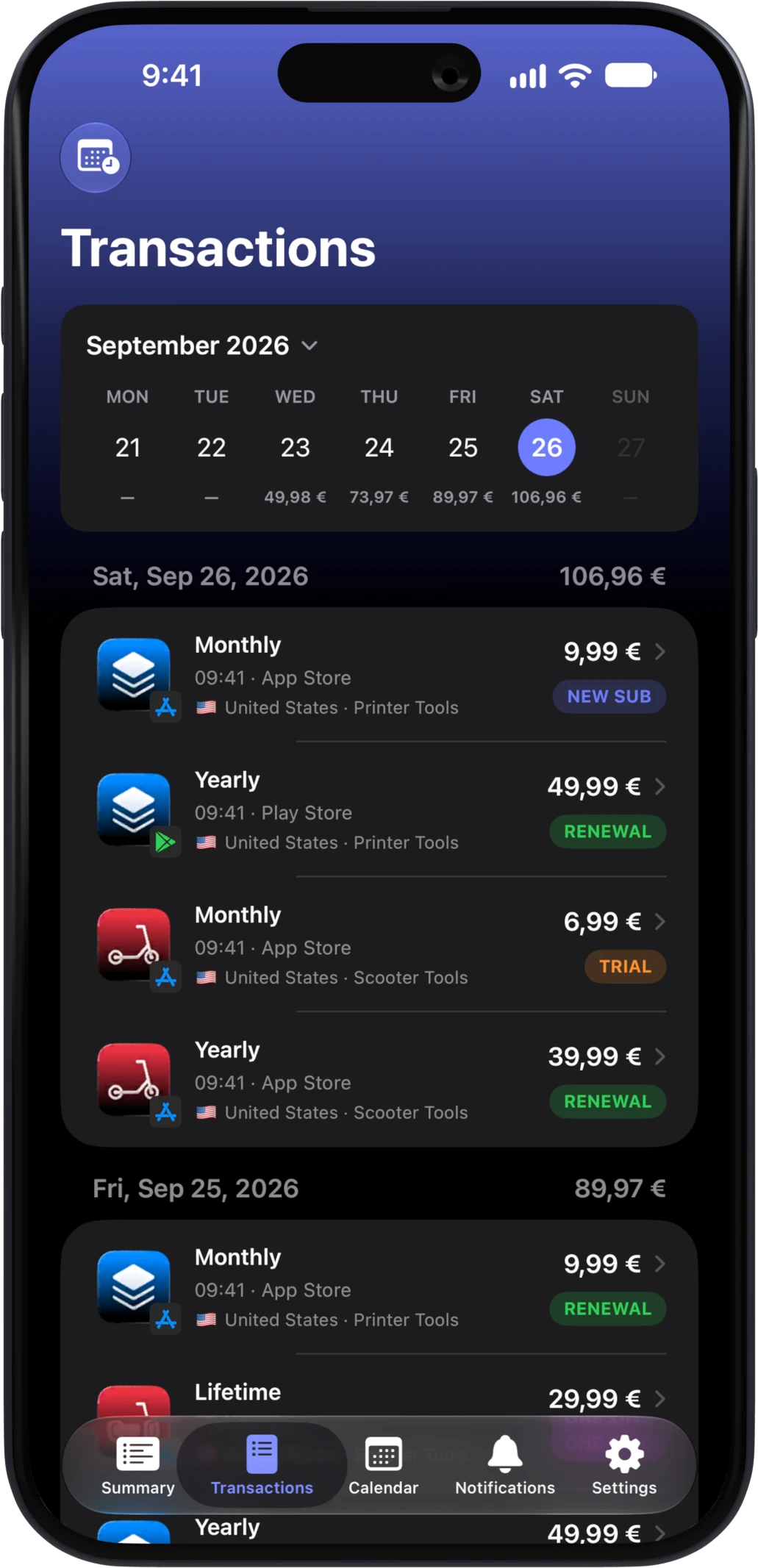
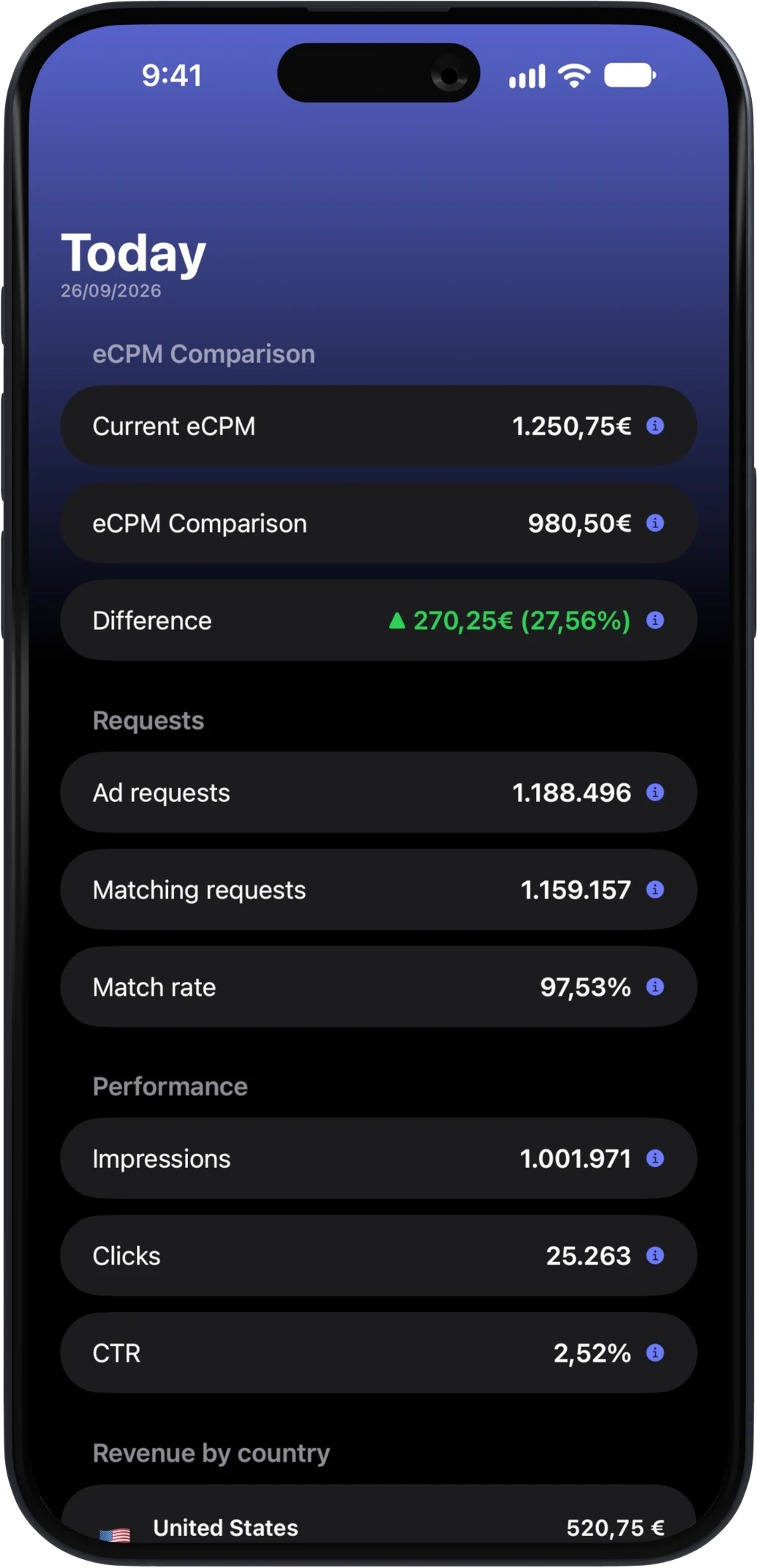
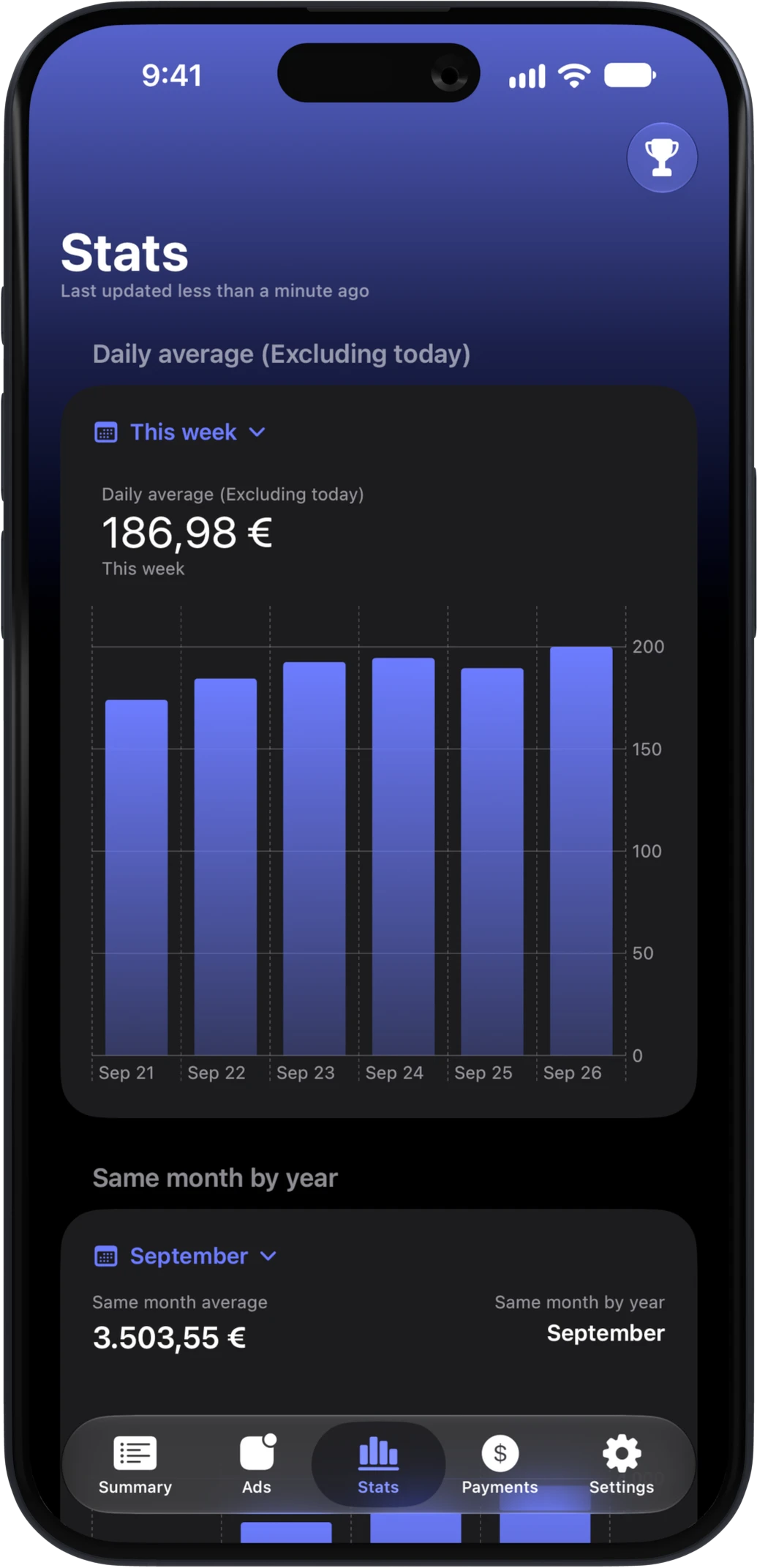
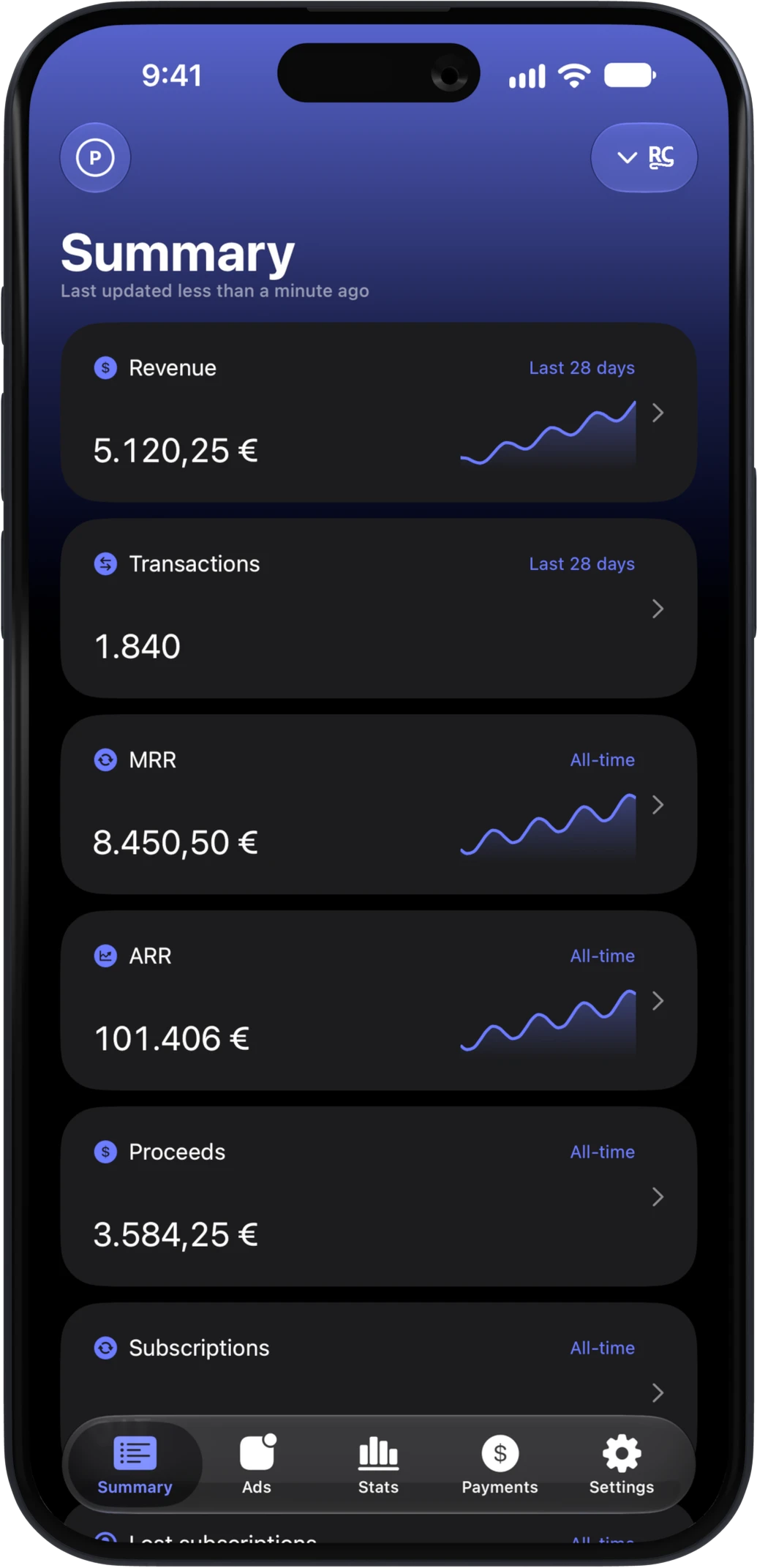
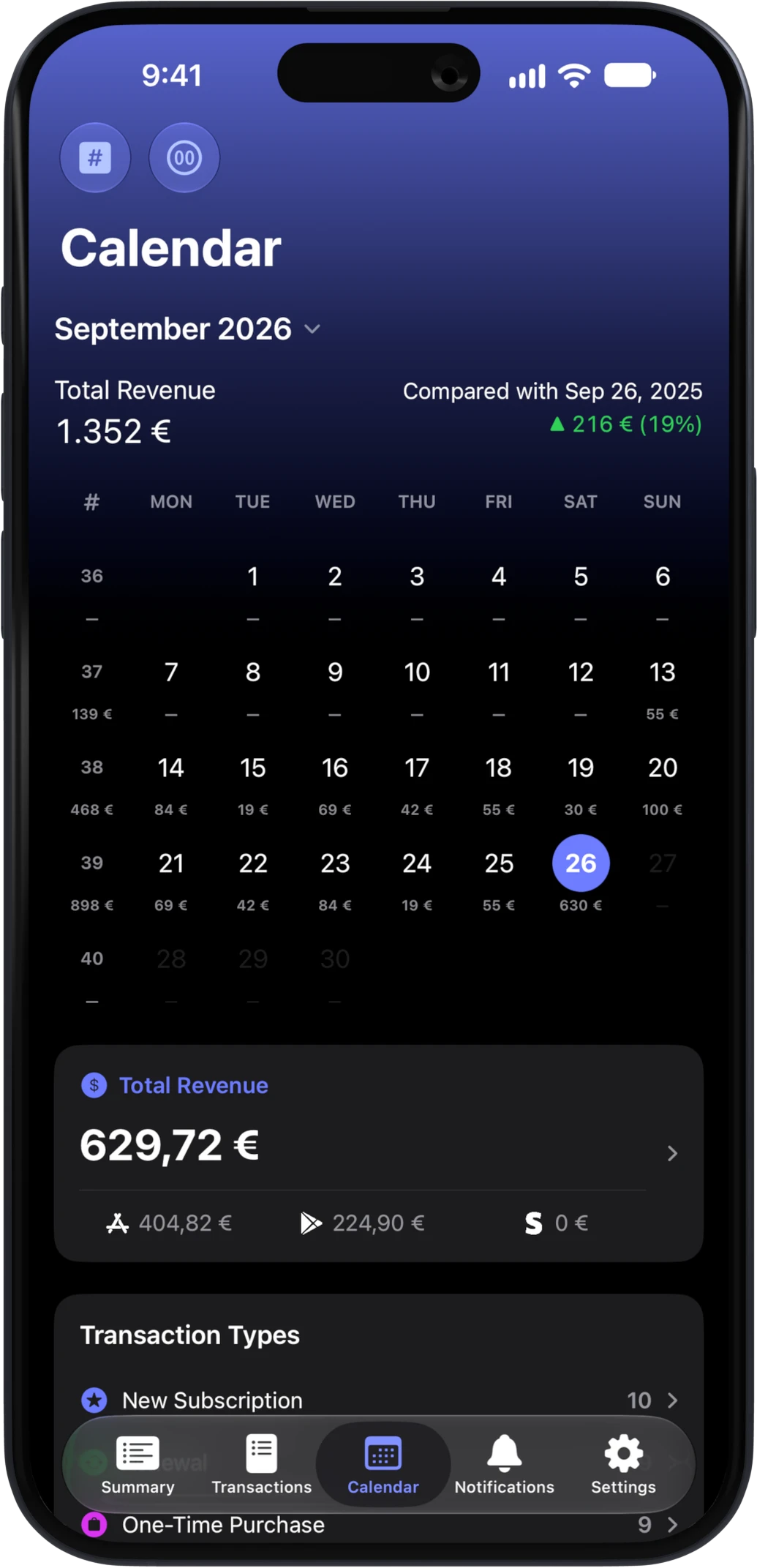
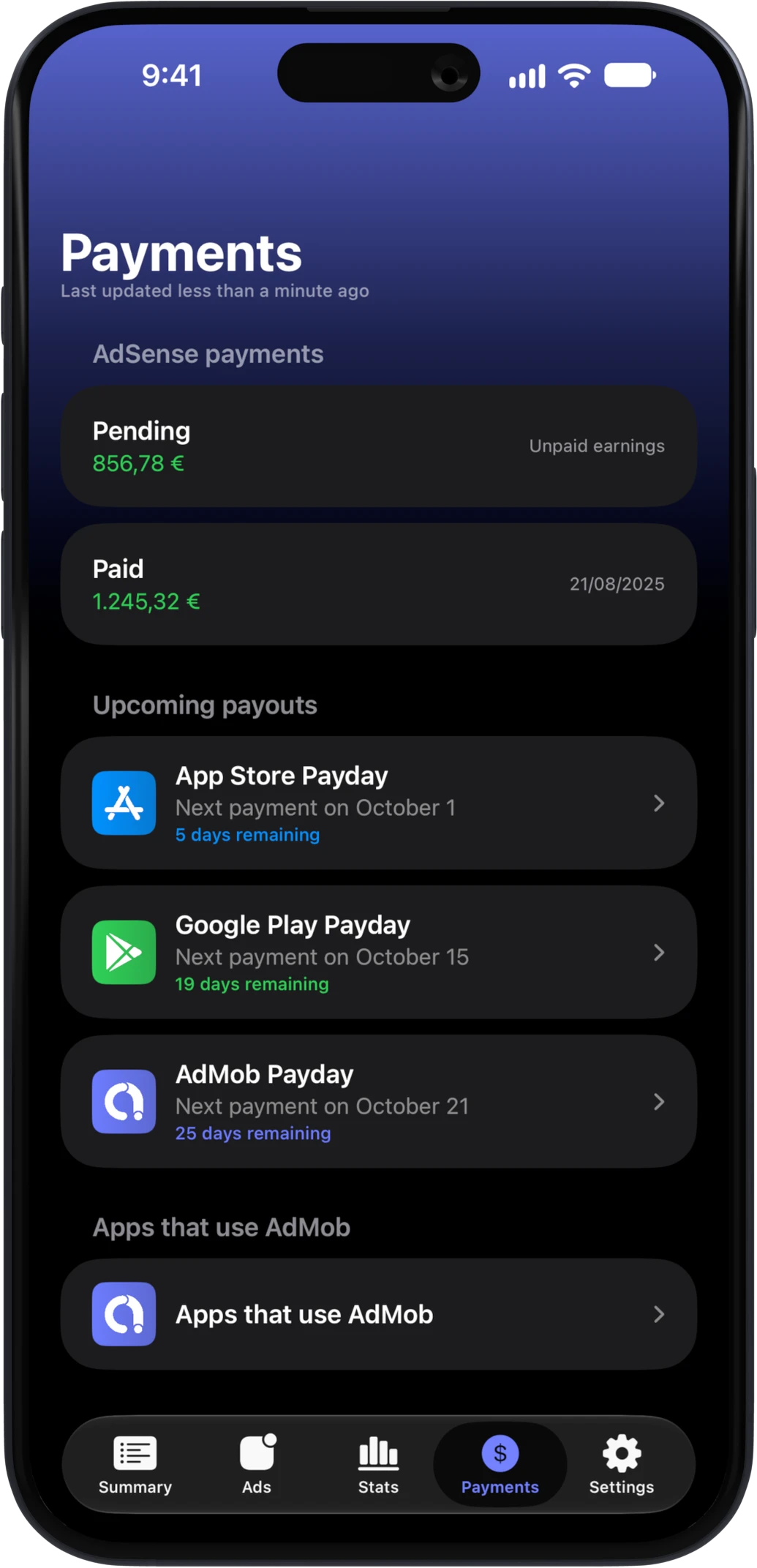
Explore our image gallery and discover your new app to manage your earnings
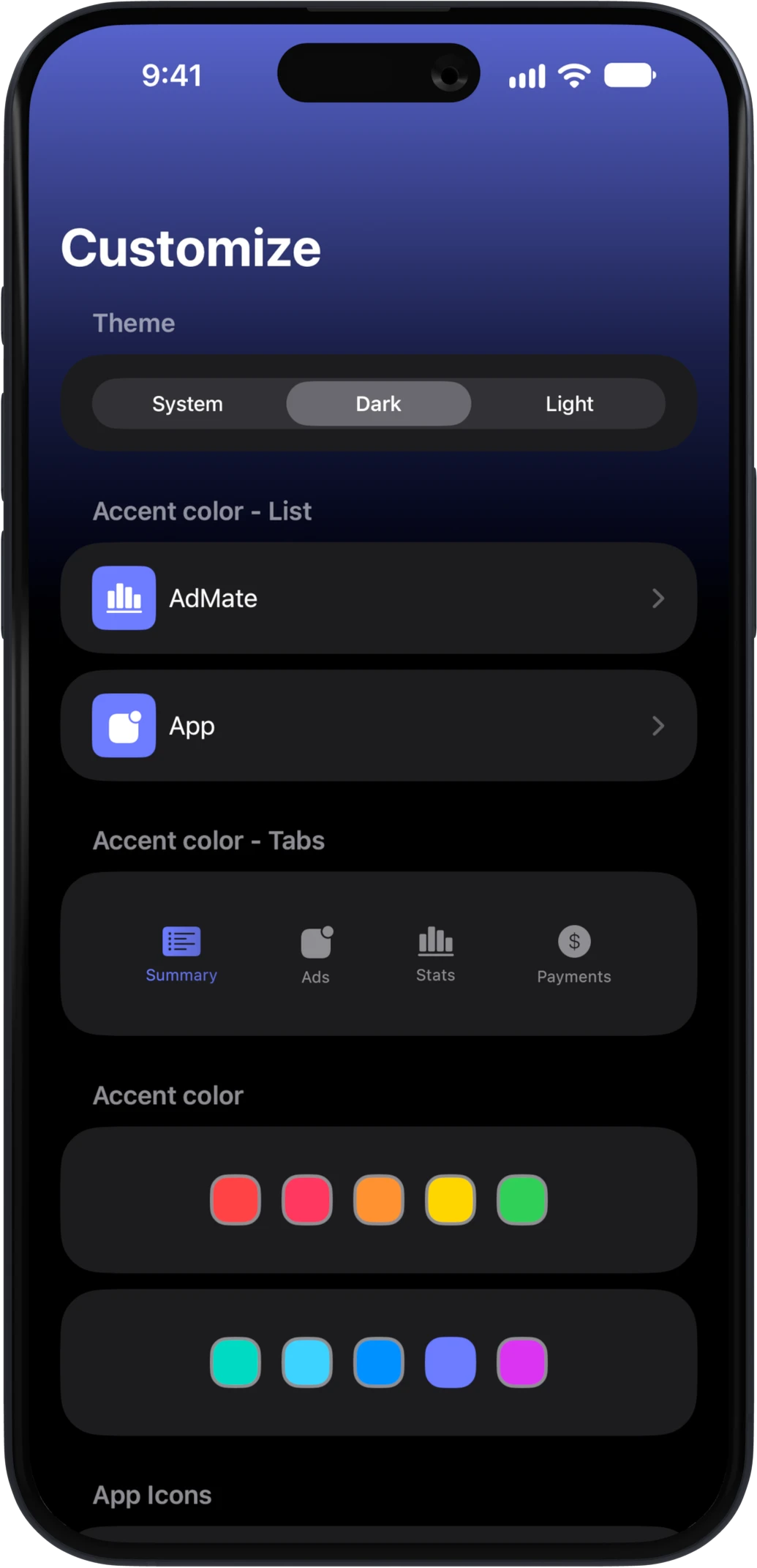
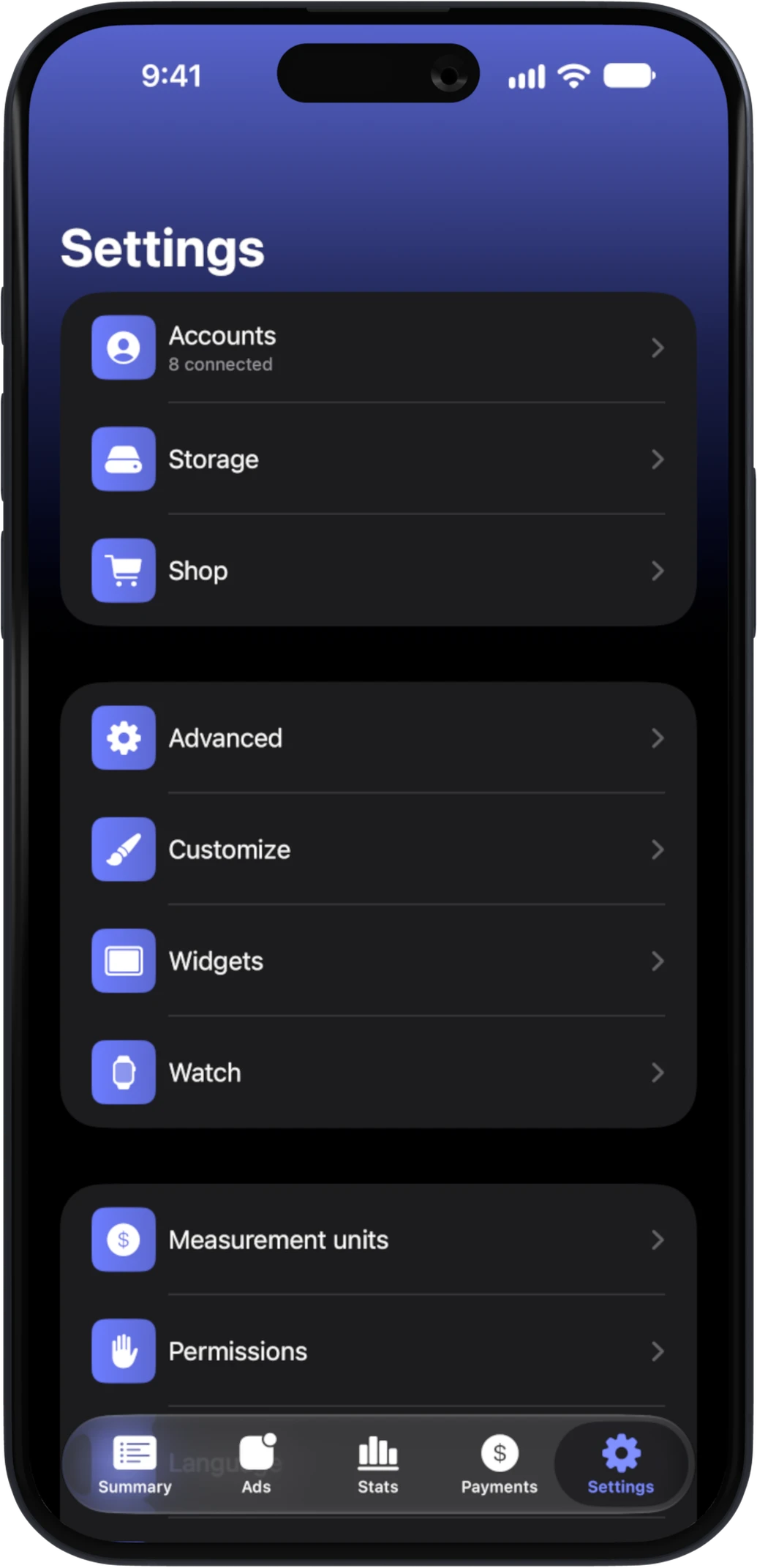
| FixoLab
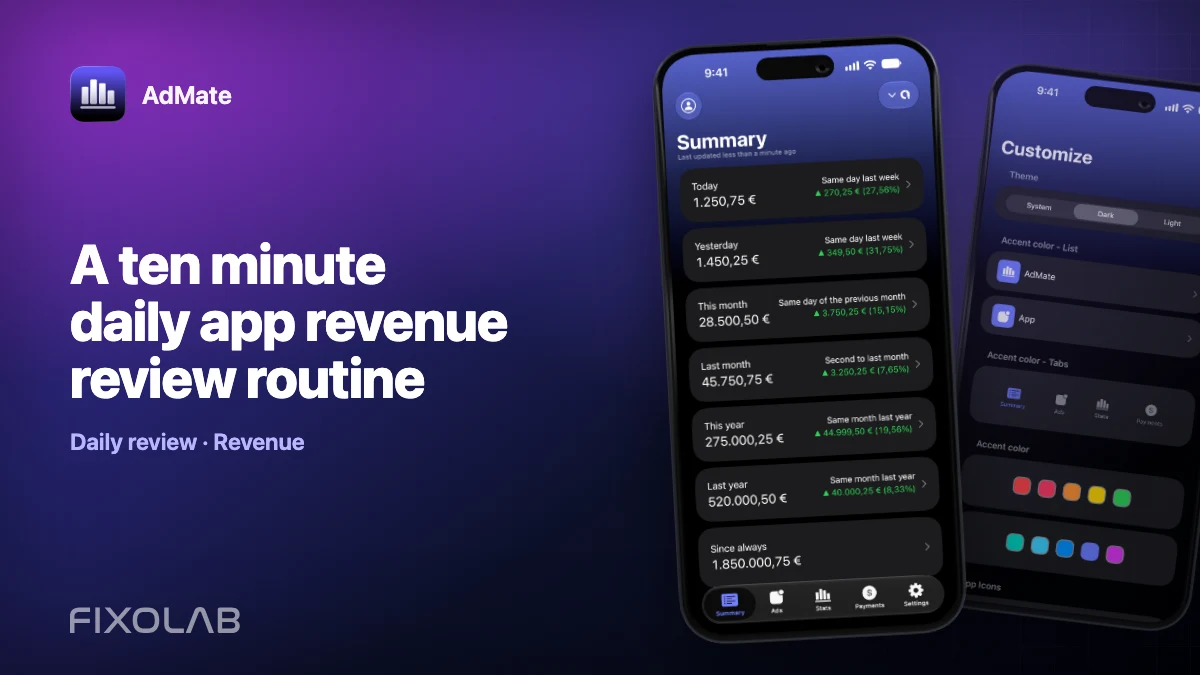
A ten minute daily app revenue review routine
Use a short repeatable AdMate routine to spot meaningful revenue changes without reacting to incomplete provider data.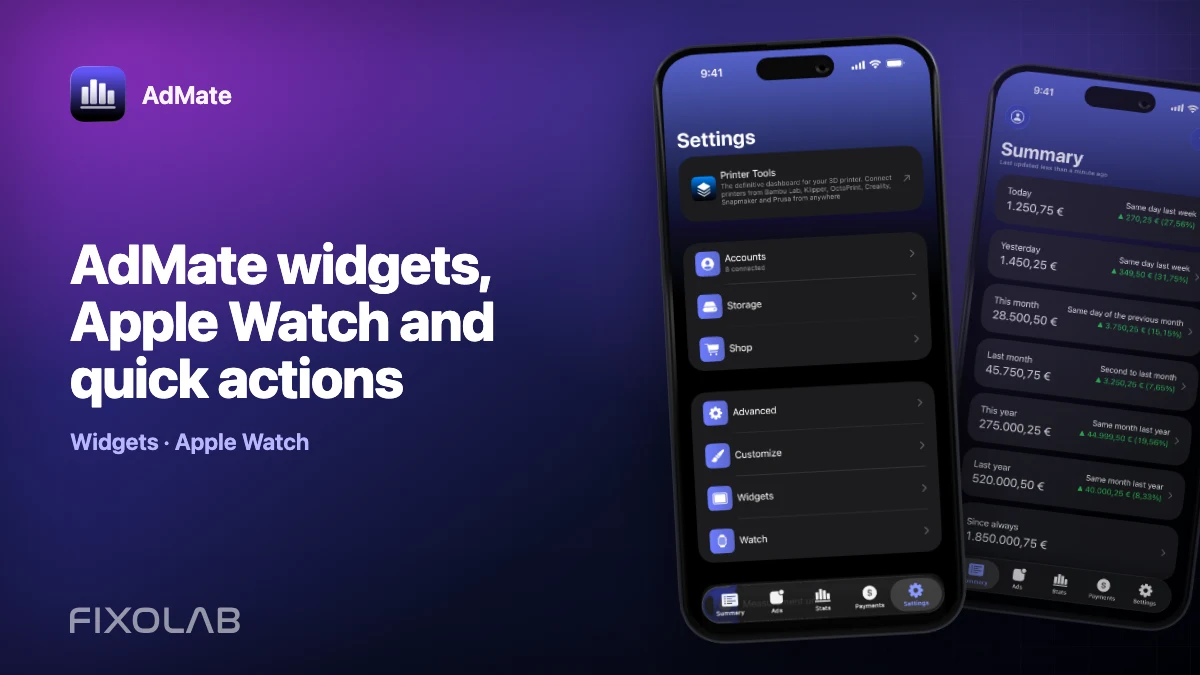
| FixoLab
AdMate widgets, Apple Watch and quick actions
Use AdMate widgets, Apple Watch, complications and quick actions for fast revenue checks while understanding snapshot freshness, account scope and privacy.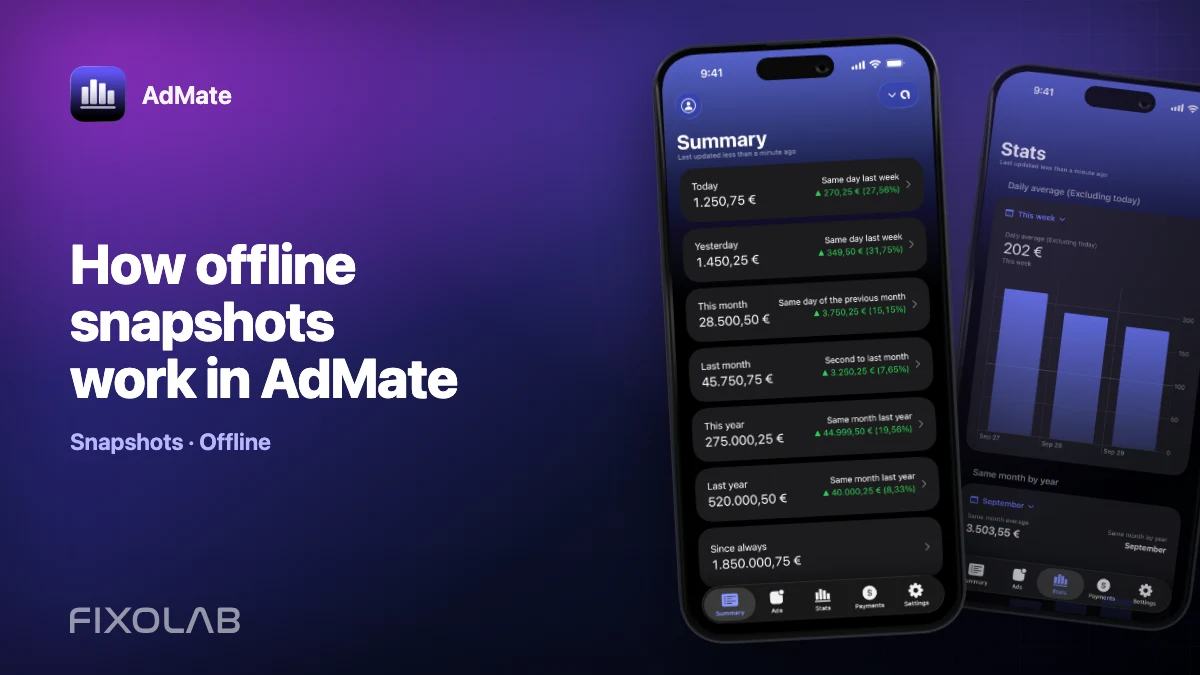
| FixoLab
How offline snapshots work in AdMate
Understand what AdMate stores for offline summaries, why snapshots can differ from a fresh provider report and how widgets and Apple Watch use shared cached data.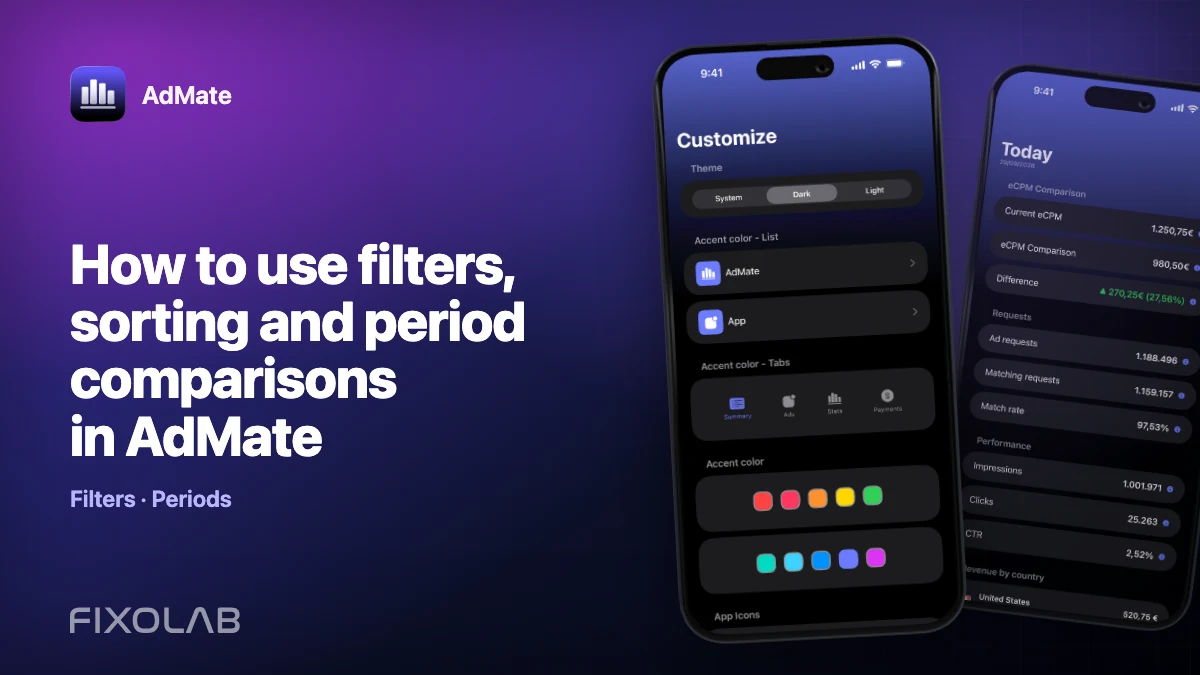
| FixoLab
How to use filters, sorting and period comparisons in AdMate
Turn a crowded multi-account dashboard into a repeatable analysis by fixing scope, sorting by contribution and comparing equal complete periods.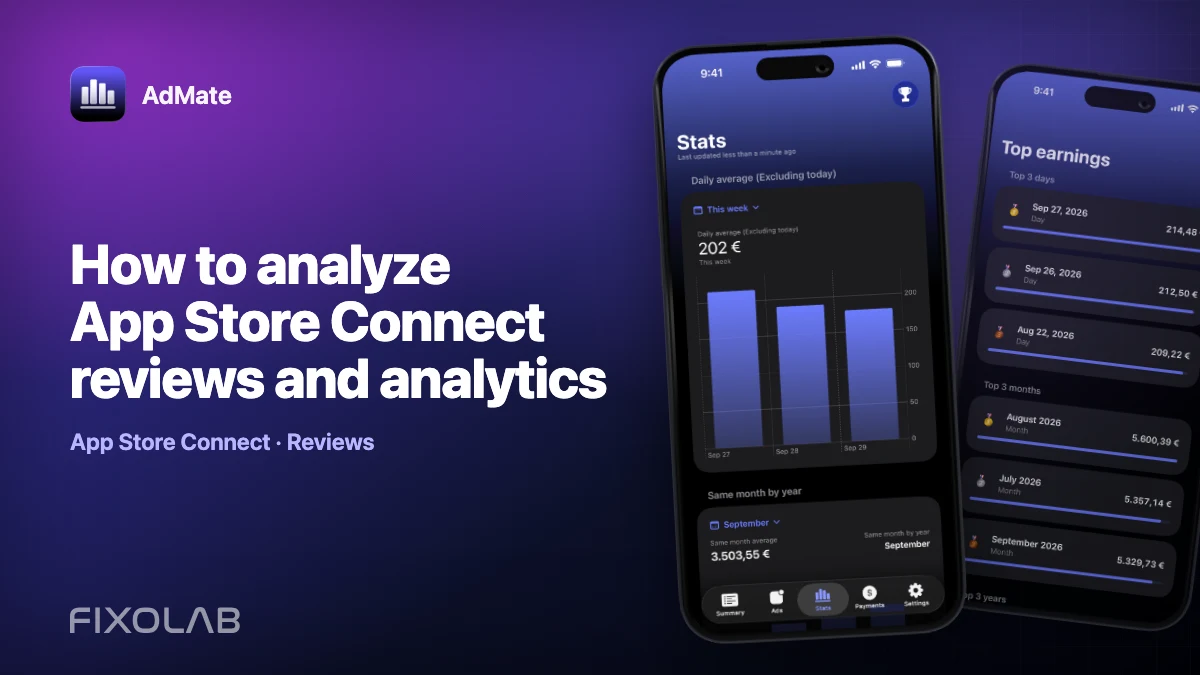
| FixoLab
How to analyze App Store Connect reviews and analytics
Combine App Store Connect reviews with analytics breakdowns in AdMate while preserving app, country, version, period and sample-size context.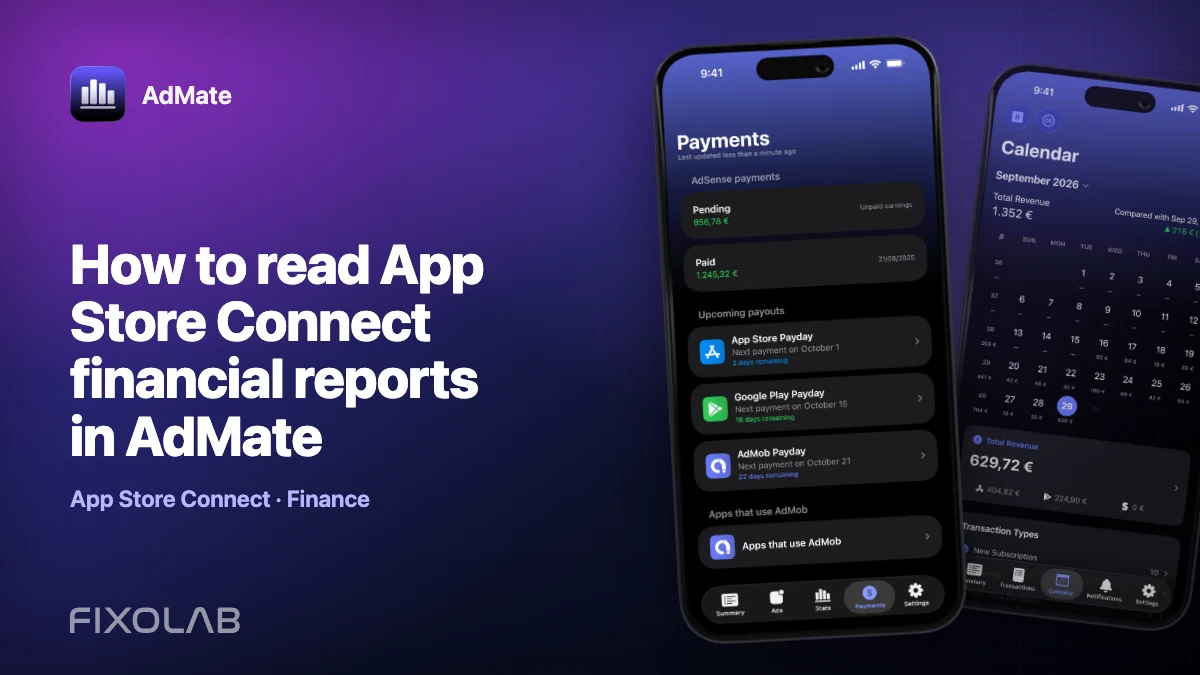
| FixoLab
How to read App Store Connect financial reports in AdMate
Use App Store Connect financial reports in AdMate with the correct API key, vendor, period and currency, and distinguish them from live analytics or estimated proceeds.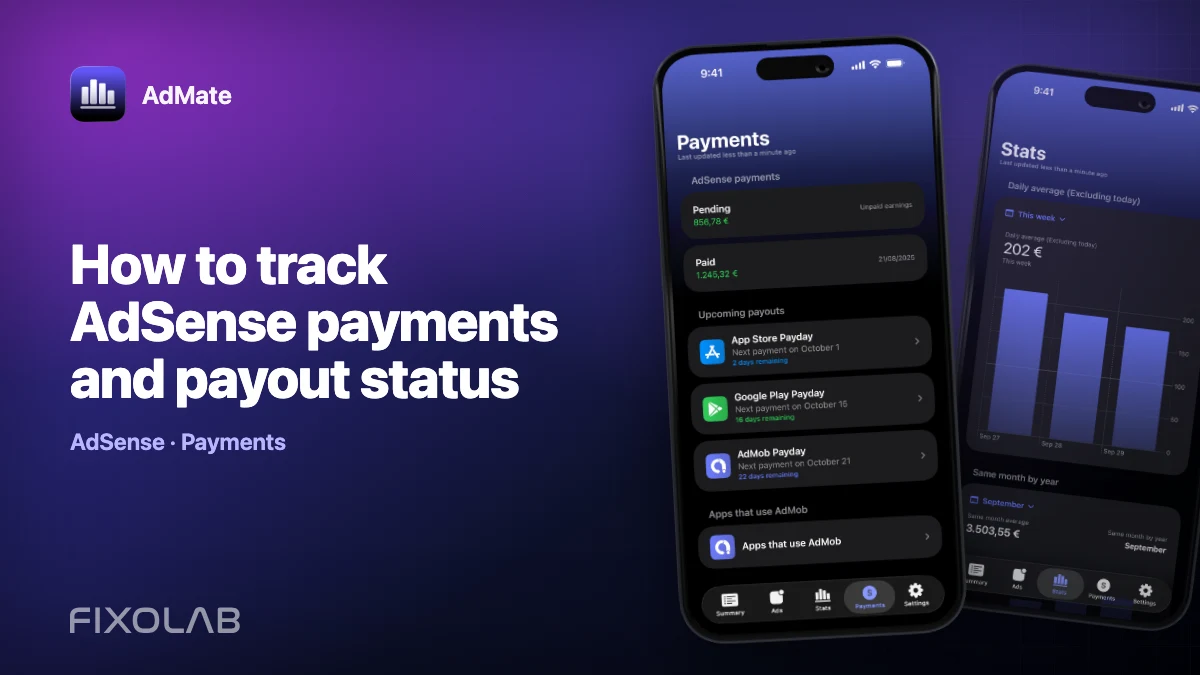
| FixoLab
How to track AdSense payments and payout status
Review AdSense payment records from an authorized Google account in AdMate and distinguish pending balances, holds, issued payments and bank receipts.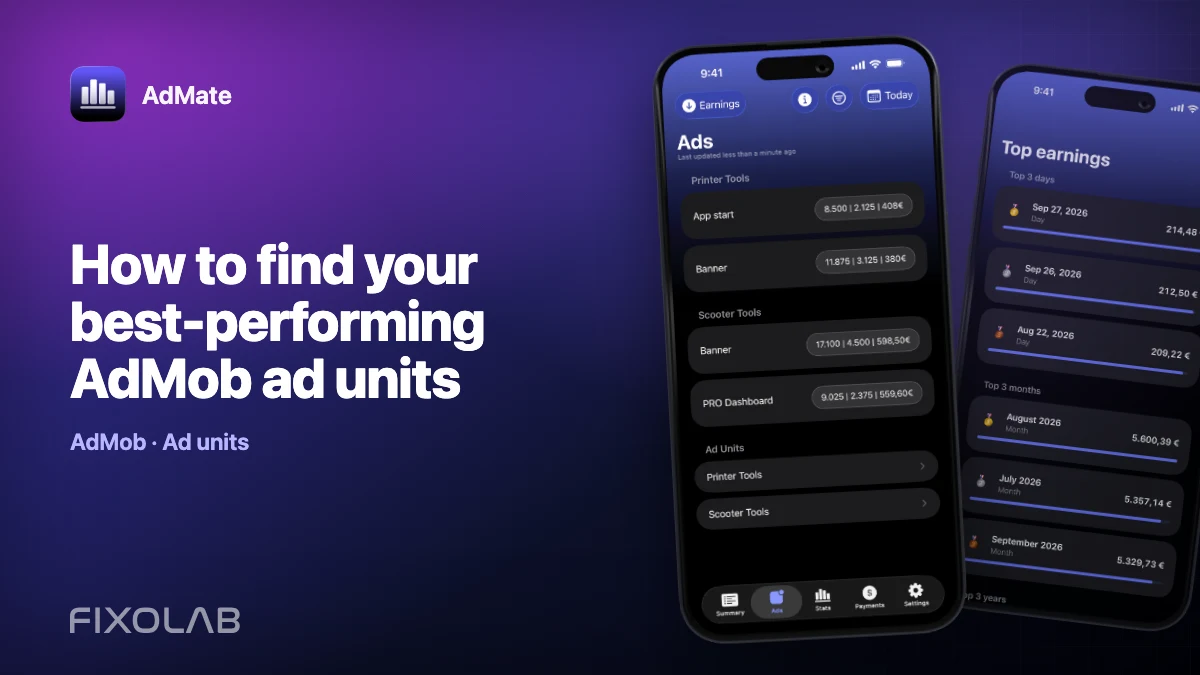
| FixoLab
How to find your best-performing AdMob ad units
Compare AdMob ad units in AdMate using earnings, impressions, eCPM and sufficient sample size without optimizing for accidental clicks or misleading short periods.