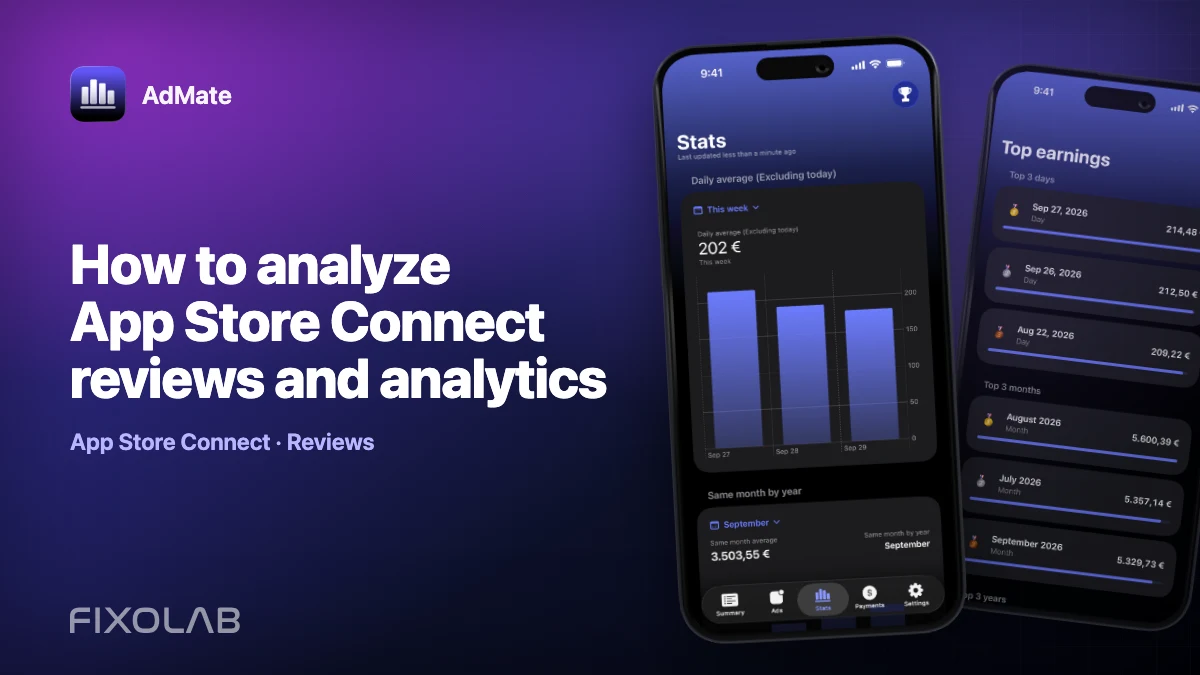
How to analyze App Store Connect reviews and analytics
Reviews explain what some users chose to say. Analytics explains measured activity across a broader population. Reading them together can reveal a useful hypothesis, but neither source should be stretched beyond its scope.
AdMate includes App Store Connect surfaces for reviews and analytics, with detailed breakdowns where Apple provides them.
All your revenue in one dashboard
Track AdMob, AdSense, RevenueCat and App Store Connect across multiple accounts with filters by app, platform and country
Monitor revenue, clicks, eCPM, subscriptions, installs and payments on iPhone, iPad, Mac and Apple Watch
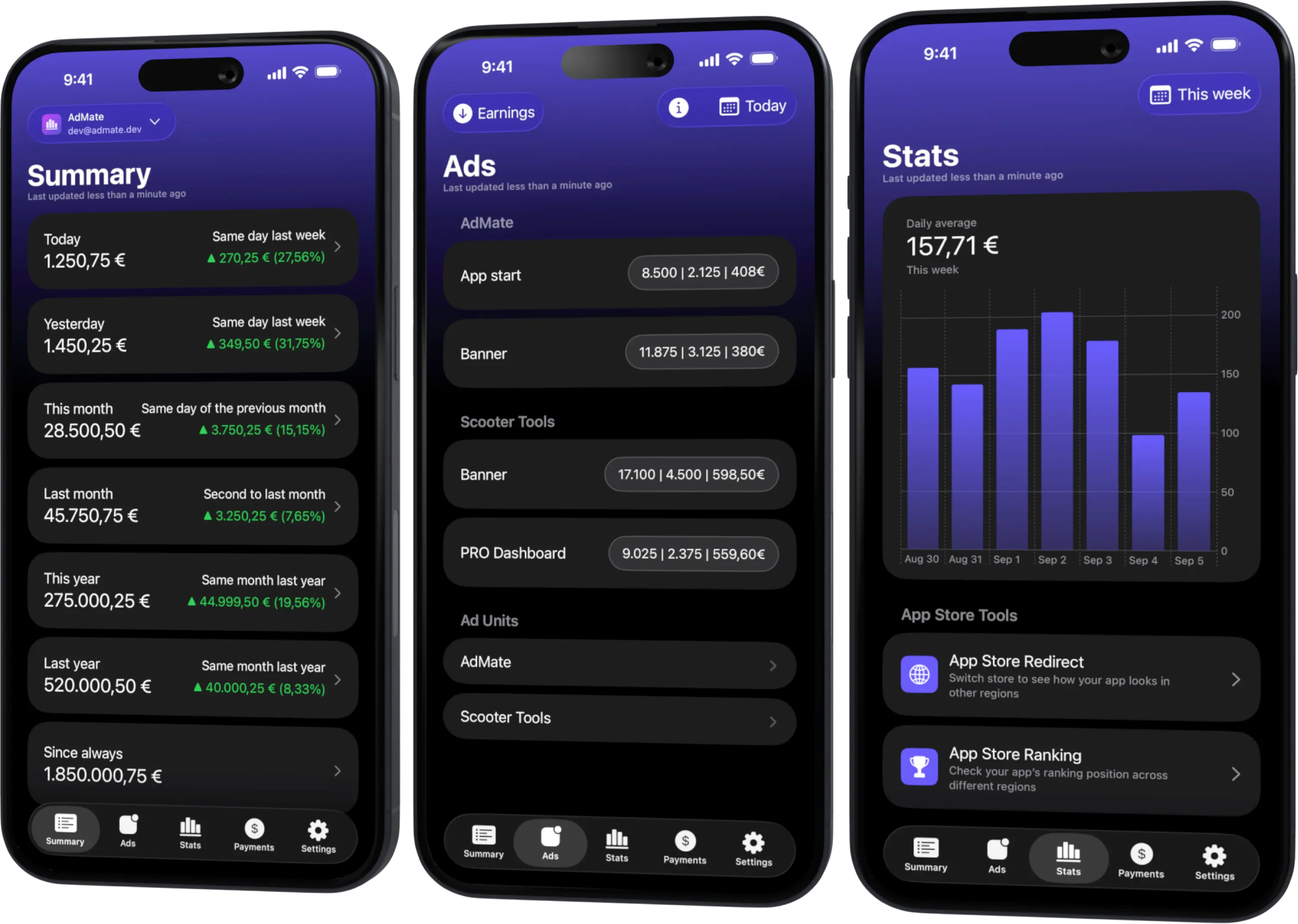
Start with the same app and period
Confirm the App Store Connect account and application before comparing anything. Then choose a period that includes the reviews and analytics being discussed.
Reviews may be tied to a storefront and version, while analytics can use different report dimensions and availability. Keep those labels in the analysis.
Read reviews as qualitative evidence
Group reviews by themes such as:
- onboarding and account setup;
- reliability or data freshness;
- missing features;
- pricing or subscription expectations;
- language and localization;
- device-specific experience.
Do not treat a single review as a percentage of all users. Preserve its rating, country, date and app version where available, and remove personal information before sharing it internally.
Use analytics for scale and segmentation
App Store Connect analytics can provide supported metrics and breakdowns by dimensions such as apps, countries, devices or other report categories. In AdMate, summary cards can show a top group while the full list retains the complete positive entries and uses the real total for percentages.
Open the full breakdown before concluding that the top three rows represent the entire population.
Connect a review theme to a metric
Examples:
- complaints about onboarding can be compared with product activity around a release;
- reports from one country can be checked against that country’s share and localization changes;
- version-specific reliability complaints can be compared with the release timeline;
- praise for a feature can be checked against compatible usage metrics where available.
This creates a testable question. It does not prove that reviewers represent all users.
A weekly review workflow
- Refresh App Store Connect data.
- Select one app.
- Read new reviews and tag recurring themes.
- Note storefront, date, rating and version.
- Open the relevant analytics period.
- Inspect the full country, app or device breakdown—not only the top card.
- Compare with the previous equal period.
- Write a hypothesis and the evidence that would disprove it.
- Prioritize product or support work by impact and confidence.
Avoid these mistakes
- presenting one review as universal feedback;
- calculating percentages from only the visible top three entries;
- mixing two apps or versions;
- using an incomplete analytics period;
- exposing reviewer names or account credentials;
- claiming causality from a matching chart.
When data is missing
If reviews load but analytics does not, check report availability, API-key role and selected period. If analytics loads but an expected review is absent, verify storefront, app and provider status. Different endpoints can have different timing and permissions.
Turn findings into action
Create a short finding with:
- observed review theme;
- supporting analytics context;
- affected app, version and market;
- confidence level;
- proposed test or product action;
- date for re-measurement.
This is more useful than a broad statement such as “users dislike onboarding.”
Frequently asked questions
Are review counts the same as active users?
No. Reviews are a self-selected subset and should be treated as qualitative evidence.
Why do percentages differ between a card and my manual top-three sum?
AdMate’s analytics breakdown uses the complete positive list as the denominator even when the card displays only the top entries.
Can analytics identify the author of a review?
That is not the purpose of the workflow. Keep analysis aggregated and respect user privacy.
Should I respond to reviews from AdMate?
Use the supported product workflow and current app capabilities; this guide focuses on analysis, not promising a response action.
All your revenue in one dashboard
Track AdMob, AdSense, RevenueCat and App Store Connect across multiple accounts with filters by app, platform and country
Monitor revenue, clicks, eCPM, subscriptions, installs and payments on iPhone, iPad, Mac and Apple Watch
| FixoLab
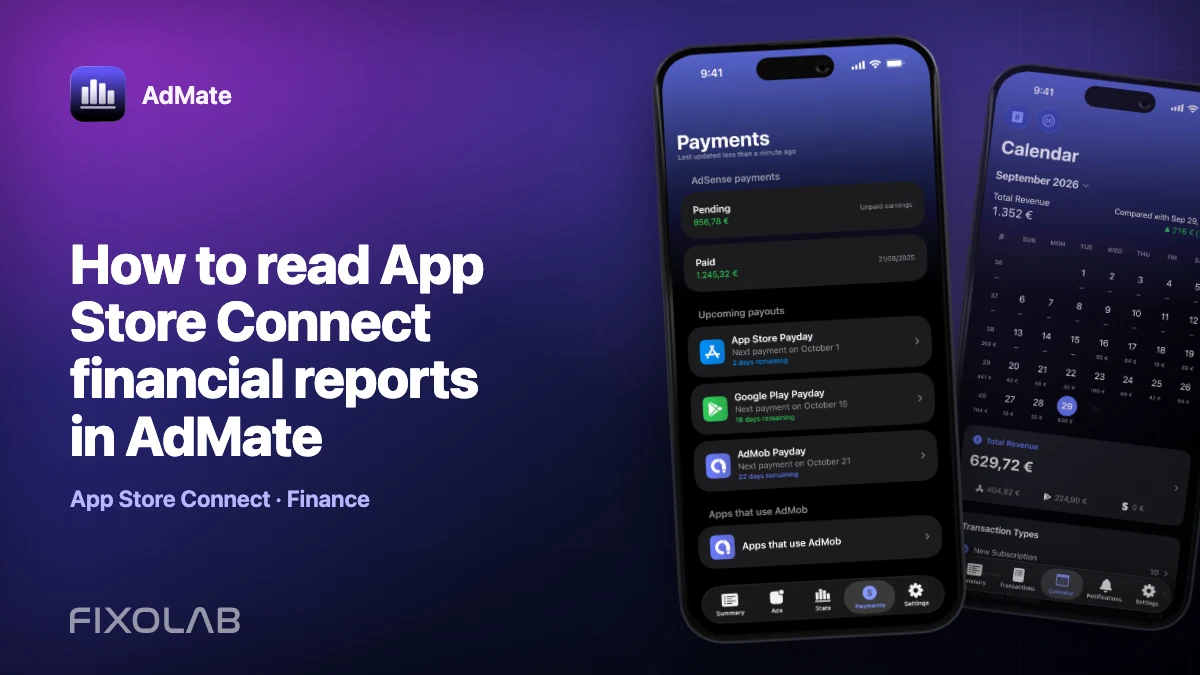
How to read App Store Connect financial reports in AdMate
Use App Store Connect financial reports in AdMate with the correct API key, vendor, period and currency, and distinguish them from live analytics or estimated proceeds.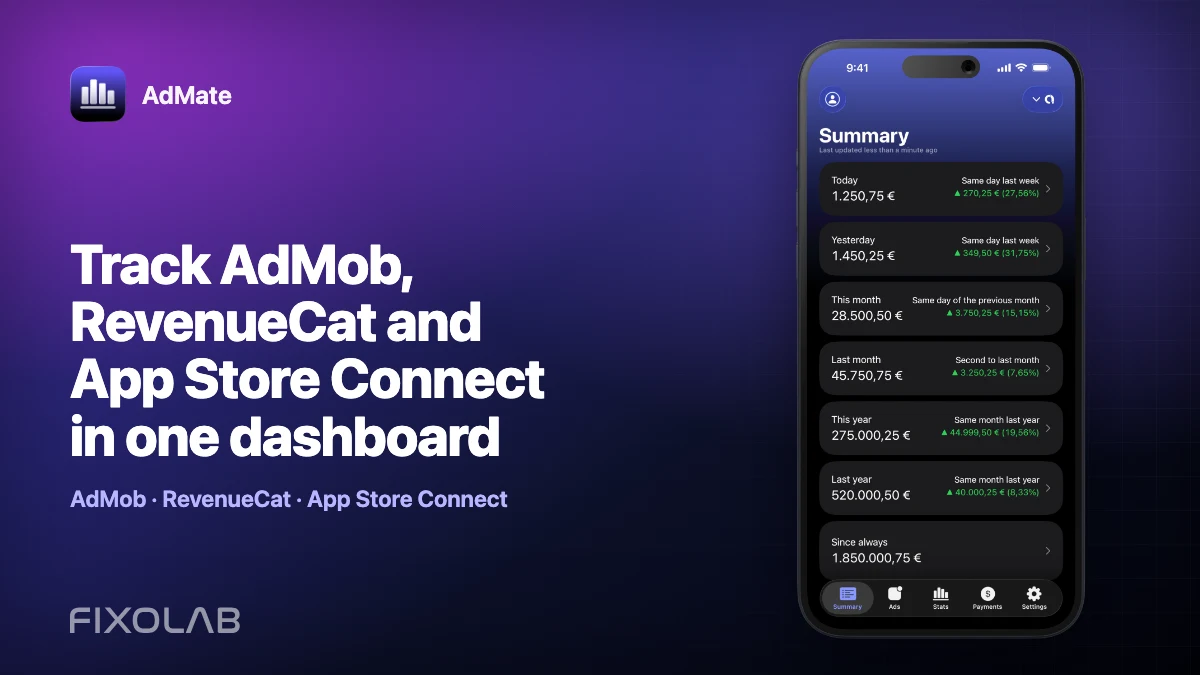
| FixoLab
Track AdMob, RevenueCat and App Store Connect in one dashboard
Use AdMate to review AdMob, AdSense, RevenueCat and App Store Connect across multiple accounts without sending revenue through an AdMate server.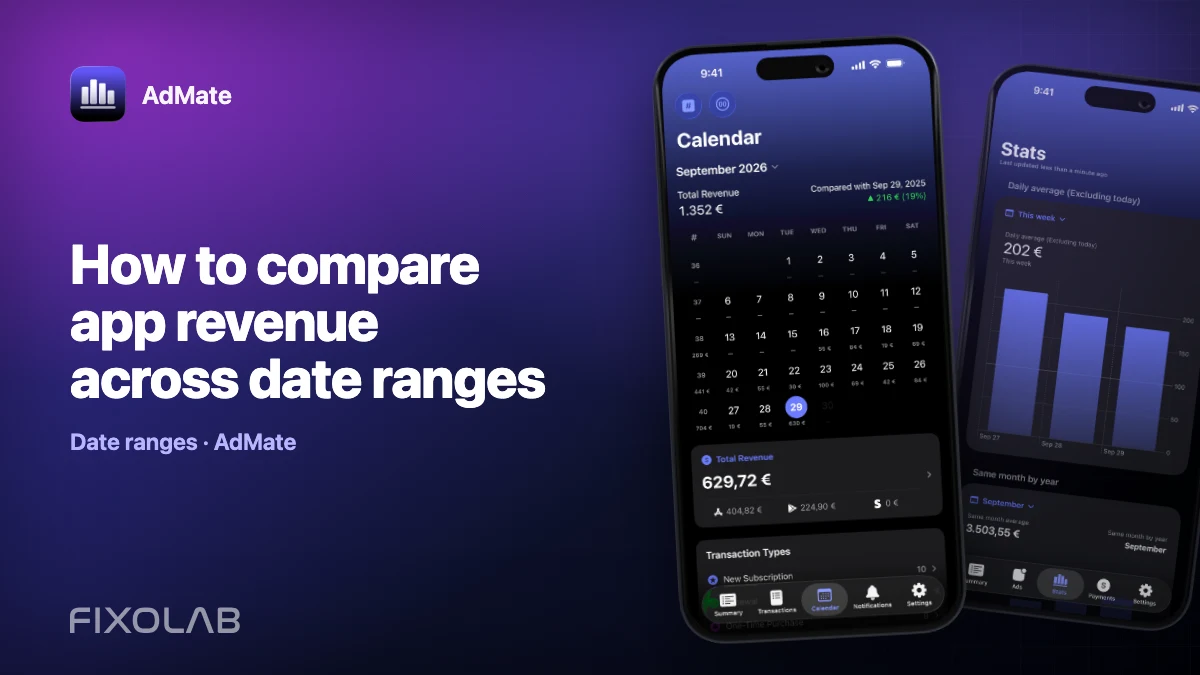
| FixoLab
How to compare app revenue across date ranges
Build fair daily, weekly and monthly revenue comparisons in AdMate by aligning duration, account scope, app filters, time zones and incomplete periods.
| FixoLab
How to compare iOS and Android monetization in one dashboard
Compare iOS and Android advertising, subscription and store performance in AdMate without mixing incompatible metrics, currencies or overlapping transactions.