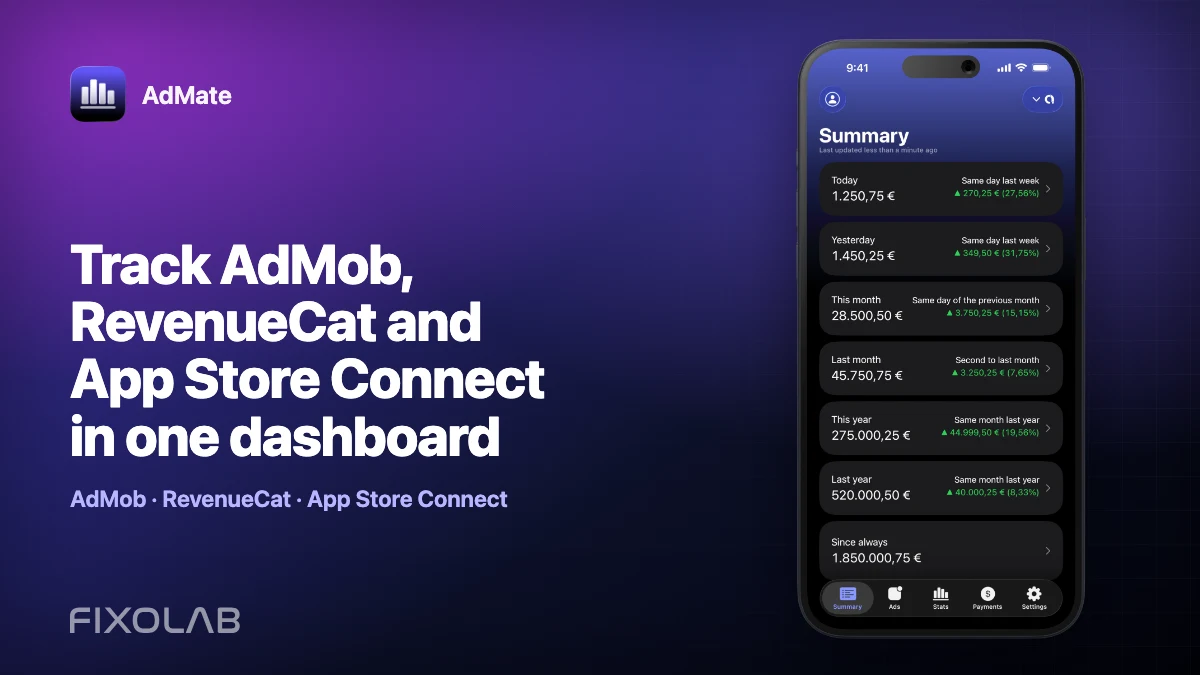
Track AdMob, RevenueCat and App Store Connect in one dashboard
An app business rarely has one revenue source. Advertising may live in Google AdMob, payments in AdSense, subscriptions in RevenueCat, and App Store sales and proceeds in App Store Connect. If you manage several apps or accounts, checking each dashboard separately makes even a simple daily review slow.
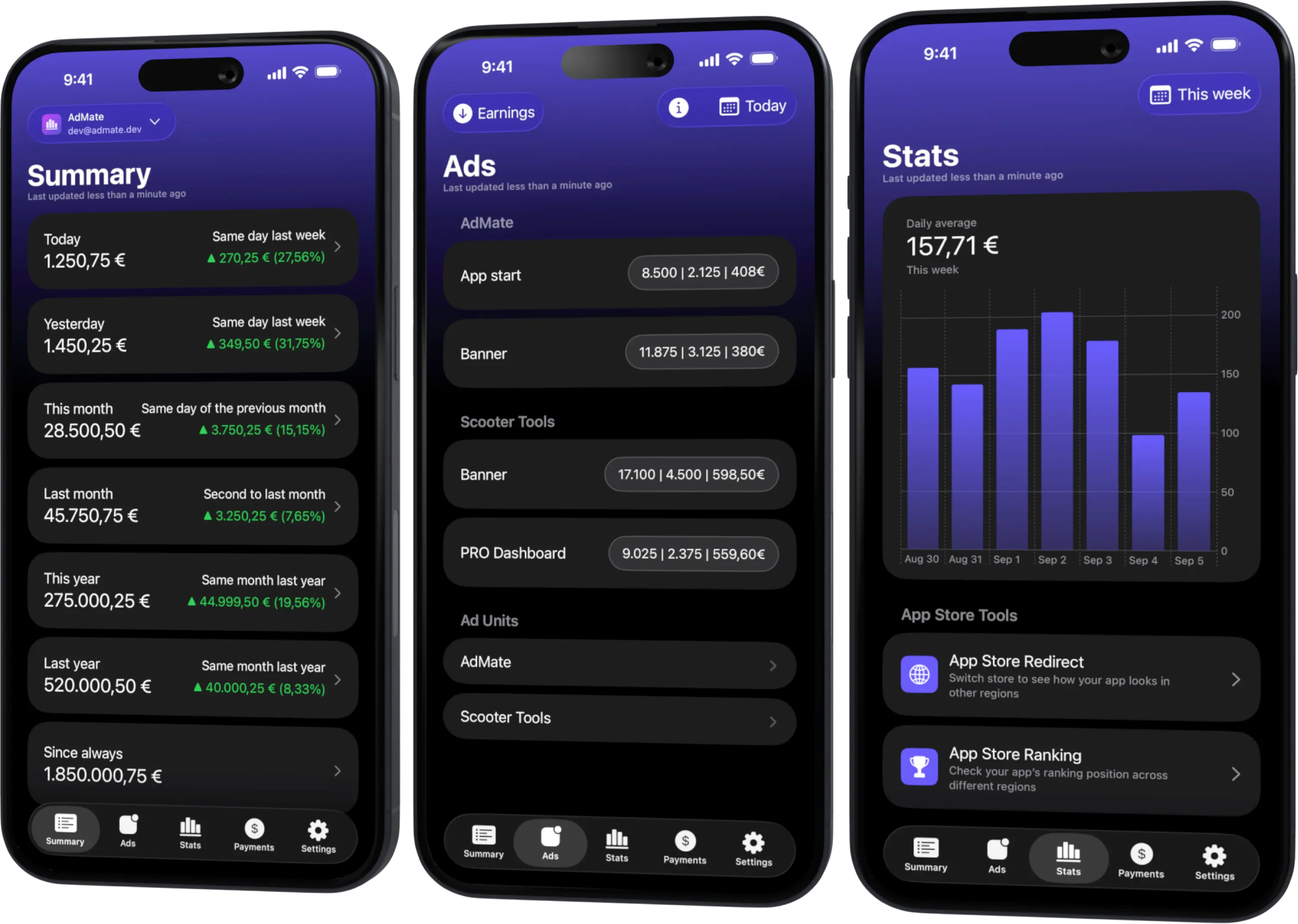
AdMate brings those sources into one Apple-platform dashboard. You can connect multiple provider accounts, review a combined summary and then move into the service, account, project or app that explains a change. The app is available on iPhone, iPad, Mac and Apple Watch, with widgets and complications for selected snapshots.
The goal is visibility, not rewriting the providers’ accounting. Every source still defines its own metrics, reporting windows and final payment process.
All your revenue in one dashboard
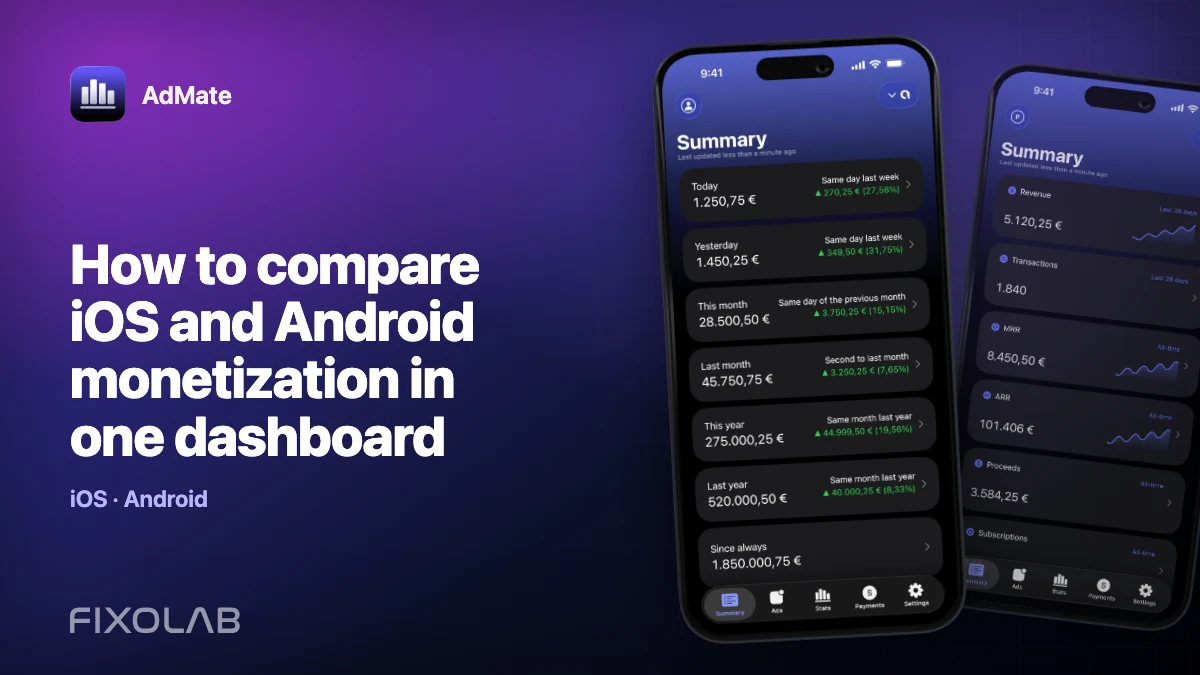
Track AdMob, AdSense, RevenueCat and App Store Connect across multiple accounts with filters by app, platform and country
Monitor revenue, clicks, eCPM, subscriptions, installs and payments on iPhone, iPad, Mac and Apple Watch
Which services can AdMate connect?
AdMate supports several parts of an independent app business:
- Google AdMob for estimated earnings, impressions, clicks, eCPM, ad units and advertising reports.
- Google AdSense for the payment and monetization information available to connected accounts.
- Google Play for compatible application and payment data.
- Google Analytics for product metrics and breakdowns.
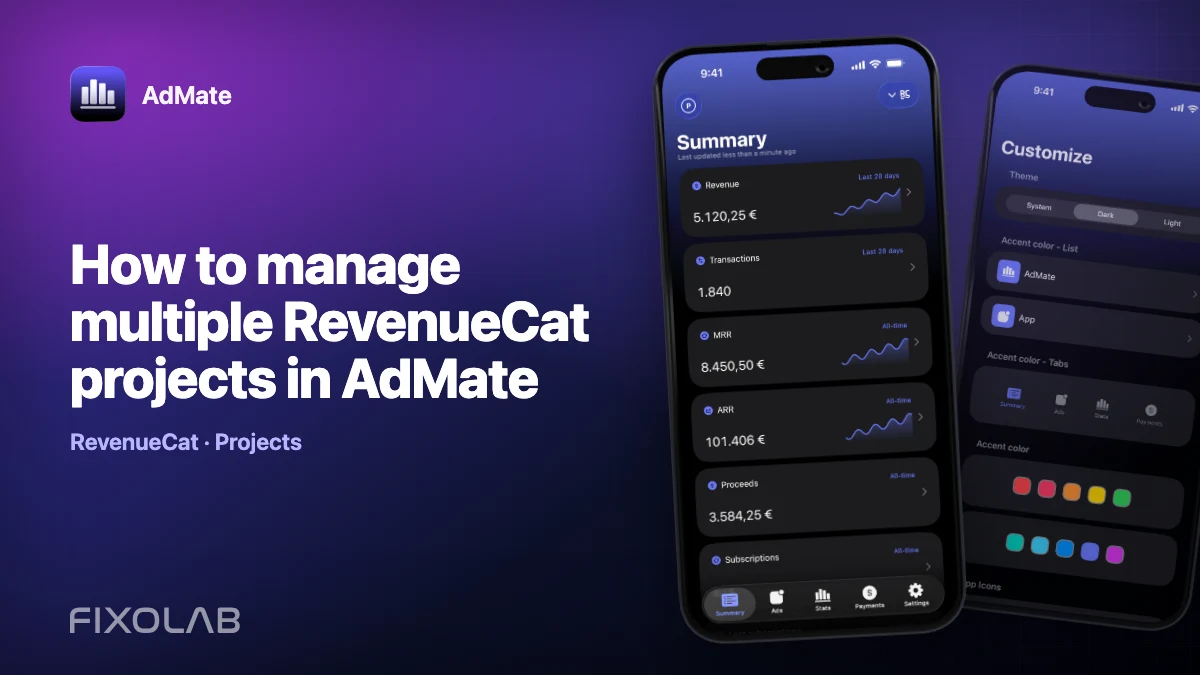
- RevenueCat for projects, subscription revenue and customer metrics exposed by its API.
- App Store Connect for apps, analytics, reviews, sales, proceeds and financial reports.
You do not need to connect every provider. A developer using only AdMob can keep a focused advertising dashboard, while a studio with ads and subscriptions can add the services used by each app.
What “one dashboard” means
The AdMate summary gives you a common starting point across connected services. It is designed to answer questions such as:
- Did total monetization move up or down today?
- Which account or project explains the largest change?
- Was the change driven by advertising, subscriptions or store sales?
- Which app, platform or country needs a closer look?
- Is the movement limited to one provider or visible across the portfolio?
From the summary you can continue to the dedicated Ads, Stats and Payments surfaces. This matters because a combined number alone cannot explain why it changed.
AdMate preserves the source of a metric instead of pretending that every provider uses the same definition. Estimated AdMob earnings, RevenueCat revenue and App Store Connect proceeds should be compared deliberately, not added together without context.
Add more than one account
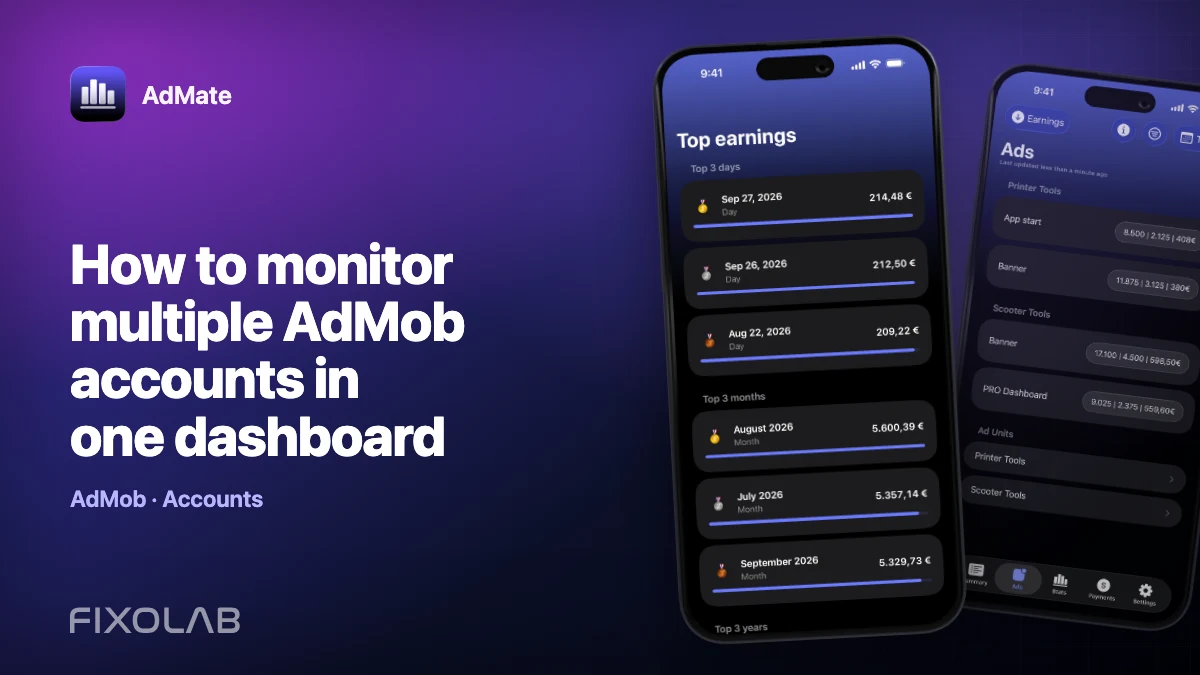
Multi-account support is useful when you manage personal apps, client apps, different organizations or separate publisher accounts.
A sensible setup process is:
- Add the first provider account and complete its authorization flow.
- Confirm that the expected apps or projects appear.
- Give the account a clear name that distinguishes it from the others.
- Add the next account for that provider if needed.
- Repeat for each service used by your apps.
- Order the services and accounts so the most important ones appear first.
Only request the access you need and follow each provider’s official credential process. Never paste a private key or access token into a support ticket, screenshot or public log.
Filter before drawing conclusions
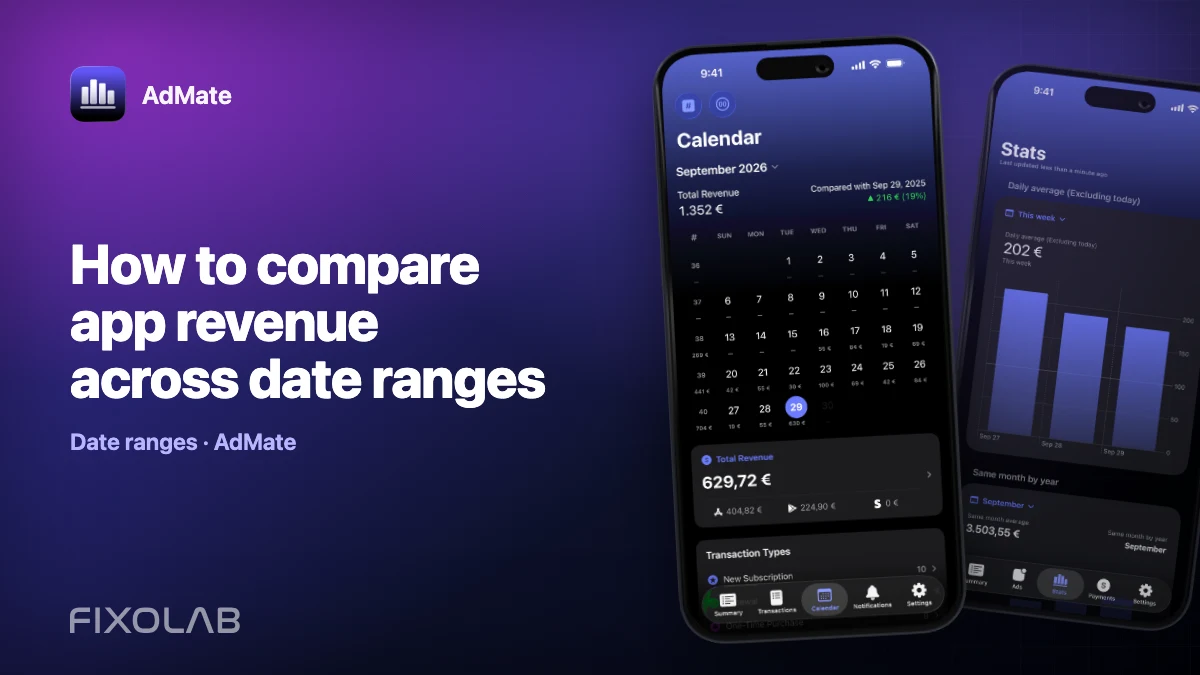
AdMate supports date ranges, ordering and service-specific breakdowns. Use those controls to make comparisons meaningful.
For example, when one app appears to have lost revenue:
- Set the same date range for the current and comparison period.
- Filter to the relevant account and application.
- Separate advertising from subscription or store revenue.
- Review impressions and eCPM before assuming an AdMob implementation has broken.
- Review transactions, renewals, refunds and proceeds before assuming subscription demand has changed.
- Check country or platform breakdowns where the provider exposes them.
A change in total earnings can come from several very different combinations. Lower eCPM with more impressions is not the same problem as fewer impressions with stable eCPM.
A practical daily workflow
Start with the summary
Open the combined overview and compare the selected period with the previous equivalent period. Look for movements large enough to deserve investigation rather than reacting to every small fluctuation.
Identify the provider
Move from the total into AdMob, RevenueCat or App Store Connect. Check whether the change belongs to one source or reflects a wider portfolio pattern.
Identify the app or account
Use app, project, platform and country filters where available. For developers with several products, this step prevents a successful app from hiding a problem in a smaller one.
Finish with the provider-specific metric
For advertising, inspect impressions, clicks, requests, match rate and eCPM. For subscriptions, inspect revenue, transactions and the relevant customer or subscription measures. For App Store sales, distinguish customer sales from developer proceeds and final financial reports.
Why the totals may not match
Two services can describe the same business from different accounting perspectives. RevenueCat may record a subscription transaction when it occurs, while App Store Connect can show sales, estimated proceeds and later financial payments as separate concepts. AdMob earnings can remain estimated until the reporting period is finalized.
That does not make one dashboard wrong. It means the comparison needs aligned dates, currencies, filters and metric definitions. Continue with why AdMob, RevenueCat and App Store Connect revenue numbers do not match for a reconciliation checklist.
Revenue data goes directly to the providers
AdMate’s app connects directly to the configured Google, RevenueCat and App Store Connect APIs. The AdMate API does not act as a proxy or store for your AdMob, AdSense, Google Play or App Store Connect revenue.
The device keeps the provider state needed for the app experience and shares compatible snapshots through the App Group so widgets and the Apple Watch companion can display selected information. RevenueCat webhook context used for notifications is separate and is not a server-side copy of a user’s revenue dashboard.
This architecture keeps provider credentials and financial data out of an unnecessary AdMate revenue backend, but it does not remove the need to protect the device, provider accounts and any API credentials you configure.
Widgets and Apple Watch
Widgets, Lock Screen surfaces and Apple Watch complications are useful for a quick glance, not for full reconciliation. They read compatible shared snapshots and can show selected metrics without opening every provider dashboard.
Use the main AdMate app when you need to change the date range, switch accounts, inspect a breakdown or understand why a number moved. A widget value can be intentionally concise and may represent the last successful refresh rather than a live accounting balance.
Common mistakes to avoid
- Adding RevenueCat revenue to App Store Connect sales when both describe the same store transactions.
- Comparing today’s incomplete data with a complete previous day.
- Mixing customer sales, developer proceeds and bank payments.
- Comparing accounts in different currencies without checking conversion settings.
- Treating estimated AdMob earnings as a finalized payment.
- Forgetting that refunds, taxes and commission can appear at different stages.
- Assuming every widget refreshes at the same moment as the main provider dashboard.
Frequently asked questions
Does AdMate replace the official provider dashboards?
No. It creates a faster multi-account overview and detailed views, while the official services remain the authority for credentials, account configuration and final financial reports.
Can I connect several AdMob or RevenueCat accounts?
Yes. AdMate is designed for multiple accounts and projects. Give each one a clear name and verify the selected filters before comparing results.
Does AdMate upload my revenue to its own server?
The app requests revenue and analytics data directly from the configured providers. The AdMate API is not a proxy or central revenue store for those accounts.
Why is a widget different from the value I just saw in a provider dashboard?
The widget may be showing the last compatible snapshot, while the provider has already refreshed newer data. Open AdMate and refresh the relevant service before investigating further.
Can AdMate tell me which revenue number is final?
It can present the provider’s metrics and reports, but finality is defined by that provider. For payments, taxes and closed accounting periods, use the provider’s financial documentation and final reports.
All your revenue in one dashboard
Track AdMob, AdSense, RevenueCat and App Store Connect across multiple accounts with filters by app, platform and country
Monitor revenue, clicks, eCPM, subscriptions, installs and payments on iPhone, iPad, Mac and Apple Watch