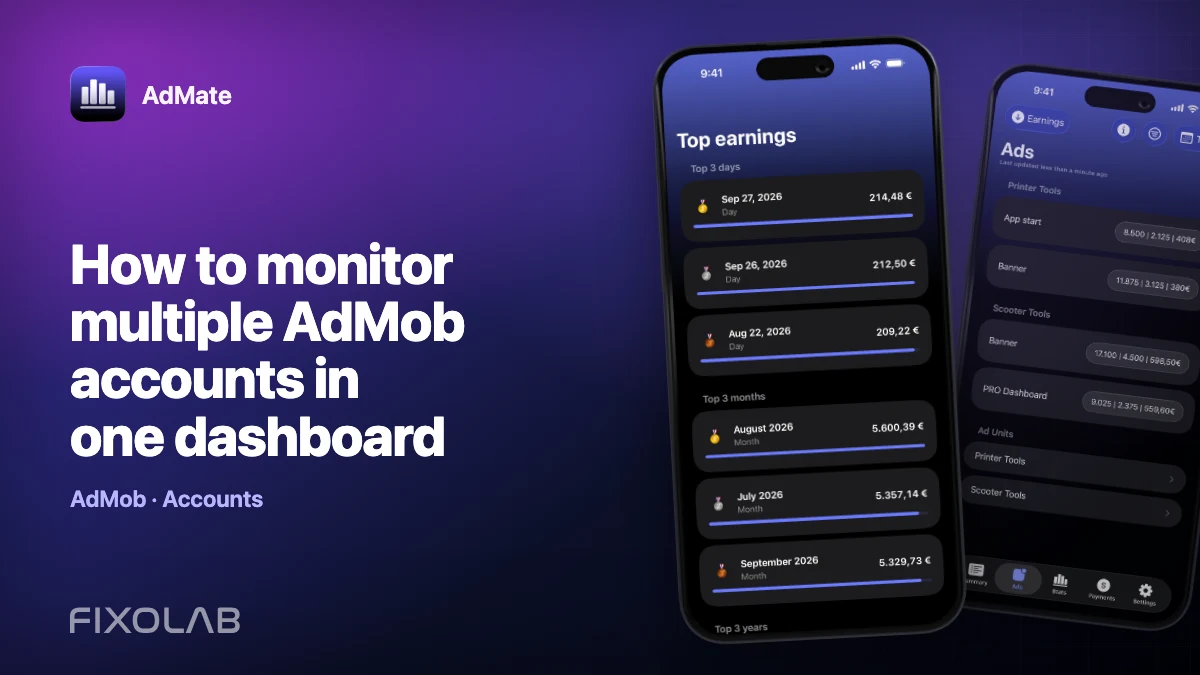
How to monitor multiple AdMob accounts in one dashboard
Multiple AdMob accounts are common when a developer manages personal apps, a studio portfolio and client publishers. AdMate supports several connected Google advertising accounts, but a useful multi-account dashboard needs naming, scope and access discipline.
The goal is to move quickly between accounts without losing track of which publisher produced a number.
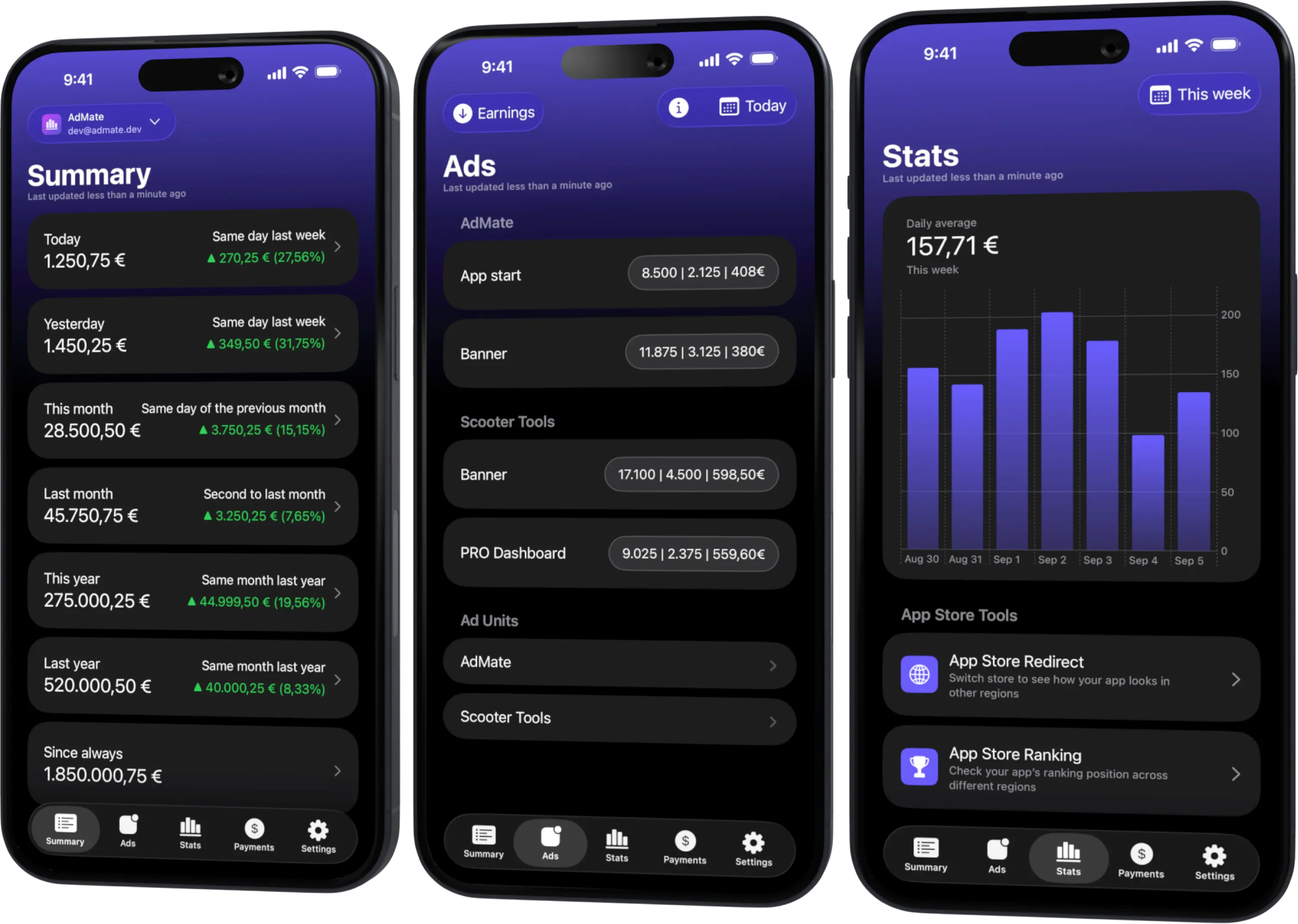
All your revenue in one dashboard
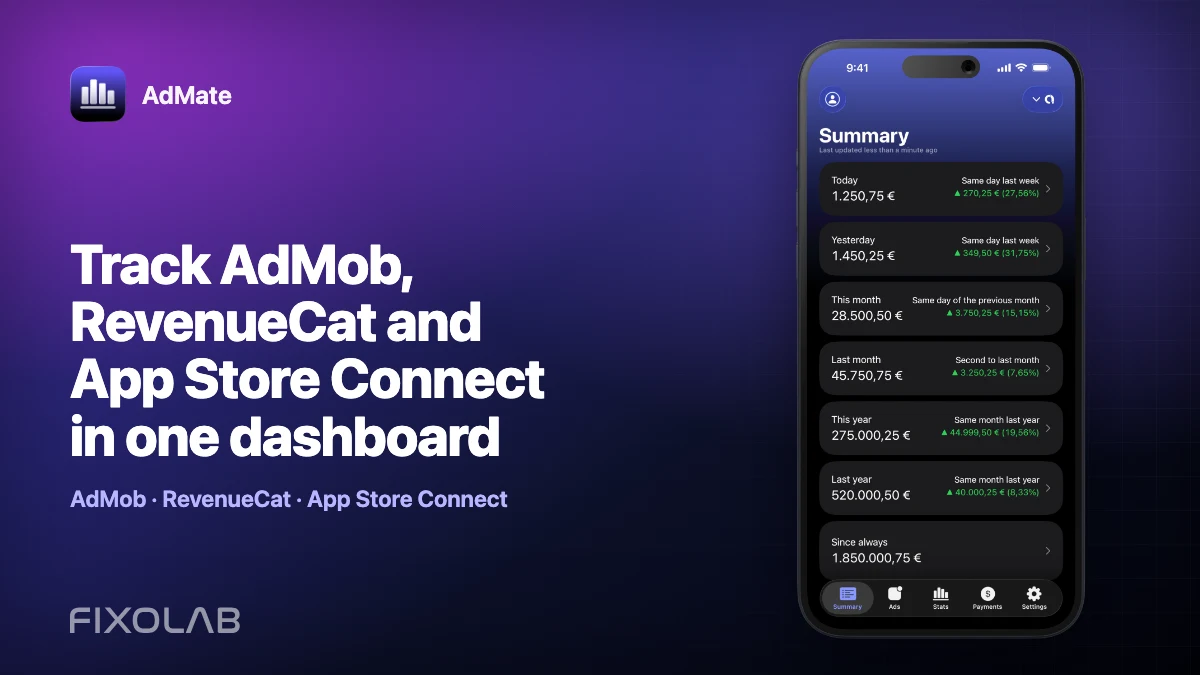
Track AdMob, AdSense, RevenueCat and App Store Connect across multiple accounts with filters by app, platform and country
Monitor revenue, clicks, eCPM, subscriptions, installs and payments on iPhone, iPad, Mac and Apple Watch
Add accounts deliberately
Connect each Google identity from the AdMob account section. After sign-in, verify the publisher and accessible apps before adding the next identity.
Use one connection per required identity, not one per app. If two identities expose the same publisher, decide which is the maintained connection. Keeping both can produce confusing duplicate portfolio views.
Name by organization or publisher
An email address is not always the best label. People change roles and agencies manage several clients. Prefer a name that identifies the business scope, such as the studio or client, while keeping sensitive publisher identifiers out of screenshots.
A good label answers “whose data is this?” before you read the amount.
Separate client and personal data
Do not build a combined headline that exposes one client’s earnings while reviewing another. Use account-specific views and verify the active account before sharing the screen.
For recurring reporting:
- document which apps belong to each account;
- use the same reporting period across accounts;
- keep currencies visible;
- avoid screenshots containing account email addresses;
- remove the account when the engagement ends.
Compare accounts fairly
Absolute earnings alone can be misleading because publishers differ in app count, audience and ad format. Compare:
- earnings and impressions together;
- eCPM with the country and format mix;
- equal-length complete periods;
- the same currency or clearly documented conversions;
- app-level contributions inside each publisher.
Do not rank client performance from one incomplete day.
Avoid duplicate totals
Two connected identities can sometimes access the same AdMob publisher. Before summing a portfolio:
- open each account detail;
- identify its publisher and app list;
- find overlapping publishers or apps;
- choose one authoritative connection for the combined view;
- keep the second only when it serves a clear access or continuity purpose.
The same warning applies when ad revenue is imported into another analytics provider. A number appearing in two dashboards is not necessarily two revenue streams.
Handle access changes
When a client or administrator changes permissions, the account may connect while returning fewer apps. Check the official AdMob access first, then refresh authorization.
If an employee leaves:
- remove or update their Google-side access;
- remove the connection from devices they controlled;
- add a maintained organization identity if appropriate;
- verify that reports still cover the expected apps;
- never exchange credentials to preserve access.
A daily multi-account routine
- Refresh the main app.
- Open the first account and confirm its label.
- Review the same complete date range.
- Note changes in earnings, impressions and eCPM.
- Open the app or unit driving the change.
- Repeat for each account.
- Use a combined figure only after duplicate and currency checks.
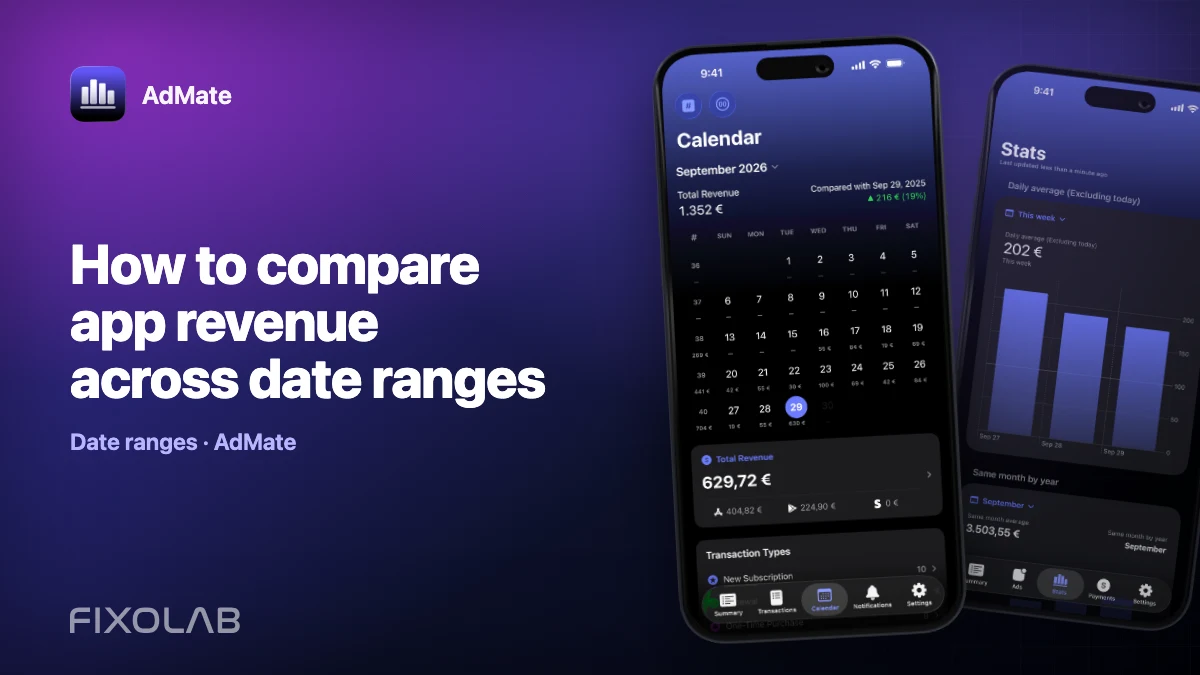
For period design, follow how to compare app revenue across date ranges.
Security checklist
- use provider authorization instead of shared passwords;
- protect the device and remove access when no longer required;
- redact emails and publisher IDs in support material;
- do not store client secrets in notes beside screenshots;
- review connected accounts periodically.
Frequently asked questions
How many AdMob accounts can I add?
AdMate is designed for multi-account use. Practical limits still depend on provider authorization and the accounts you are permitted to access.
Can two Google emails show the same publisher?
Yes. Detect the overlap before building a combined total.
Should accounts with different currencies be added directly?
Not without an explicit conversion rule and date. Prefer separate lines or a documented reporting currency.
Why did an app disappear from one account?
Check Google-side user and app permissions, then refresh the account in AdMate.
All your revenue in one dashboard
Track AdMob, AdSense, RevenueCat and App Store Connect across multiple accounts with filters by app, platform and country
Monitor revenue, clicks, eCPM, subscriptions, installs and payments on iPhone, iPad, Mac and Apple Watch