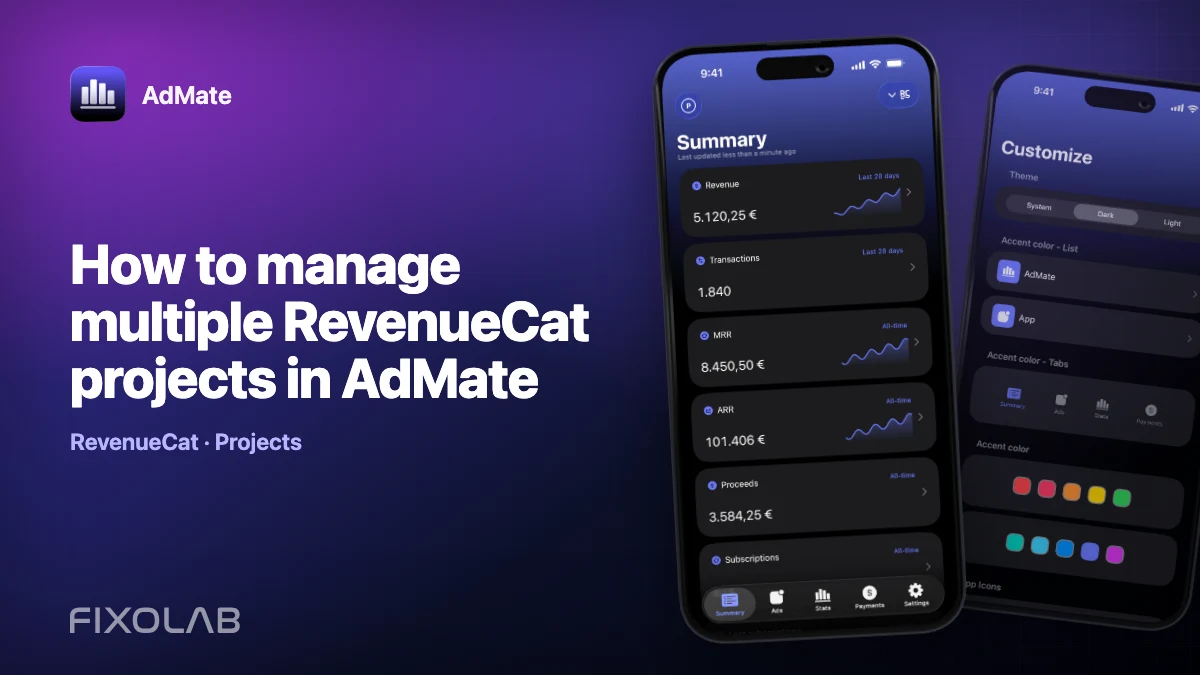
How to manage multiple RevenueCat projects in AdMate
A single RevenueCat organization can contain several projects, and an agency or studio may work with more than one organization. AdMate’s RevenueCat account model supports multiple accounts and projects, including project-specific credentials where required.
The challenge is not adding the second project. It is keeping identity, store scope and credentials clear enough that a combined view remains trustworthy.
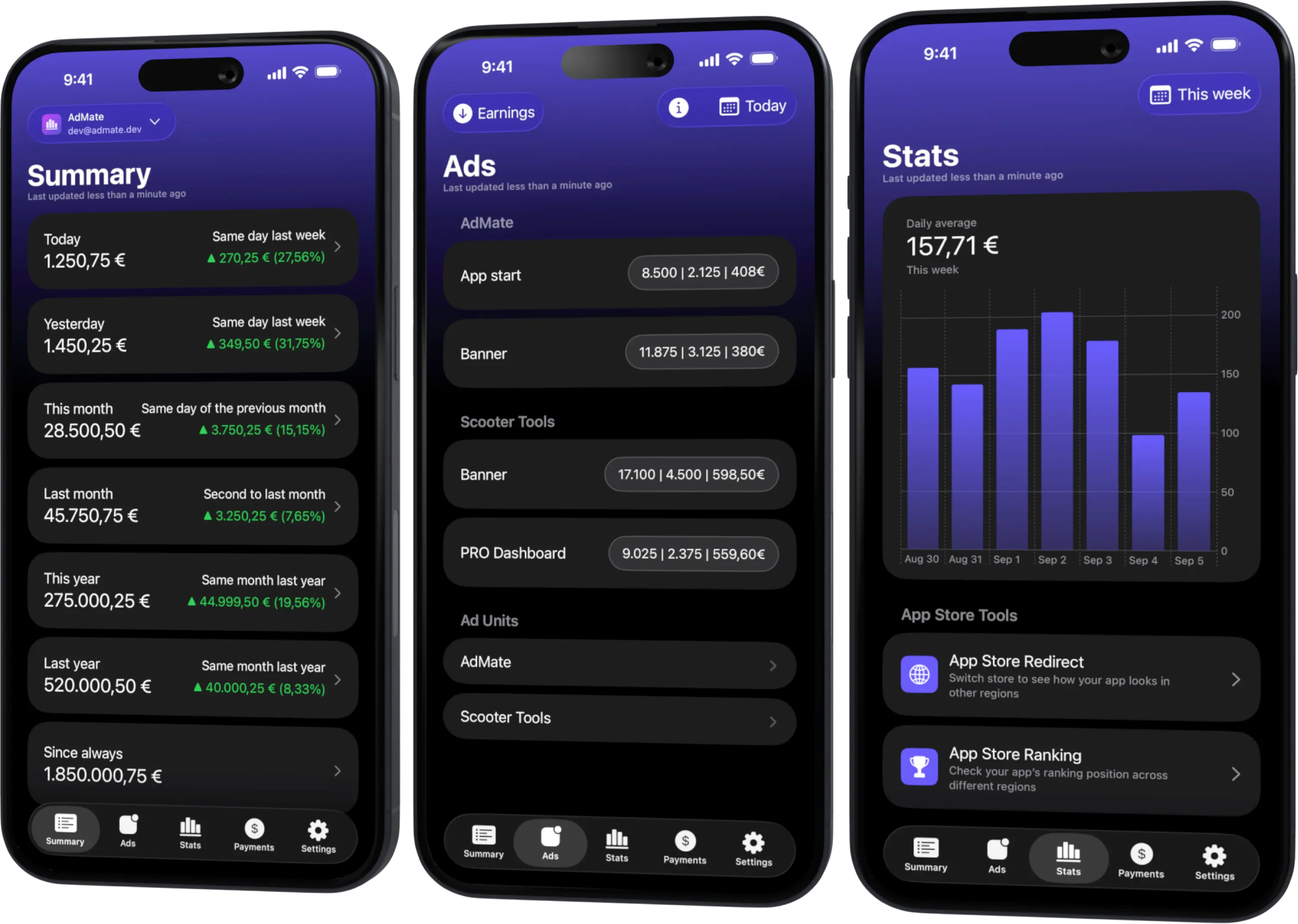
All your revenue in one dashboard
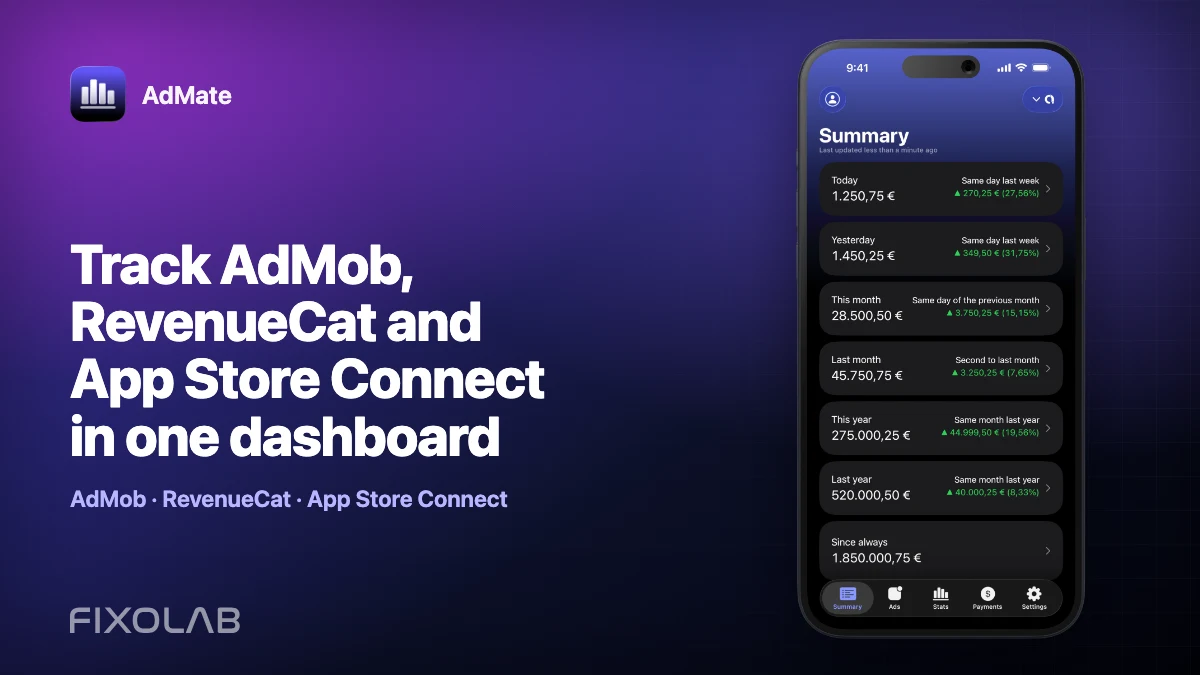
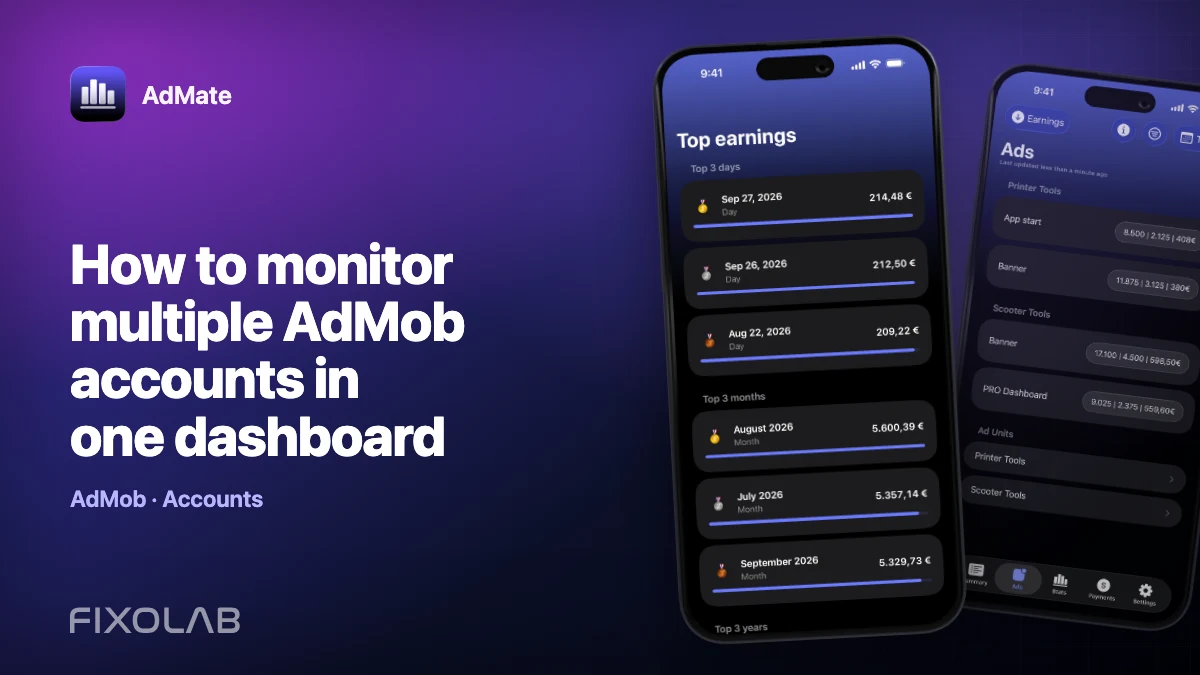
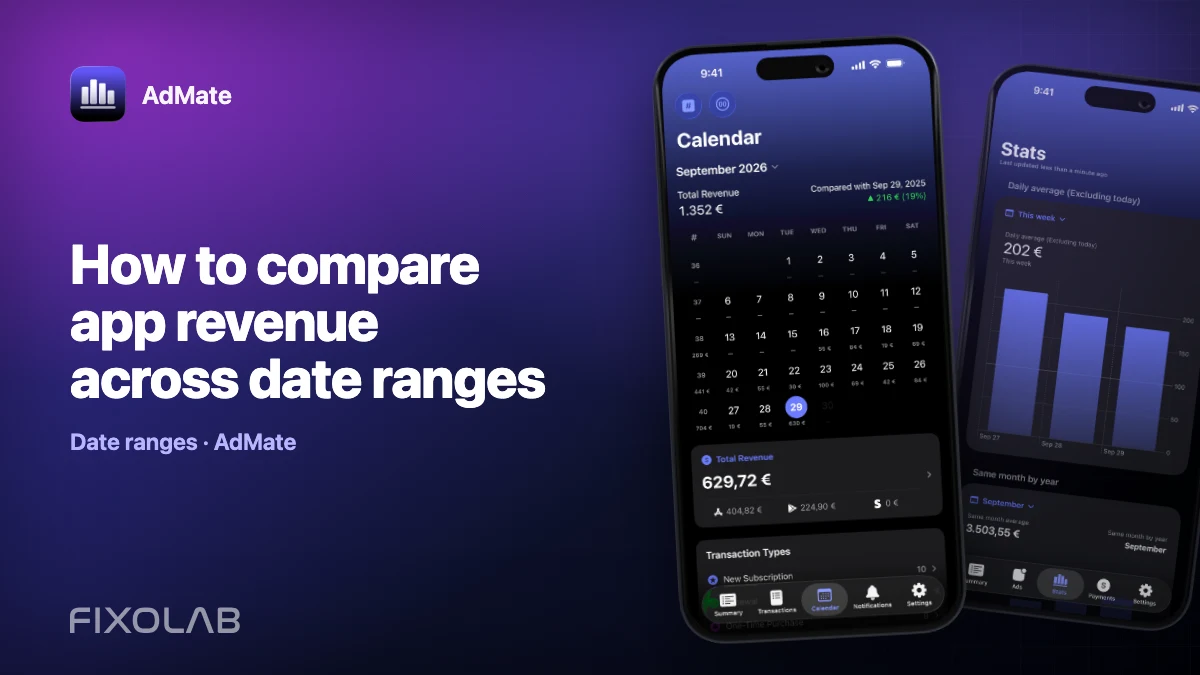
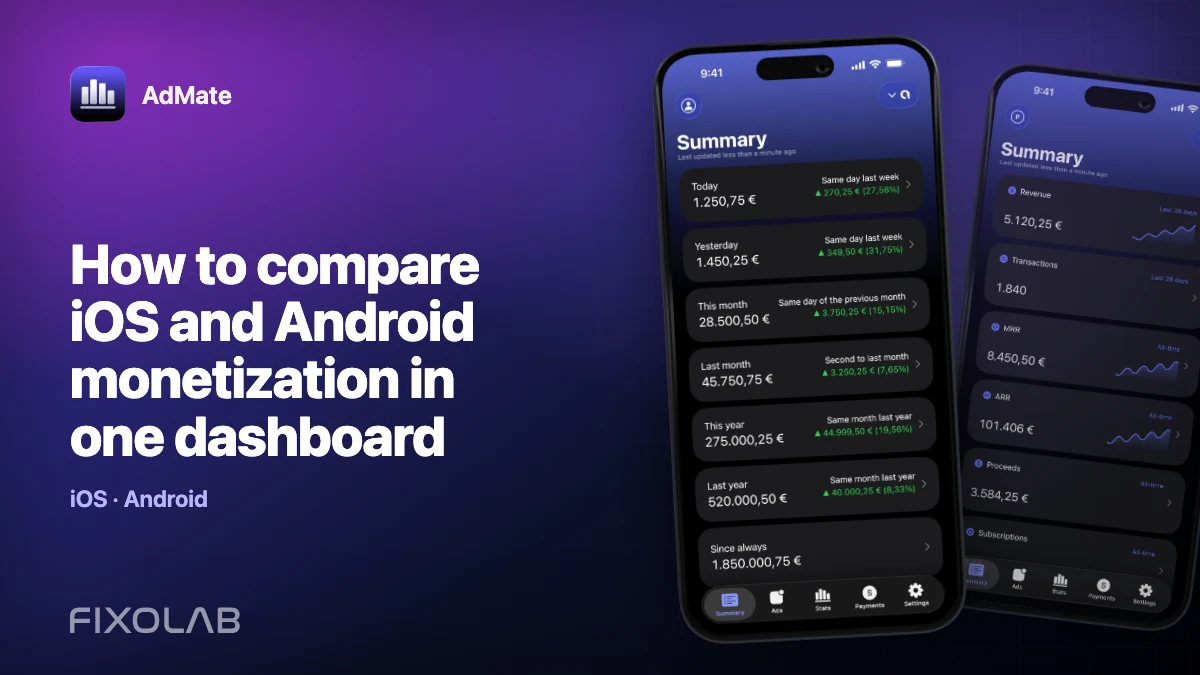
Track AdMob, AdSense, RevenueCat and App Store Connect across multiple accounts with filters by app, platform and country
Monitor revenue, clicks, eCPM, subscriptions, installs and payments on iPhone, iPad, Mac and Apple Watch
Design the account structure first
List the projects before entering credentials:
| AdMate alias | RevenueCat organization | Project | Apps and stores |
|---|---|---|---|
| Studio subscriptions | Studio organization | Main portfolio | iOS and Android |
| Client A | Client organization | Production | iOS only |
Use aliases that remain meaningful when a team member changes. Avoid storing secret-key fragments in the display name.
Choose account-level or project-specific access
The supported RevenueCat configuration can represent account-level authorization or project secret keys depending on the mode exposed by the current build.
Account-level access can make discovery easier when the authorization legitimately covers several projects. Project-specific keys keep scope narrow but must be mapped carefully. Use the least privilege that supports the workflow and follow RevenueCat’s current credential guidance.
Never paste a secret key into the alias, notes, analytics or a support message.
Add and verify one project at a time
- Add the RevenueCat account or credential.
- Give it an organization-level alias.
- Load the accessible project list.
- Select one project.
- Confirm its name, apps, stores and currency.
- Compare a closed period with RevenueCat’s dashboard.
- Repeat for the next project only after the first is correct.
This sequence makes a mapping error obvious. Adding every key first and debugging a combined blank state later is slower.
Keep store scope visible
A project can include App Store, Google Play and other configured revenue sources. When comparing with App Store Connect, filter the RevenueCat view to Apple scope if the metric allows it. Otherwise an Android transaction can make the RevenueCat total higher for a valid reason.
The same principle applies to app scope. Do not compare a portfolio project with a single store app and label the difference as missing revenue.
Avoid cross-client leakage
When a device contains client projects:
- verify the active alias before sharing the screen;
- avoid a combined screenshot that reveals another client’s amount;
- remove accounts when the engagement ends;
- rotate a project key if its confidentiality is uncertain;
- never synchronize credentials through an unauthorized note or chat service.
AdMate can show several accounts, but access remains a responsibility of the user and organization.
Troubleshoot missing data
A project is absent
Check whether the active credential has access to that project. A project-specific key should not be expected to discover unrelated projects.
The wrong apps appear
Verify the project selection and provider identifiers. Similar display names do not prove that two apps are the same.
Only one project fails
Test that project’s credential directly, look for rotation or revocation and remove whitespace introduced during copying.
Combined revenue looks too high
Check duplicate account connections, project overlap and whether the same store transactions are being compared or added again through App Store Connect.
A weekly project review
For each project:
- refresh a completed seven-day period;
- confirm project and store filters;
- review revenue, transactions, refunds and the relevant subscription metrics;
- compare with the previous equal period;
- open the app or product that drove the change;
- record the provider definition used in any report.
Use RevenueCat versus App Store Connect proceeds when reconciling Apple transactions.
Frequently asked questions
Can one RevenueCat account contain several projects in AdMate?
Yes, when the configured authorization can list them. Project-specific key mode may require separate mappings.
Should projects be combined into one total?
Only when they belong to the intended business scope, use compatible currencies and do not overlap.
Why does one project show both iOS and Android?
RevenueCat projects can contain apps from multiple stores. Filter the store when making a store-specific comparison.
What happens when a key is rotated?
Replace the stored credential for the correct project, validate it and remove the revoked key.
All your revenue in one dashboard
Track AdMob, AdSense, RevenueCat and App Store Connect across multiple accounts with filters by app, platform and country
Monitor revenue, clicks, eCPM, subscriptions, installs and payments on iPhone, iPad, Mac and Apple Watch