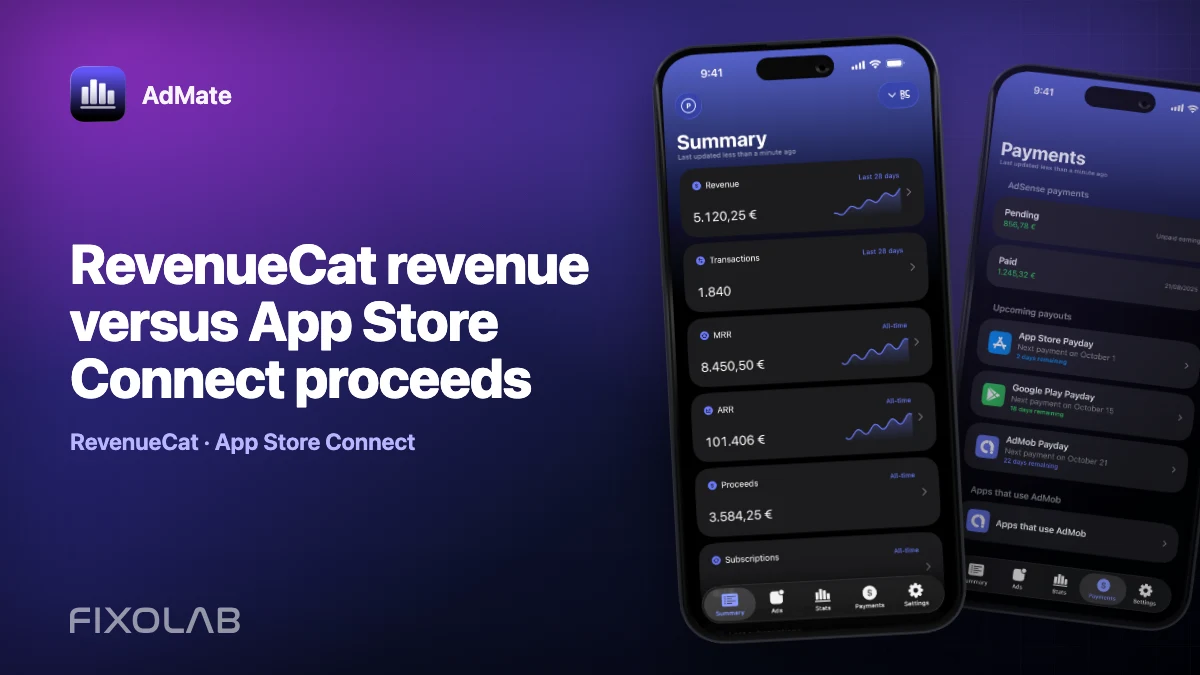
RevenueCat revenue versus App Store Connect proceeds
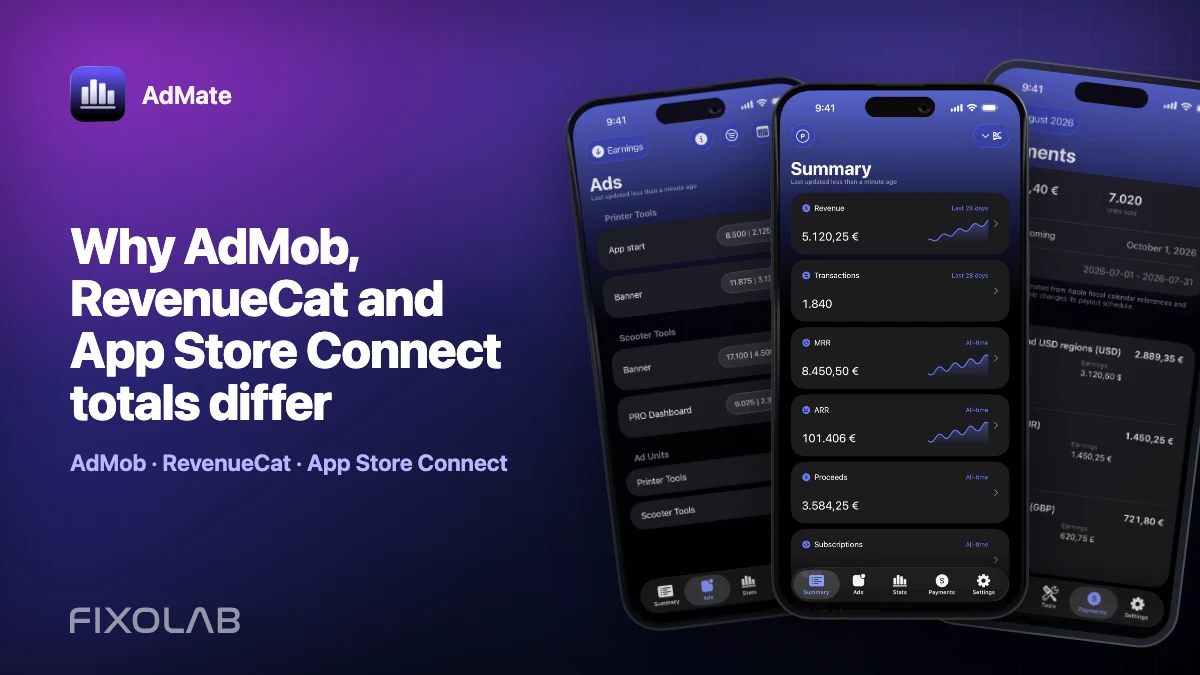
RevenueCat and App Store Connect can describe the same Apple subscription while producing different totals. RevenueCat is optimized for subscription and customer analytics. App Store Connect is the store’s source for sales, estimated proceeds and final financial reports. The views overlap, but their labels and timing are not identical.
Use both for context; never add them together as if they were independent revenue streams.
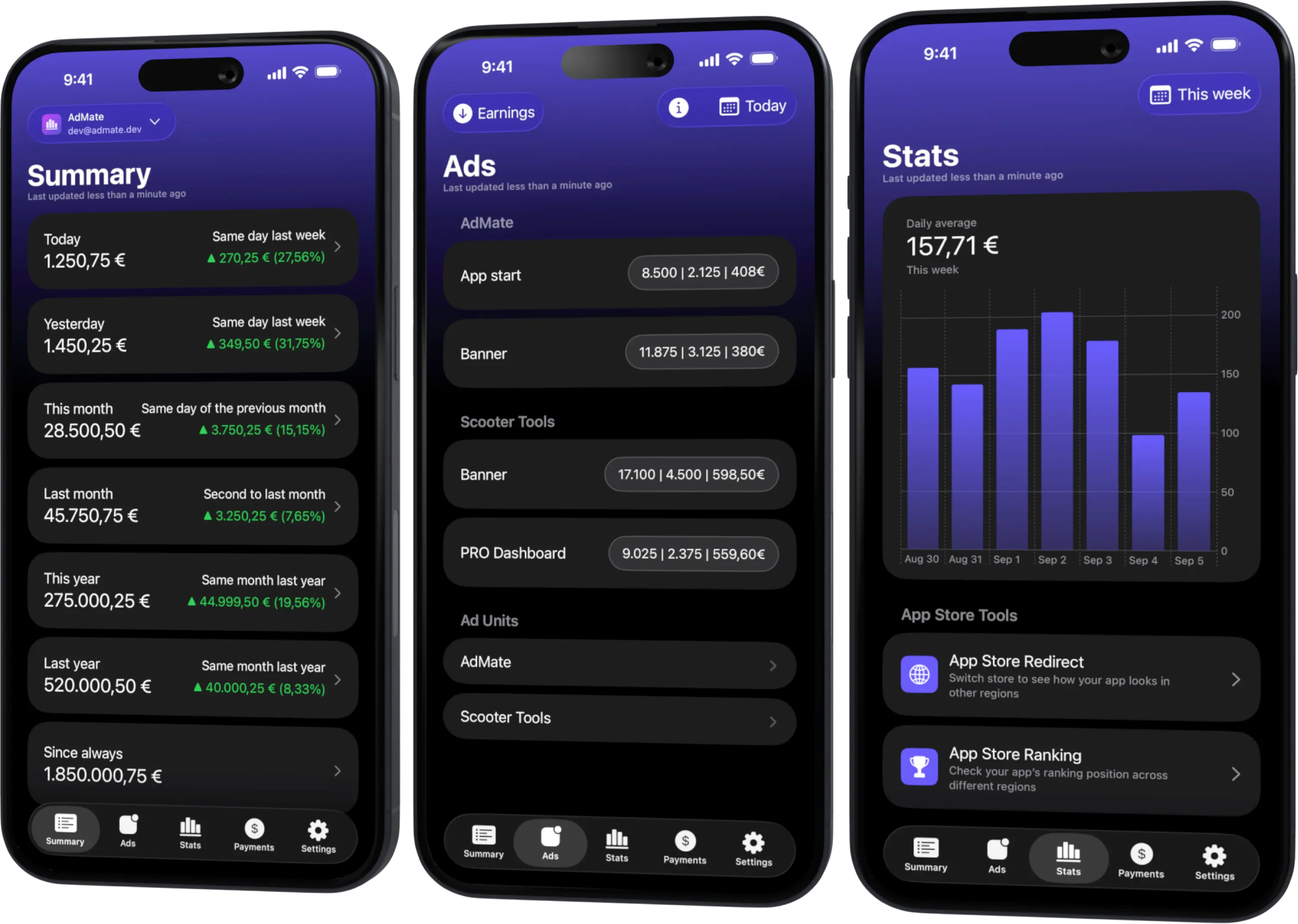
All your revenue in one dashboard
Track AdMob, AdSense, RevenueCat and App Store Connect across multiple accounts with filters by app, platform and country
Monitor revenue, clicks, eCPM, subscriptions, installs and payments on iPhone, iPad, Mac and Apple Watch
Name the three values
RevenueCat revenue
RevenueCat attributes transactions and adjustments according to its metric definition and project configuration. It provides a cross-platform view that is particularly useful for renewals, products, customers and subscription trends.
App Store Connect sales
Sales describe the amount billed to customers under Apple’s reporting definitions. This is closer to the customer-facing transaction value than to the developer’s bank receipt.
App Store Connect proceeds
Proceeds estimate what the developer receives after applicable commission and certain taxes or adjustments. Estimated proceeds can still differ from a closed financial report and actual payment.
Write the complete metric name in every comparison. Calling all three simply “revenue” hides the reason they differ.
Why the totals diverge
- RevenueCat and Apple can use different time zones or transaction cutoffs.
- A refund or adjustment can appear in a different period.
- RevenueCat may combine several stores while the Apple report covers only the App Store.
- One view may use transaction currency and another a reporting currency.
- Sales are not proceeds; commission and taxes separate them.
- Data freshness can differ between APIs and closed reports.
- Filters may include different apps, products, territories or transaction types.
A difference does not automatically mean that a transaction is missing.
Build a like-for-like comparison
- Choose one RevenueCat project.
- Filter to the Apple application or products in question.
- Select a completed date range.
- Record the RevenueCat metric definition and currency.
- Select the same apps, products and dates in App Store Connect.
- decide whether the intended Apple comparison is Sales or Proceeds.
- Check refunds and adjustments in both views.
- Use the final Apple financial report for accounting reconciliation.
When a project includes iOS and Android, filter before comparing with App Store Connect. Otherwise Google Play transactions can make RevenueCat correctly higher.
Do not double-count
If RevenueCat observes an App Store subscription, that purchase also belongs to Apple’s reporting. Adding RevenueCat revenue to Apple Sales counts the same economic event twice.
A portfolio summary can show separate lines for:
- AdMob advertising earnings;
- RevenueCat subscription analytics;
- App Store Connect sales;
- App Store Connect proceeds;
- finalized store payments.
Only the genuinely independent sources should be added. The overlapping lines explain one another.
Investigate a persistent gap
RevenueCat is higher
Check whether the project includes Google Play, Stripe or other stores, whether you selected Sales instead of Proceeds, and whether refunds have reached both reports.
App Store Connect Sales is higher
Check products not configured in RevenueCat, historical transactions outside its observation window, app filters and transaction types.
The daily charts are shifted
Compare time zones and day boundaries. Use a longer complete period to see whether the totals converge after the reporting lag.
One app is completely absent
Verify project mapping, bundle identifier, App Store Connect organization and credential permissions before investigating arithmetic.
Use AdMate as the comparison workspace
AdMate keeps provider accounts and summaries close together, which makes it easier to repeat the same date and application selection. It does not silently deduplicate transactions across providers or redefine their metrics. Preserve the source name when sharing a screenshot or spreadsheet.
For the broader workflow, read tracking multiple monetization sources in one dashboard.
Frequently asked questions
Which value is closest to cash received?
Closed financial reports and actual payments are closer than RevenueCat revenue, Sales or estimated Proceeds. Follow your accounting requirements.
Should RevenueCat equal Apple Sales?
Not necessarily. Project scope, currencies, dates, refunds and metric definitions can differ.
Can I add RevenueCat and App Store Connect totals?
Usually not for the same Apple transactions. They are overlapping perspectives.
Does AdMate remove duplicate purchases automatically?
No. It presents provider data and leaves each metric identifiable so you can reconcile it correctly.
All your revenue in one dashboard
Track AdMob, AdSense, RevenueCat and App Store Connect across multiple accounts with filters by app, platform and country
Monitor revenue, clicks, eCPM, subscriptions, installs and payments on iPhone, iPad, Mac and Apple Watch