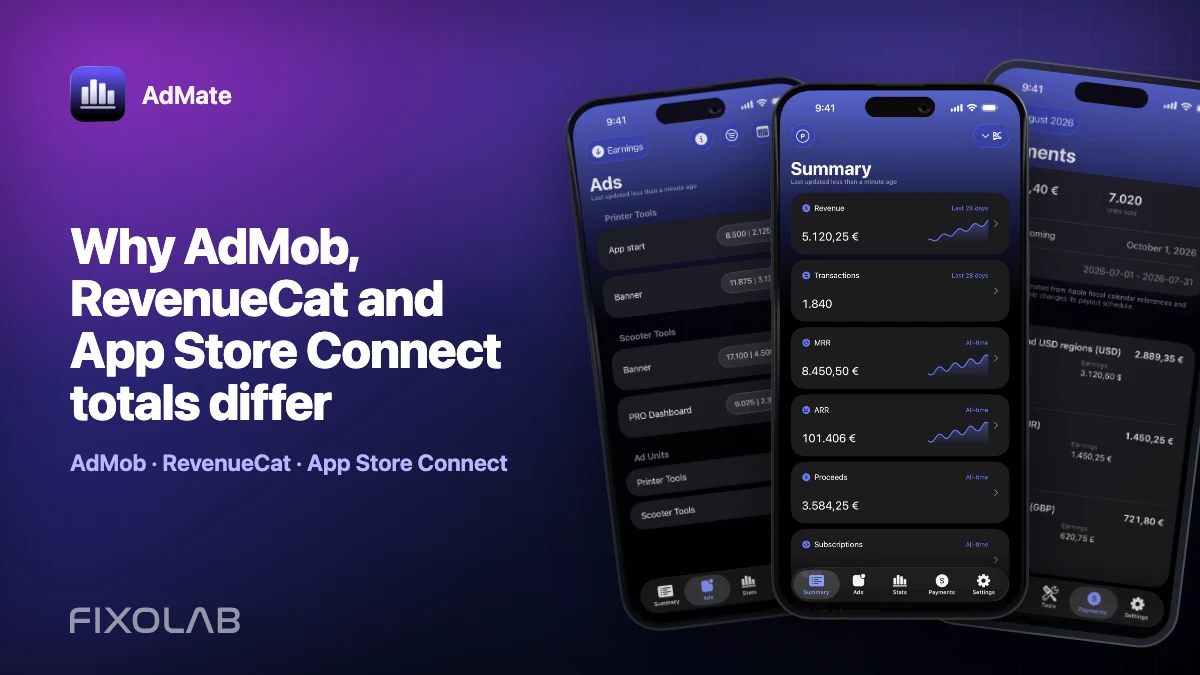
Why AdMob, RevenueCat and App Store Connect totals differ
It is normal for AdMob, RevenueCat and App Store Connect to show different revenue numbers. They measure different products, use different definitions and can update on different schedules. Even when RevenueCat and App Store Connect describe the same subscription transaction, one service may report revenue at the transaction date while another distinguishes customer sales, estimated developer proceeds and the final financial payment.
The solution is not to choose the largest number. It is to identify what each metric means and compare equivalent scopes.
AdMate makes that review faster by keeping several services and accounts in one app, but it does not redefine or silently “correct” the provider data. The provider remains the authority for each metric and final report.
All your revenue in one dashboard
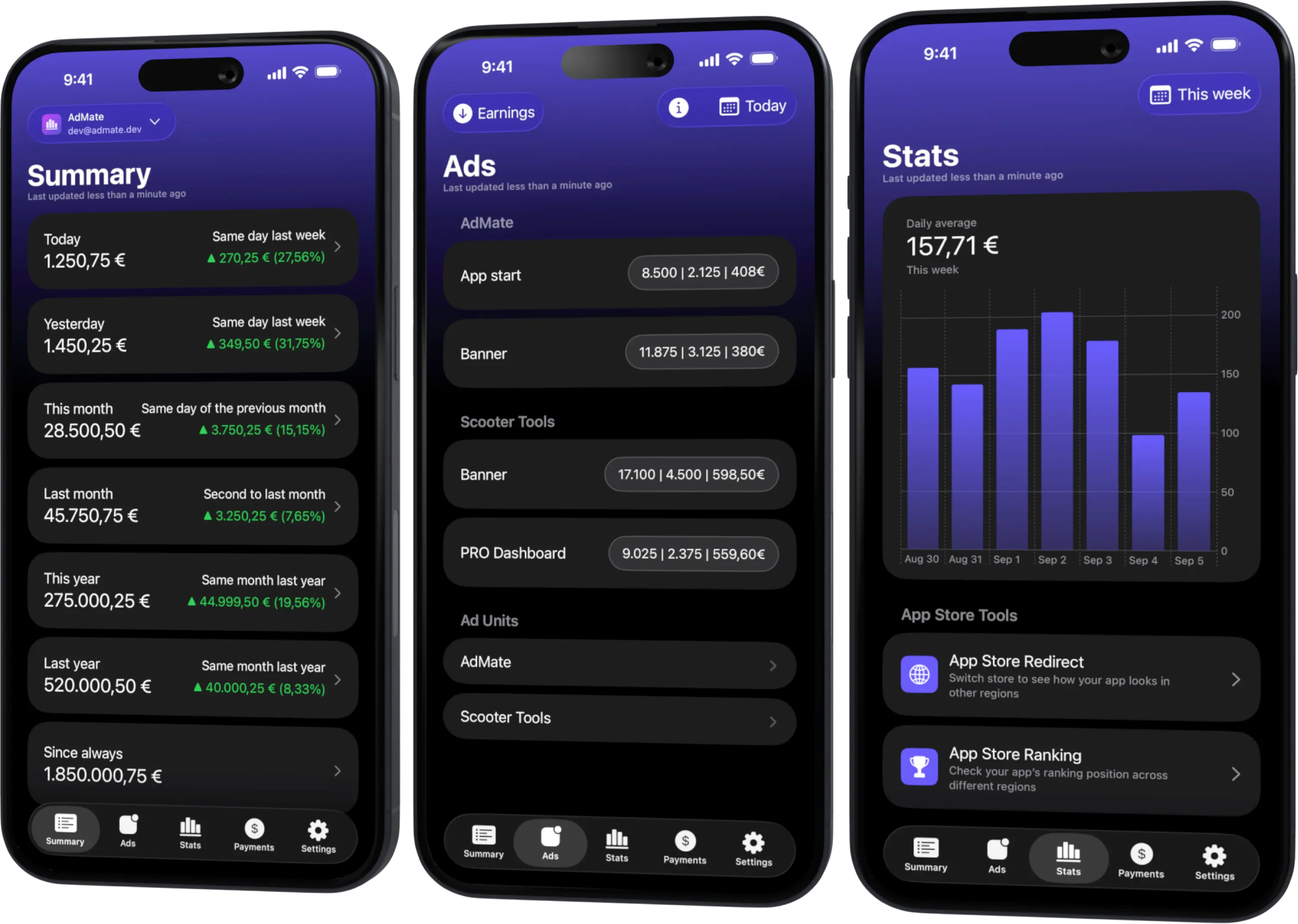
Track AdMob, AdSense, RevenueCat and App Store Connect across multiple accounts with filters by app, platform and country
Monitor revenue, clicks, eCPM, subscriptions, installs and payments on iPhone, iPad, Mac and Apple Watch
Start by naming the number correctly
AdMob estimated earnings
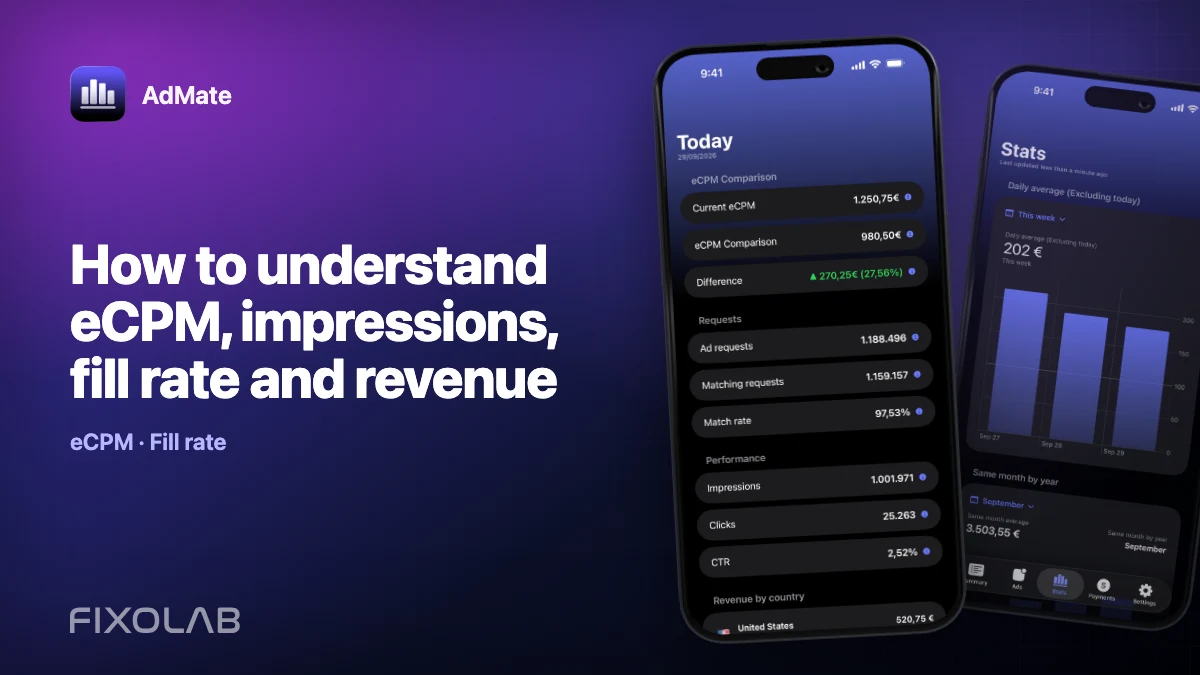
AdMob reports estimated earnings for advertising performance. Google warns that estimated earnings can change before they are finalized. The same reports include impressions, clicks, requests, match rate and eCPM, which help explain why the estimate moved.
eCPM is not a payment. It is an estimate of revenue per thousand impressions, calculated from earnings and impressions. A higher eCPM can coexist with lower total earnings if impression volume falls.
Review Google’s definitions in the official AdMob reporting documentation.
RevenueCat revenue
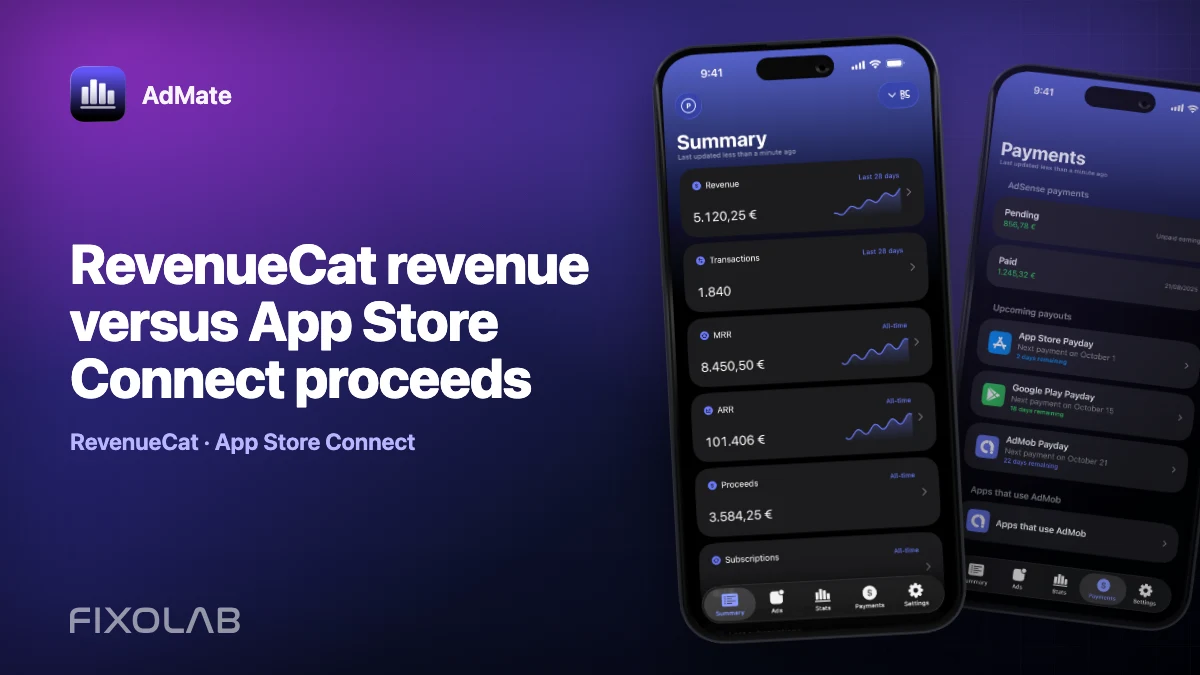
RevenueCat’s Revenue chart measures revenue generated during a period, minus refunds and downward subscription adjustments recorded during that period. It can include subscription and non-subscription purchases and, when configured, ad revenue.
RevenueCat attributes a paid subscription or renewal to the period when the transaction occurs. That is useful for subscription analysis, but it is not the same thing as the date on which a store transfers money to your bank.
See the current definition in the RevenueCat Revenue chart documentation.
App Store Connect sales
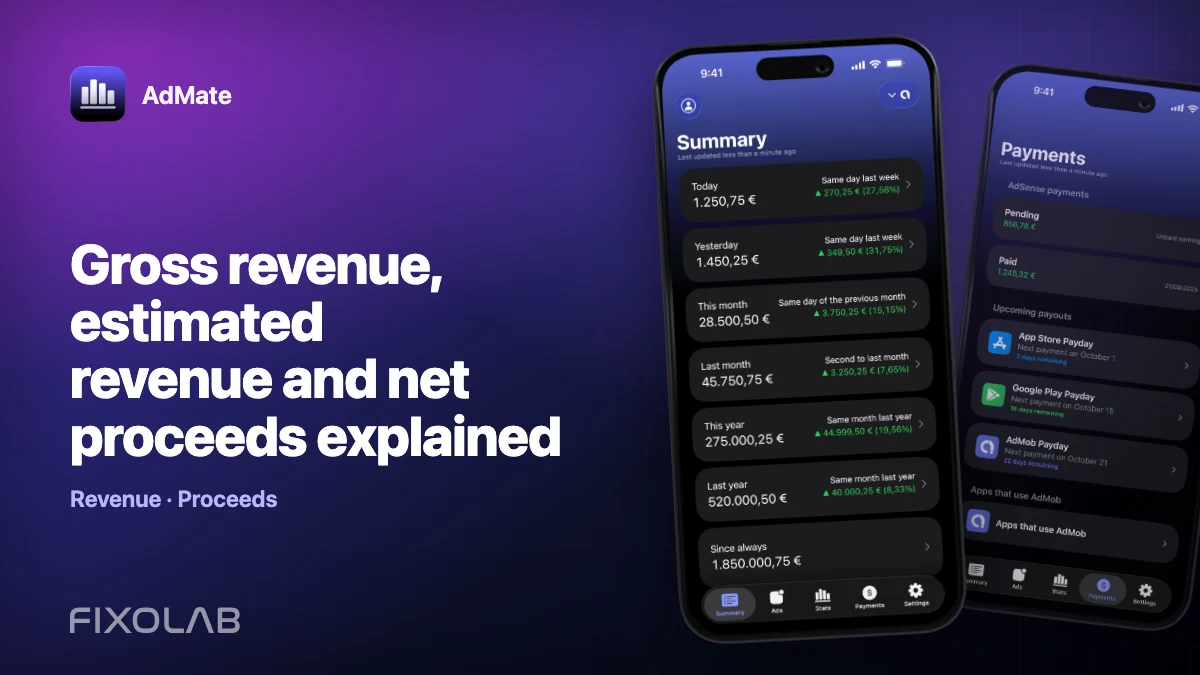
Apple defines Sales as the amount billed to customers for apps, bundles and in-app purchases. Taxes are included only where they form part of the App Store price. Sales are not the same as developer proceeds.
App Store Connect proceeds
Proceeds are Apple’s estimate of the amount the developer will receive after applicable taxes and Apple’s commission. Estimated proceeds can still differ from the final payment because transaction status, exchange rates, adjustments and the financial calendar matter.
Apple documents the distinction in Sales and Trends metrics and publishes final monthly values through Payments and Financial Reports.
Seven common reasons the totals differ
1. They cover different revenue sources
AdMob describes advertising. RevenueCat mainly describes purchases and subscriptions observed through its configured stores and projects. App Store Connect describes Apple’s store activity. Unless the same ad revenue is deliberately imported into RevenueCat, AdMob earnings should not be expected to equal a subscription total.
2. Gross sales and net proceeds are different
Customer price, taxes, store commission and developer proceeds are separate concepts. Comparing RevenueCat revenue with Apple Sales or Proceeds can produce different results even when the underlying transaction list is similar.
3. Estimated and finalized data are different
Today’s AdMob amount is estimated. App Store Connect can show estimated proceeds before the financial report closes. Refunds, invalid traffic, chargebacks and other adjustments can change later values.
4. Date boundaries and time zones differ
A transaction near midnight can land on different dates when two services use different time zones or reporting cutoffs. “Today” is not a reliable comparison until both dashboards define the same start and end.
5. Currencies and exchange rates differ
One dashboard may display the transaction currency, another a selected reporting currency and another the bank-account currency. Conversion dates and exchange-rate methods can differ.
6. Refunds and adjustments arrive at different times
A refund can be associated with its processing period rather than the original sale period. RevenueCat, Apple and Google may surface the adjustment on different schedules.
7. Filters are not aligned
It is easy to compare one RevenueCat project with an App Store Connect organization containing more apps, or one AdMob account with a portfolio-wide summary. App, account, country, platform and product filters must describe the same scope.
Do not double-count the same transaction
The biggest aggregation mistake is adding RevenueCat revenue to App Store Connect revenue when both represent the same App Store subscription or in-app purchase.
RevenueCat adds subscription analytics and a cross-platform customer view; App Store Connect remains the store’s accounting source. Those perspectives are useful together, but they are not automatically independent revenue streams.
Before adding two totals, ask:
- Does each number cover a different product or source?
- Could the same Apple or Google Play purchase appear in both?
- Is one value gross and the other net?
- Is ad revenue imported into RevenueCat as well as shown in AdMob?
- Are refunds already included in both totals?
If the answer is unclear, show the sources separately instead of publishing one combined figure.
A reconciliation checklist in AdMate
Use the same sequence whenever two numbers look unexpectedly different.
1. Select the same dates
Avoid comparing an incomplete current day with a closed previous day. Use a complete period when possible and verify the reporting time zone.
2. Select the same account and app
Confirm the AdMob publisher account, RevenueCat project and App Store Connect organization. Then filter to the same application or portfolio.
3. Choose comparable metrics
Label each value explicitly:
- AdMob estimated earnings;
- RevenueCat revenue;
- App Store Connect sales;
- App Store Connect estimated proceeds;
- App Store Connect final payment.
Do not shorten all five to “revenue” in a spreadsheet or report.
4. Align currencies
Check the display currency in each provider and note whether the value has been converted. Small residual differences can be expected when exchange-rate rules differ.
5. Check refunds, adjustments and commission
Look for refunds, downward subscription adjustments, invalid-traffic deductions, taxes and store commission before treating the discrepancy as missing data.
6. Check data freshness
Refresh the service in AdMate and review the provider dashboard if necessary. A widget or cached snapshot may not yet contain the provider’s newest report.
7. Compare the underlying driver
If AdMob earnings fell, inspect impressions and eCPM. If subscription revenue changed, inspect transactions, renewals and refunds. If Apple proceeds changed, compare product, territory and transaction type.
When a mismatch is normal
A difference is usually expected when:
- one value is estimated and the other finalized;
- one value is gross sales and the other net proceeds;
- the services use different currencies or time zones;
- a refund or adjustment has reached only one report;
- today’s reporting period is still open;
- RevenueCat and App Store Connect attribute the same event differently.
When to investigate further
Investigate when the scope is aligned but:
- a whole app or account is missing;
- a completed provider report does not refresh in AdMate;
- the discrepancy persists across closed periods without an identifiable definition, currency or adjustment difference;
- authorization has expired or an account no longer lists expected projects;
- a provider reports an API, permission or financial-report error.
Start with the provider’s own dashboard and documentation. When requesting AdMate support, share the service, date range, metric name and a redacted screenshot. Never include private keys, access tokens, full account identifiers or financial credentials.
A better way to present portfolio revenue
For an internal dashboard, keep separate lines for:
- advertising estimated earnings;
- store sales;
- store proceeds;
- subscription-platform revenue;
- finalized payments.
Then choose one clearly defined measure for the headline. This preserves the information needed for decisions without creating a false sense of accounting precision.
If you are still setting up the services, begin with tracking AdMob, RevenueCat and App Store Connect in one dashboard.
Frequently asked questions
Which number should I use as my final income?
Use finalized financial reports and actual payments for accounting. Estimated dashboards are useful for operations but are not a replacement for provider financial statements or professional accounting advice.
Why is RevenueCat higher than App Store Connect proceeds?
You may be comparing a revenue measure with Apple’s net developer proceeds, using different currencies or dates, or looking at adjustments that have not reached both systems. Align the scope before drawing a conclusion.
Why did yesterday’s AdMob earnings change?
AdMob earnings are estimated before finalization and can be adjusted, including for invalid activity. Check the finalized reporting and payment process in AdMob and AdSense.
Does AdMate merge duplicate transactions automatically?
AdMate presents provider data and combined views, but users must still understand the origin of each metric. Do not assume two provider totals are independent simply because both are visible in one app.
Can a widget be used for reconciliation?
Use widgets for a quick glance. Reconcile with refreshed provider views and final reports in the main app and official dashboards.
All your revenue in one dashboard
Track AdMob, AdSense, RevenueCat and App Store Connect across multiple accounts with filters by app, platform and country
Monitor revenue, clicks, eCPM, subscriptions, installs and payments on iPhone, iPad, Mac and Apple Watch