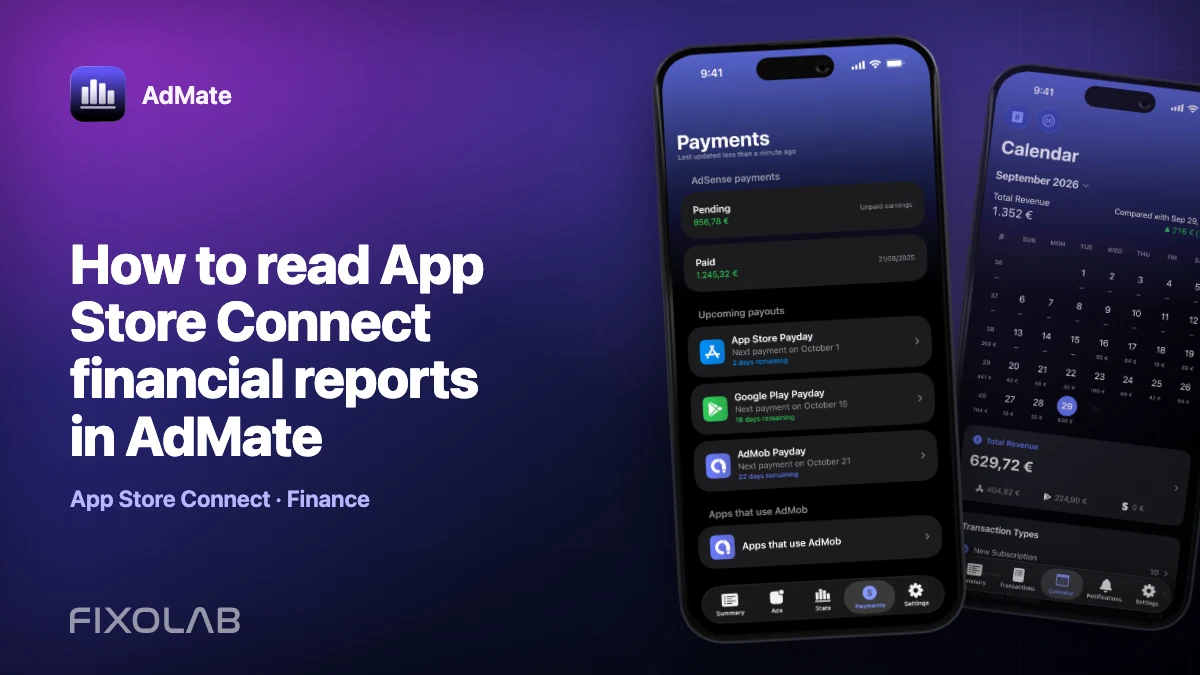
How to read App Store Connect financial reports in AdMate
App Store Connect financial reports are designed for closed financial periods, not live product monitoring. They are the stronger source when you need to reconcile proceeds and payments, while daily analytics and Sales and Trends remain useful for operational decisions.
AdMate can download and parse supported App Store Connect reports when the account has the required credentials, vendor number and permissions.
All your revenue in one dashboard
Track AdMob, AdSense, RevenueCat and App Store Connect across multiple accounts with filters by app, platform and country
Monitor revenue, clicks, eCPM, subscriptions, installs and payments on iPhone, iPad, Mac and Apple Watch
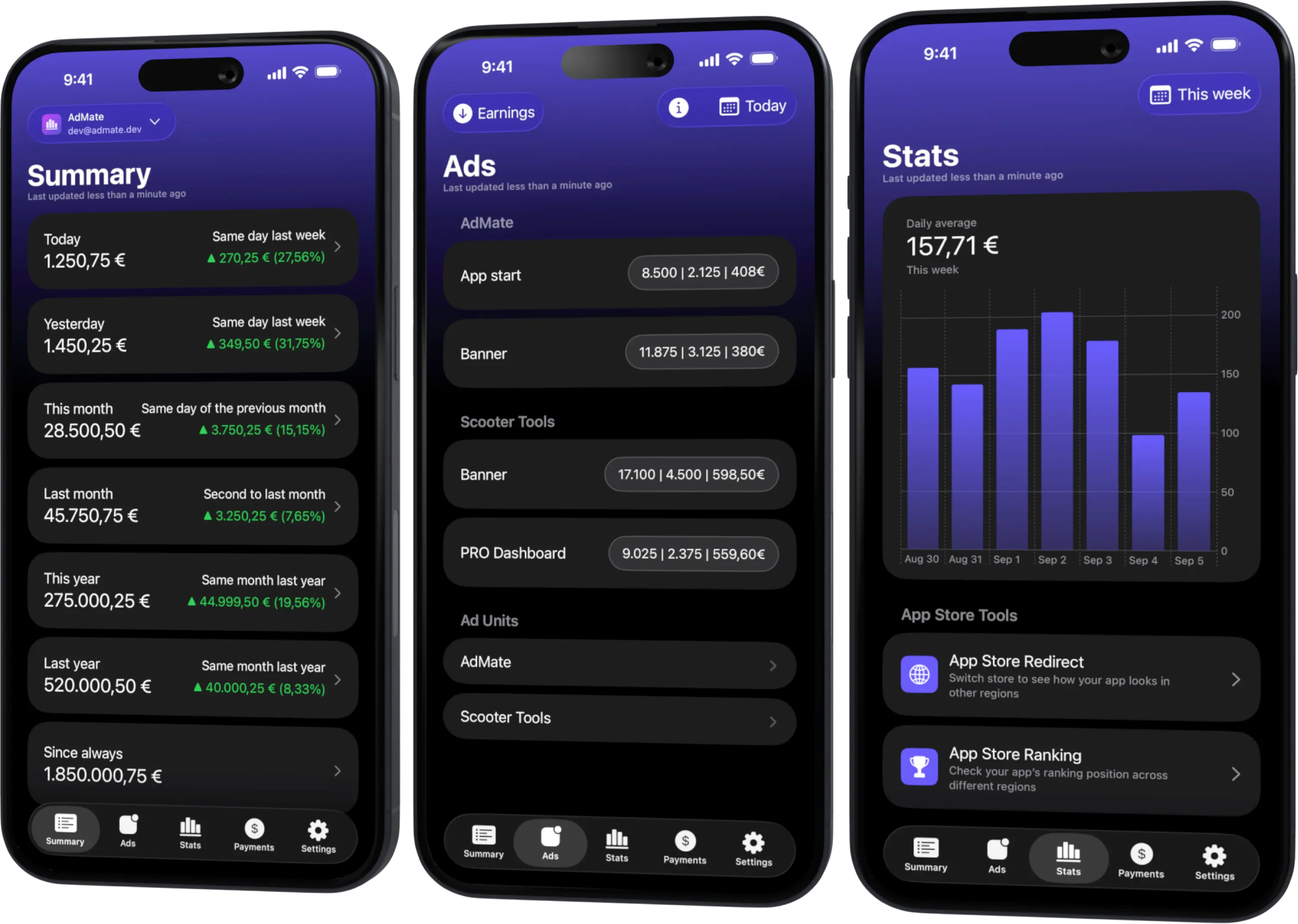
Financial reports versus analytics
Keep three surfaces separate:
- Analytics explains product usage and compatible performance metrics.
- Sales and Trends reports customer transactions, sales and estimated proceeds.
- Payments and Financial Reports provides closed financial reporting by Apple’s periods and currencies.
The newest daily estimate is not a substitute for the financial report, and the financial report is not expected to contain today’s live activity.
Required account information
The App Store Connect connection needs a valid Key ID, Issuer ID and private .p8 key. Financial and sales report requests can also require the correct vendor number.
The API-key role must permit the requested data. If apps load but finance fails, do not assume that the private key is malformed; first check role, vendor and report period.
Select the reporting period
Apple financial periods do not necessarily equal a local calendar-month dashboard selection. Use the period made available by Apple and preserve its label in exported or internal records.
If a period is not available yet, wait for the provider rather than synthesizing it from daily estimates.
Read currency and territory
A financial report can contain proceeds across territories and currencies. Distinguish:
- customer currency;
- report or proceeds currency;
- payment currency;
- bank-account currency.
Currency conversion can explain a residual difference even after transactions and periods align. Keep original-currency evidence where accounting rules require it.
A reconciliation workflow
- Open the intended App Store Connect account in AdMate.
- Verify organization alias and vendor number.
- Choose an available closed financial period.
- Download or load the supported report.
- Confirm currency and territory breakdowns.
- Compare proceeds with the related Sales and Trends period.
- Note refunds, adjustments, taxes and other report lines.
- Match the resulting provider payment with the bank receipt.
Do not compare a closed financial period directly with an incomplete month-to-date analytics card.
Troubleshooting
The report is unavailable
Check whether Apple has published that period and whether the selected vendor is correct.
Unauthorized or forbidden response
Review the API-key role and account organization. Recreate or rotate the key only when needed; never expose it while diagnosing.
Apps work but finance does not
Metadata and finance have different access requirements. Verify vendor number and finance permissions.
Totals differ from RevenueCat
RevenueCat uses subscription analytics definitions and can include other stores. Filter scope, align currency and avoid double-counting.
Keep an audit trail
Store the provider report, period, vendor, currency and payment reference according to your organization’s security and retention policy. Do not commit private reports or .p8 keys to a repository.
AdMate provides a convenient reading workflow, but final accounting decisions should follow the official report and qualified advice.
For metric terminology, read gross revenue, estimated revenue and net proceeds explained.
Frequently asked questions
Why is there no report for the current day?
Financial reports are generated for closed provider periods, not live days.
Do I need the vendor number?
Supported financial and sales report requests can require it. Use the number belonging to the selected provider organization.
Can I use estimated proceeds instead?
Estimated proceeds are useful operationally but do not replace the final financial report.
Should I upload the .p8 file to support?
No. Never share the private key. Send only a redacted error and non-sensitive report context.
All your revenue in one dashboard
Track AdMob, AdSense, RevenueCat and App Store Connect across multiple accounts with filters by app, platform and country
Monitor revenue, clicks, eCPM, subscriptions, installs and payments on iPhone, iPad, Mac and Apple Watch
| FixoLab
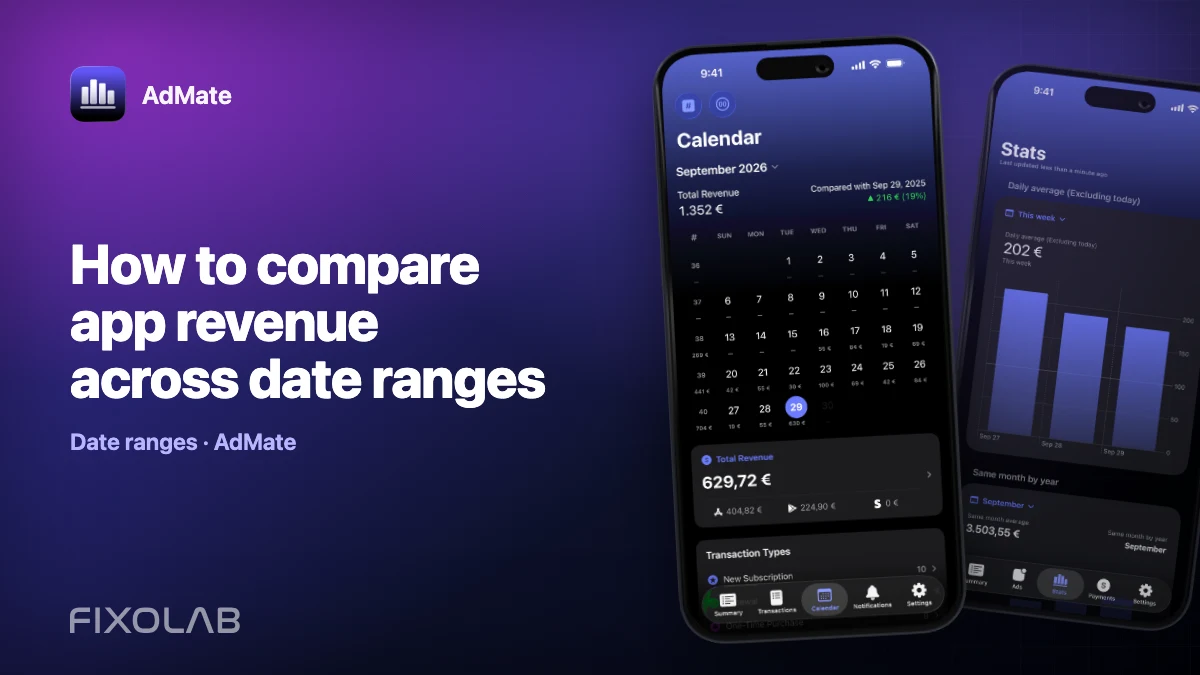
How to compare app revenue across date ranges
Build fair daily, weekly and monthly revenue comparisons in AdMate by aligning duration, account scope, app filters, time zones and incomplete periods.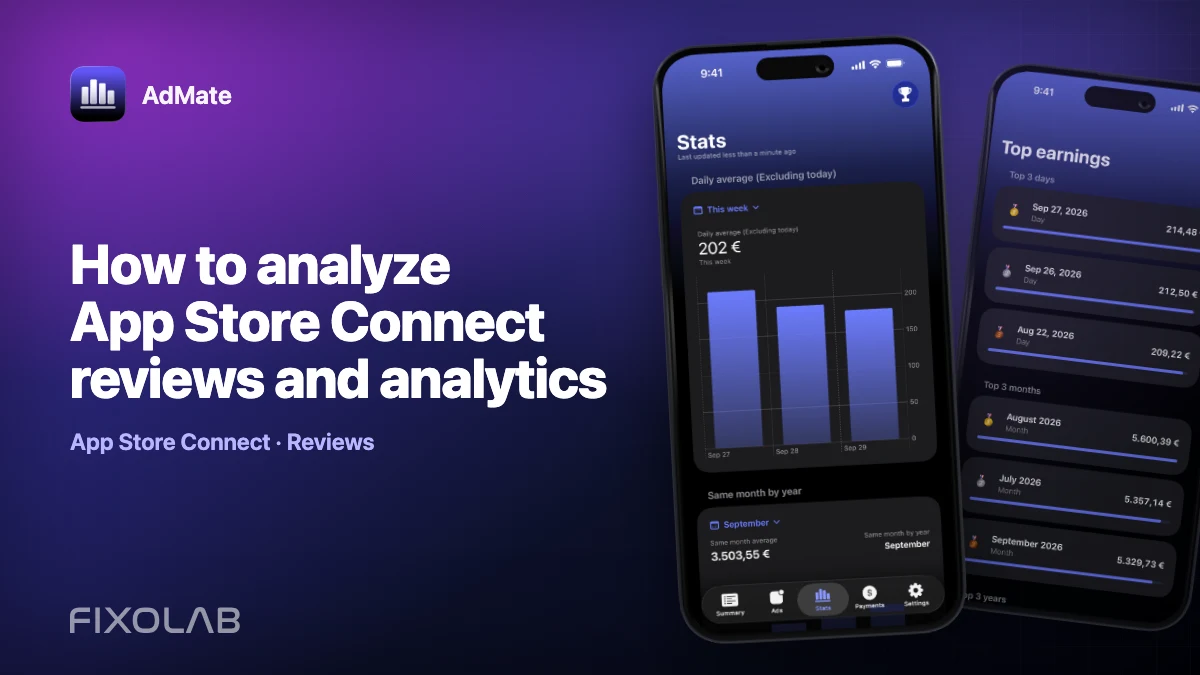
| FixoLab
How to analyze App Store Connect reviews and analytics
Combine App Store Connect reviews with analytics breakdowns in AdMate while preserving app, country, version, period and sample-size context.
| FixoLab
Track AdMob, RevenueCat and App Store Connect in one dashboard
Use AdMate to review AdMob, AdSense, RevenueCat and App Store Connect across multiple accounts without sending revenue through an AdMate server.
| FixoLab
How to compare iOS and Android monetization in one dashboard
Compare iOS and Android advertising, subscription and store performance in AdMate without mixing incompatible metrics, currencies or overlapping transactions.