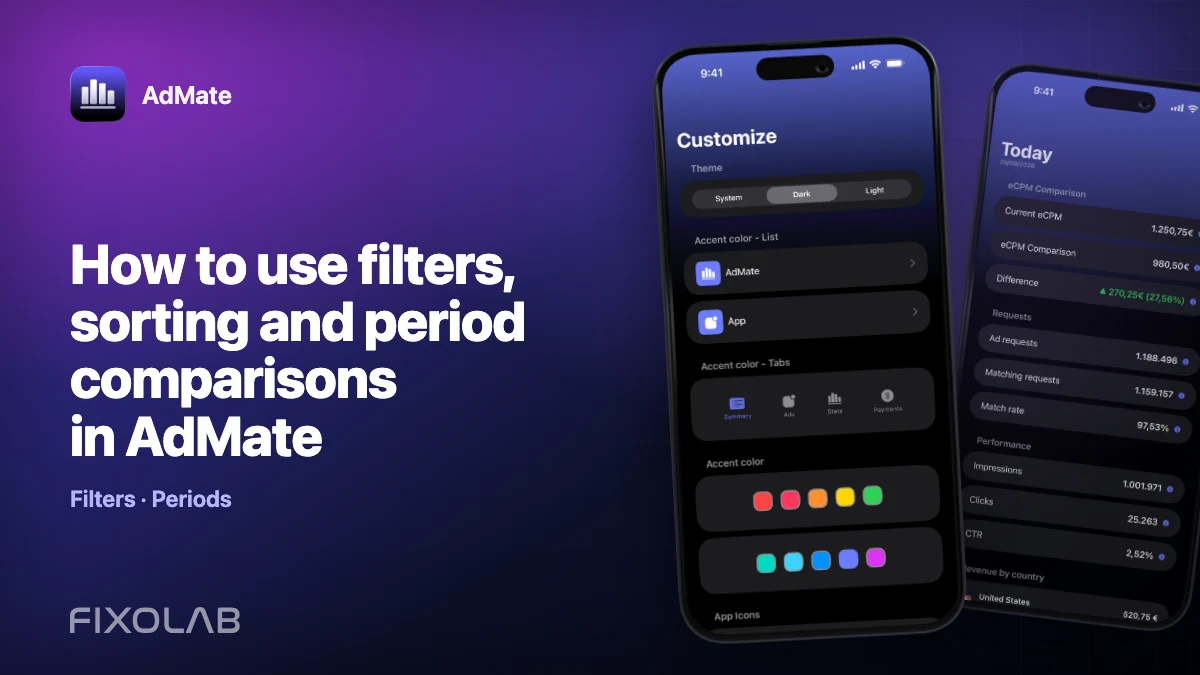
How to use filters, sorting and period comparisons in AdMate
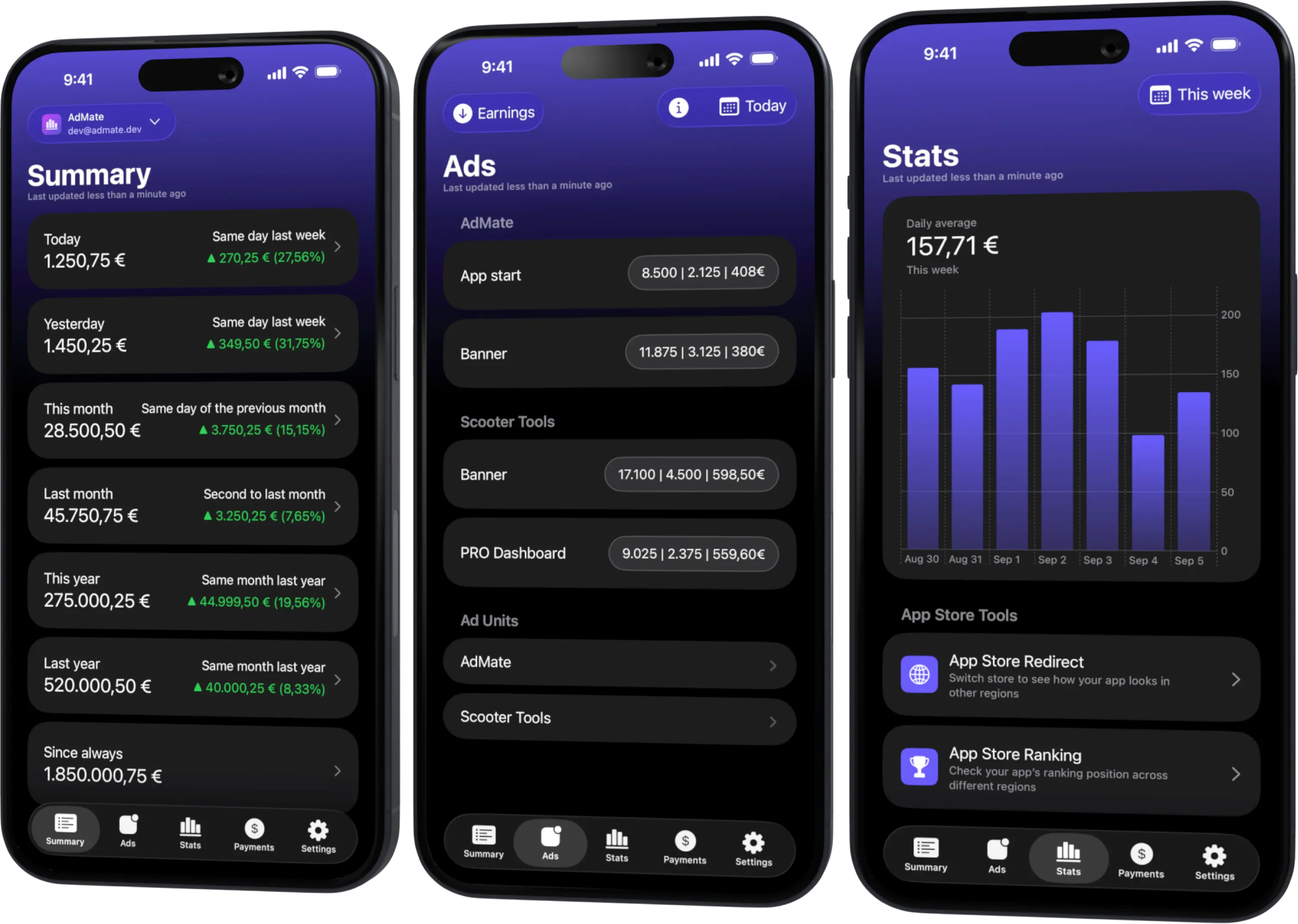
A multi-provider dashboard becomes useful when it can answer a specific question without losing scope. Filters decide what belongs to the result, sorting decides what deserves attention and period comparison decides whether a change is meaningful.
Use all three in a fixed order so a quick investigation can be repeated later.
All your revenue in one dashboard
Track AdMob, AdSense, RevenueCat and App Store Connect across multiple accounts with filters by app, platform and country
Monitor revenue, clicks, eCPM, subscriptions, installs and payments on iPhone, iPad, Mac and Apple Watch
Filter before sorting
Start with scope:
- provider service;
- account or organization;
- app or project;
- store or platform;
- country, product, ad unit or other available dimension;
- date range;
- currency and metric.
Sorting an unfiltered portfolio often places the largest app first but does not answer why one smaller app changed.
Use one primary metric
Choose the metric that matches the question. Examples:
- estimated earnings for advertising contribution;
- impressions for delivery volume;
- eCPM for normalized advertising value;
- transactions or subscription revenue for RevenueCat;
- Sales or Proceeds for different App Store questions;
- review rating or count for qualitative monitoring.
Keep supporting metrics visible. A primary metric focuses the ranking; it does not make the others irrelevant.
Sort by contribution, then inspect rate
A productive pattern is:
- sort by absolute contribution;
- open the leading entry;
- inspect its rate and denominator;
- compare it with the previous period;
- repeat for surprising outliers.
This prevents a tiny sample with an extreme ratio from dominating the investigation.
Compare equal periods
Choose complete ranges with the same duration and weekday composition. Exclude the current incomplete day for stable reporting. If the baseline is zero, report absolute change rather than an undefined percentage.
Record the selected dates in any screenshot or finding so another person can reproduce it.
Reset between questions
Filters persist because that is convenient, but a forgotten filter can make the next result look broken. Before switching provider or app:
- review active chips or selections;
- clear dimensions that do not apply;
- confirm account and currency again;
- check whether sorting still uses the intended metric.
An empty state after changing providers can be a stale filter, not missing data.
Example: an AdMob drop
- Filter to the publisher and completed week.
- Compare with the previous completed week.
- Sort apps by absolute earnings decline.
- Open the leading app.
- Sort its ad units by earnings change.
- Inspect impressions, eCPM and requests.
- Segment by country or format if available.
- Verify the resulting hypothesis in AdMob.
The same structure works for RevenueCat projects or App Store Connect apps by replacing the metric and dimensions.
Save a repeatable review definition
For recurring reporting, document:
- data source;
- account and app scope;
- metric;
- period and comparison rule;
- currency;
- filters;
- sort order;
- provider report used for verification.
That definition is more valuable than a screenshot of one result.
Common mistakes
- sorting percentages without checking the denominator;
- comparing different-length periods;
- leaving a country or app filter active;
- combining currencies without a rule;
- using estimated and finalized metrics in one ranking;
- treating “no rows” as zero revenue.
For the period method, read how to compare app revenue across date ranges.
Frequently asked questions
Which sort order should I start with?
Use absolute contribution or absolute change, then inspect rates and smaller outliers.
Why did all data disappear after changing service?
A previous filter may not apply to the new service. Review and clear active selections.
Should I save a screenshot as the report definition?
Also write the source, scope, metric, dates, currency and filters so the analysis is reproducible.
Can two people get different totals?
Yes, if their account access, filters, time zones, currencies or refresh times differ.
All your revenue in one dashboard
Track AdMob, AdSense, RevenueCat and App Store Connect across multiple accounts with filters by app, platform and country
Monitor revenue, clicks, eCPM, subscriptions, installs and payments on iPhone, iPad, Mac and Apple Watch
| FixoLab
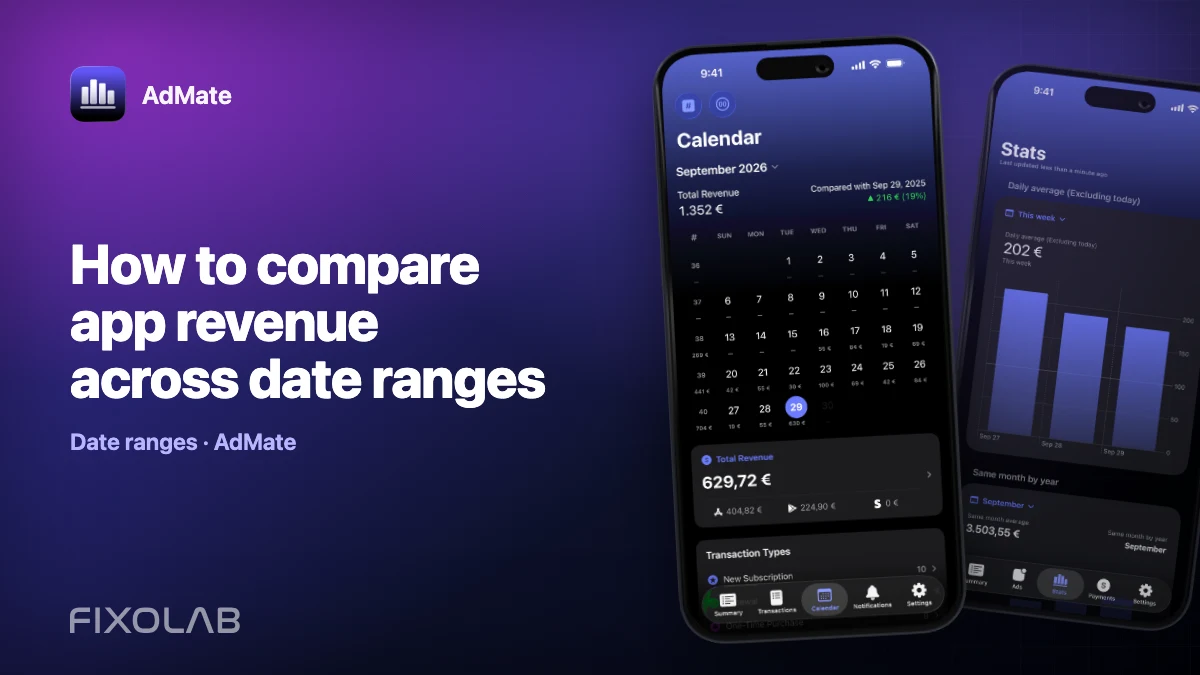
How to compare app revenue across date ranges
Build fair daily, weekly and monthly revenue comparisons in AdMate by aligning duration, account scope, app filters, time zones and incomplete periods.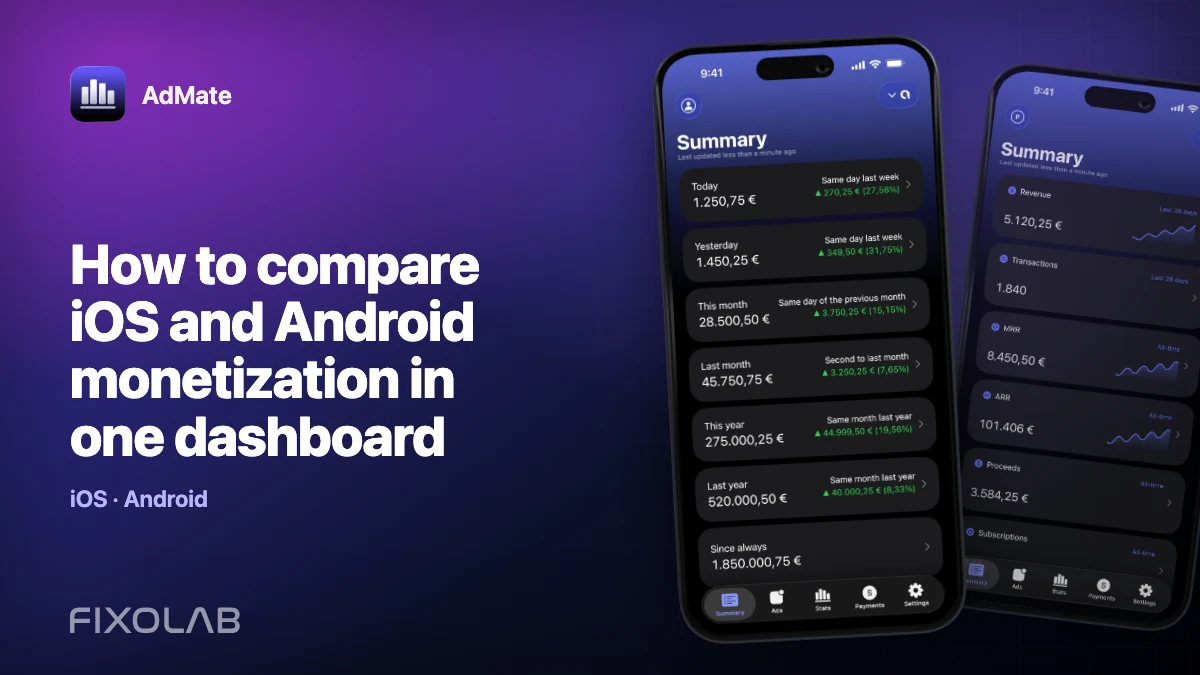
| FixoLab
How to compare iOS and Android monetization in one dashboard
Compare iOS and Android advertising, subscription and store performance in AdMate without mixing incompatible metrics, currencies or overlapping transactions.
| FixoLab
How to monitor multiple AdMob accounts in one dashboard
Organize several AdMob publisher accounts in AdMate, keep client scopes separate, compare like-for-like periods and avoid duplicate totals.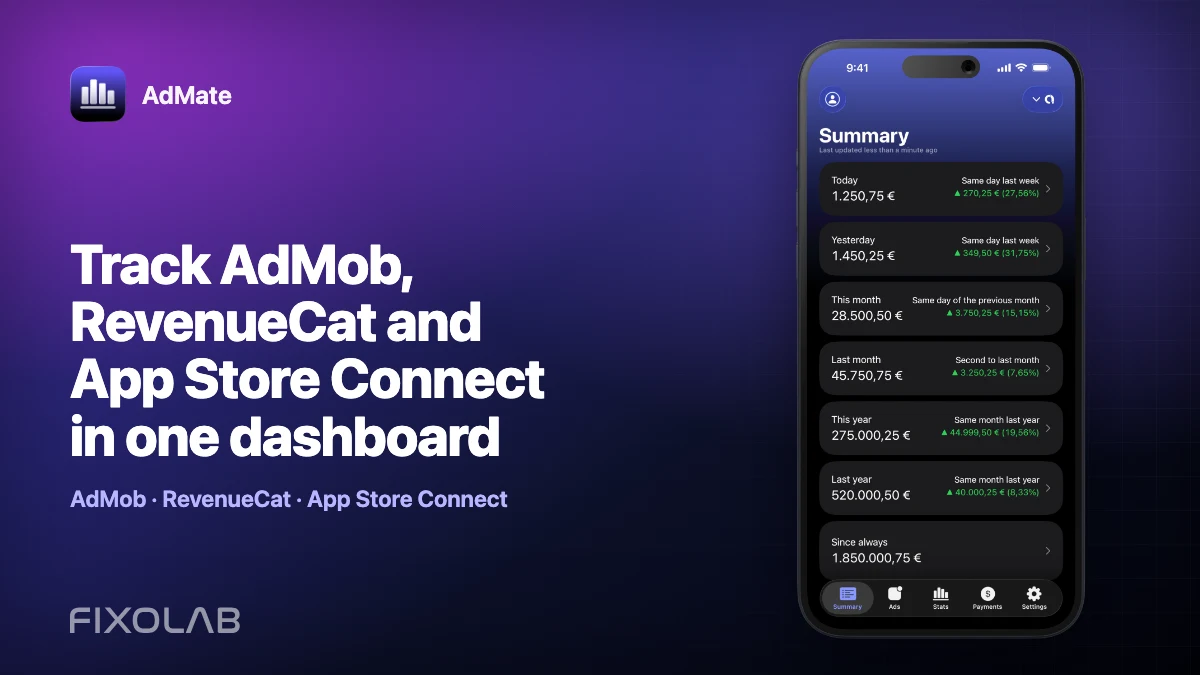
| FixoLab
Track AdMob, RevenueCat and App Store Connect in one dashboard
Use AdMate to review AdMob, AdSense, RevenueCat and App Store Connect across multiple accounts without sending revenue through an AdMate server.