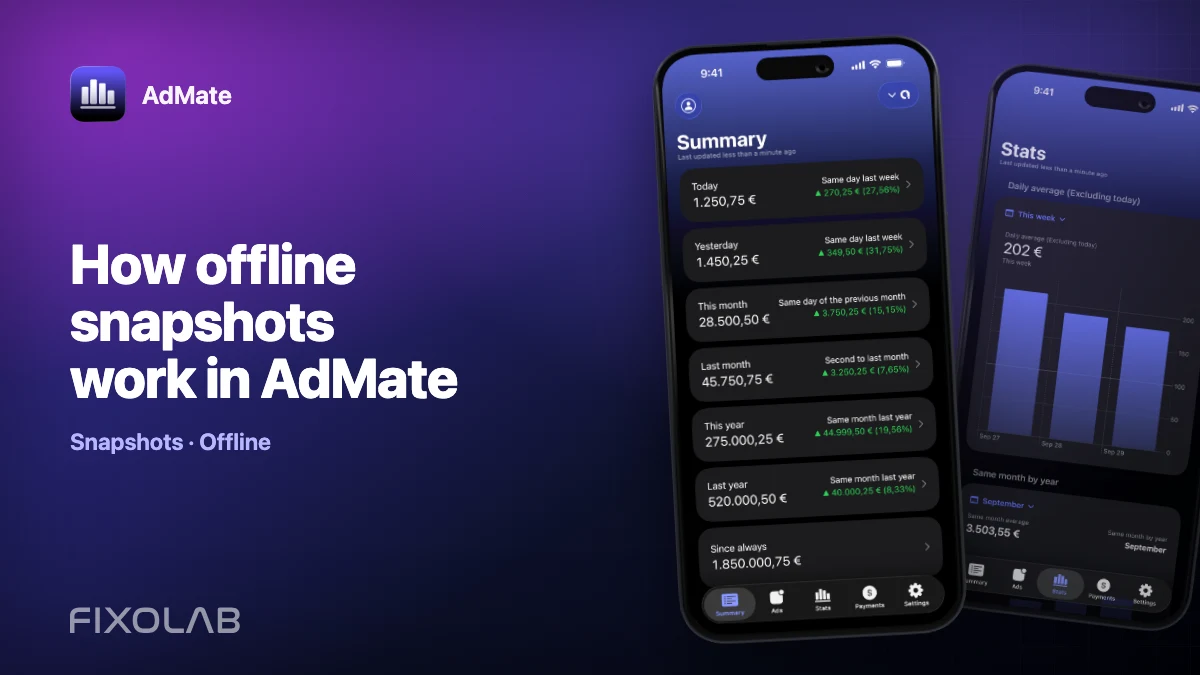
How offline snapshots work in AdMate
AdMate keeps selected summary data available when a provider cannot be queried immediately. These offline snapshots make the app, widgets and Apple Watch useful during a temporary network problem, but a snapshot is a copy captured at a specific moment—not a live promise from the provider.
Knowing the difference prevents a cached value from being mistaken for finalized revenue.
All your revenue in one dashboard
Track AdMob, AdSense, RevenueCat and App Store Connect across multiple accounts with filters by app, platform and country
Monitor revenue, clicks, eCPM, subscriptions, installs and payments on iPhone, iPad, Mac and Apple Watch
What a snapshot is
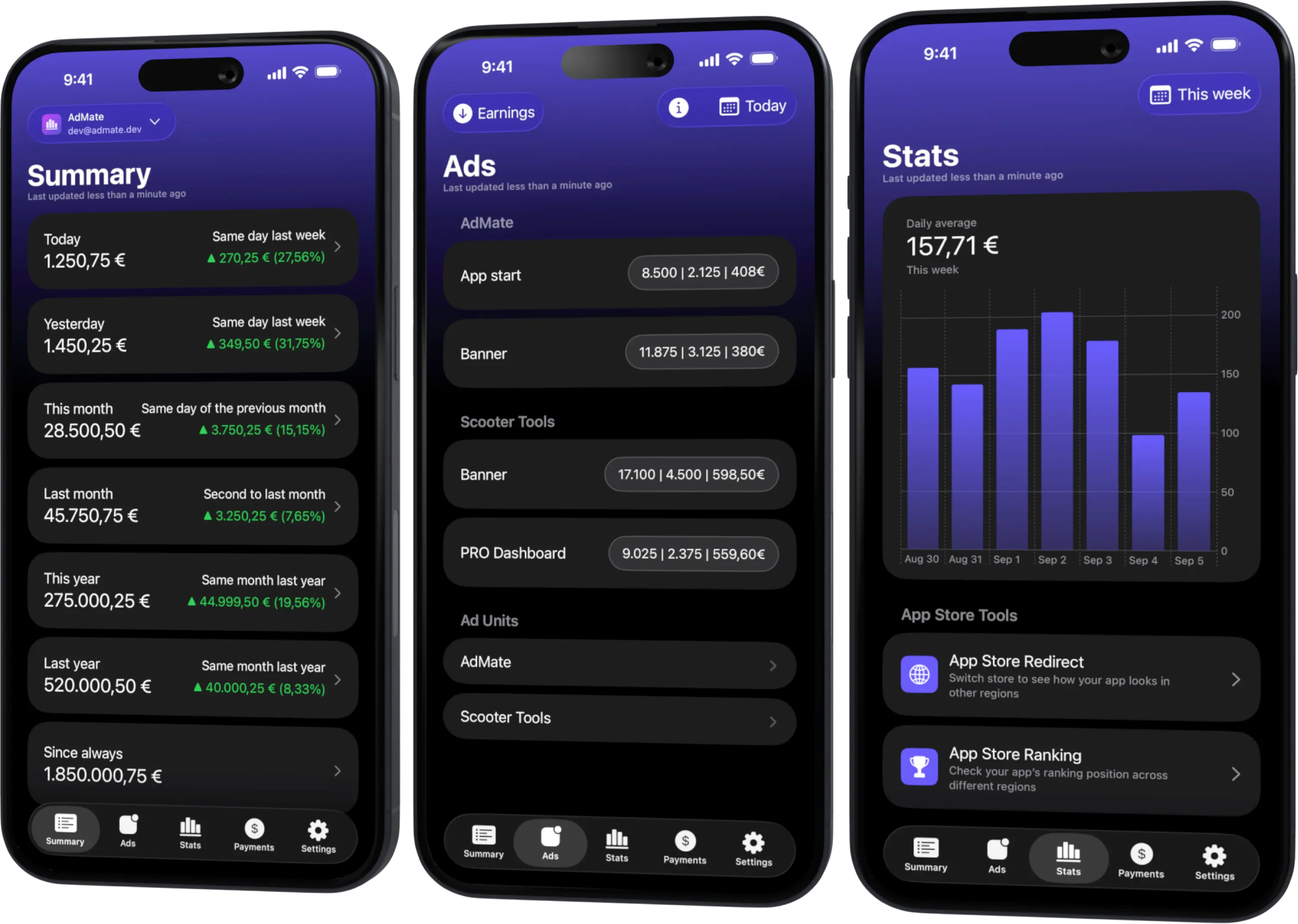
A snapshot is a persisted representation of supported dashboard data after a successful load. It can include the values needed for a summary and the context required by app extensions. The exact content depends on the service and feature.
It is designed for continuity and quick display. It is not a full mirror of every provider response, transaction or financial report.
Why AdMate uses snapshots
- Provider APIs require network access and authorization.
- Widgets have limited execution time and refresh on platform-managed schedules.
- Apple Watch may rely on data synchronized from the paired iPhone.
- A dashboard should remain understandable during a short outage.
- Repeatedly downloading every report for every surface would be inefficient.
The main app performs the richer provider workflow; extensions consume the compatible shared state.
How to read an offline value
Before acting on it, ask:
- Which service and account produced it?
- What date range does it represent?
- When was it last refreshed?
- Is the metric estimated or finalized?
- Is the device currently online and authorized?
If freshness matters, open the main app and refresh. Do not infer that the provider is unchanged because an offline card is unchanged.
Widgets and Apple Watch
Widgets and watch surfaces prioritize glanceable data. They may update after the main app because the operating system controls their refresh opportunities and synchronization.
Use them for awareness: current trend, last known summary or a quick metric. Use the refreshed main app and official provider report for reconciliation, account changes or sensitive troubleshooting.
What happens after credentials change
A stale snapshot can remain visible briefly after a credential expires, an account is removed elsewhere or access changes. That does not mean the old authorization still works.
Open the app, attempt a refresh and resolve the provider error. When removing an account from a device, confirm that its shared extension state is no longer being used before handing the device to someone else.
Safe offline workflow
- Treat the value as “last known.”
- Keep its provider and account label visible.
- Avoid combining snapshots captured at different times.
- Refresh before sharing a material result.
- Use final provider records for accounting.
- Protect the device because cached business data can still be sensitive.
Troubleshooting stale data
If the main app refreshes but an extension remains behind, allow the platform time to reload and confirm that the correct account is active. If the main app itself cannot refresh, inspect network, authorization and provider status before clearing data.
Reinstalling should not be the first response: it can remove useful context without fixing the provider permission that caused the failure.
Frequently asked questions
Does offline mode download every transaction?
No. Snapshots support selected summaries and shared surfaces; they are not a complete provider archive.
Why does the widget differ from the main app?
They may have different capture times and refresh schedules. Refresh the main app for the newest available view.
Is an offline amount final?
No. Its status still follows the original provider metric, which may be estimated.
Can I use a snapshot for bookkeeping?
Use finalized provider documents and payment records instead.
All your revenue in one dashboard
Track AdMob, AdSense, RevenueCat and App Store Connect across multiple accounts with filters by app, platform and country
Monitor revenue, clicks, eCPM, subscriptions, installs and payments on iPhone, iPad, Mac and Apple Watch
| FixoLab
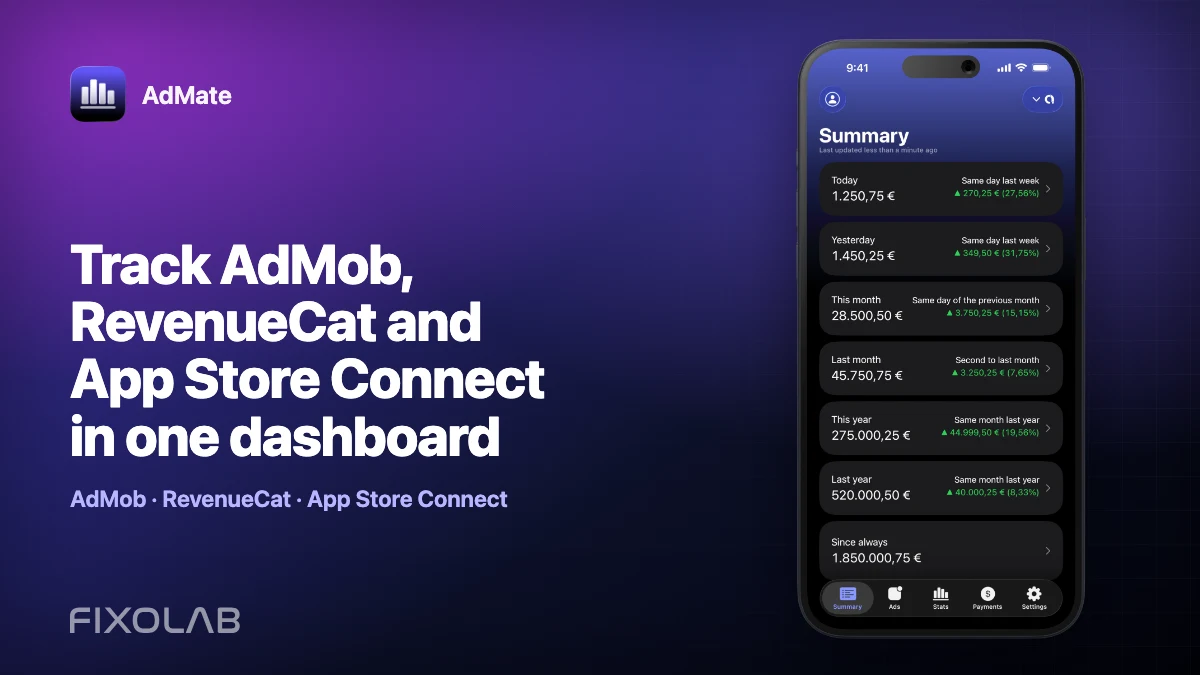
Track AdMob, RevenueCat and App Store Connect in one dashboard
Use AdMate to review AdMob, AdSense, RevenueCat and App Store Connect across multiple accounts without sending revenue through an AdMate server.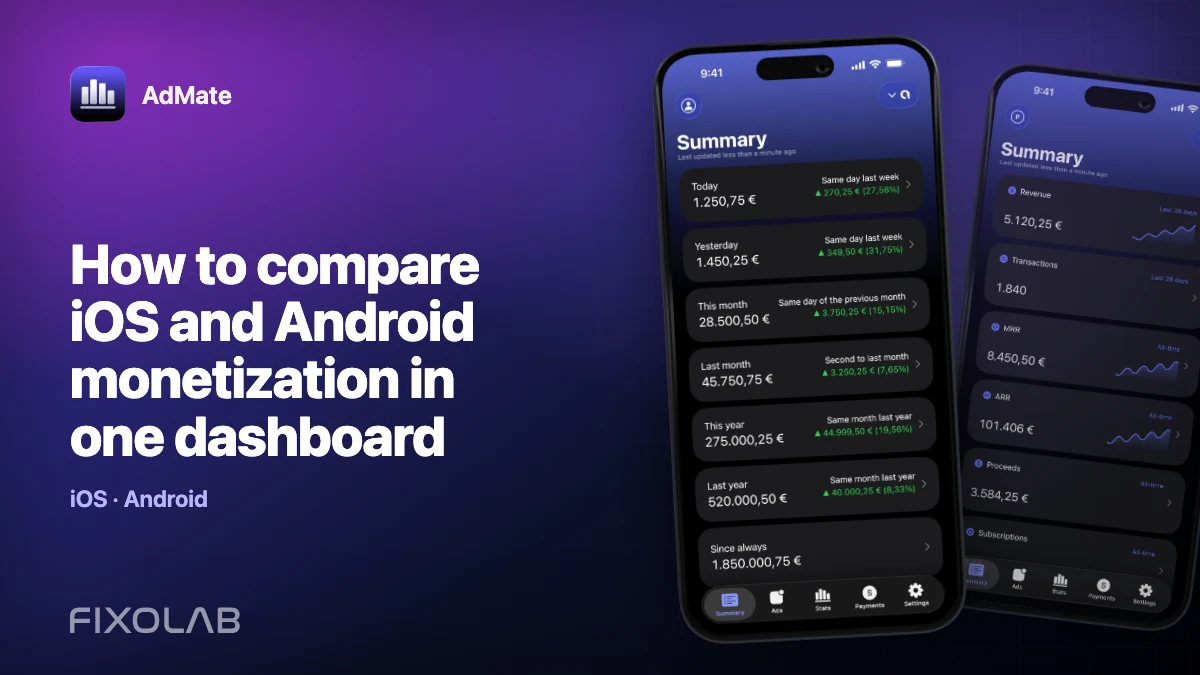
| FixoLab
How to compare iOS and Android monetization in one dashboard
Compare iOS and Android advertising, subscription and store performance in AdMate without mixing incompatible metrics, currencies or overlapping transactions.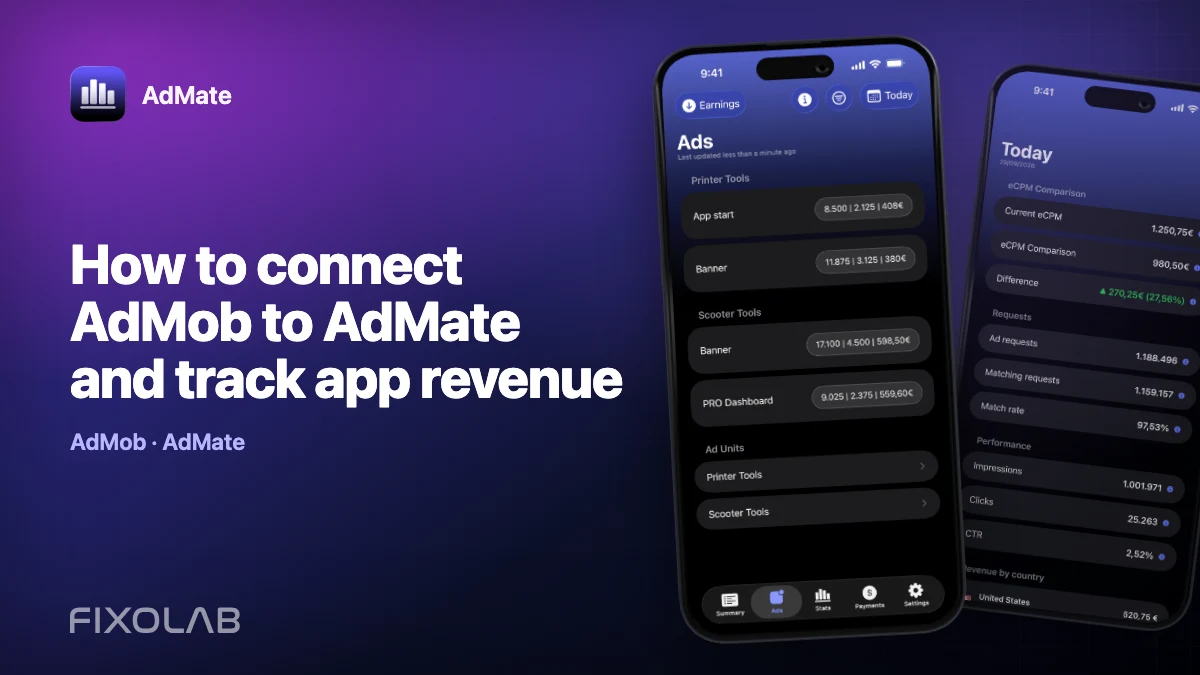
| FixoLab
How to connect AdMob to AdMate and track app revenue
Connect an AdMob account to AdMate, verify publisher access, review advertising metrics and troubleshoot missing apps or stale reports.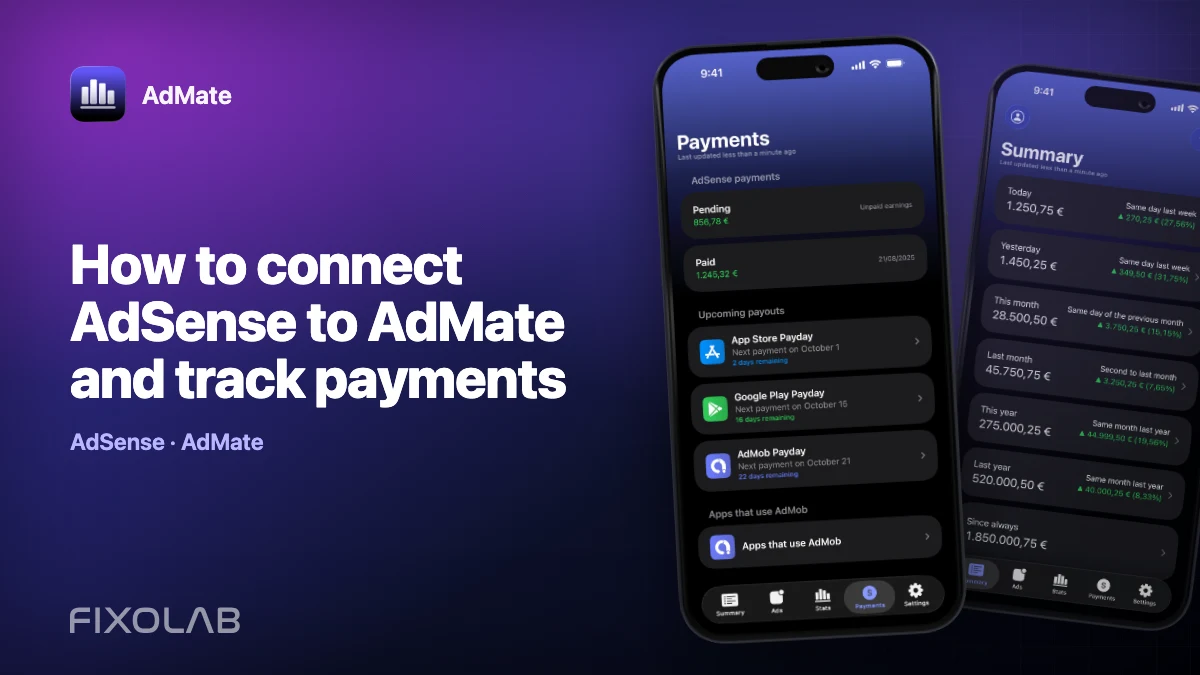
| FixoLab
How to connect AdSense to AdMate and track payments
Use the Google account connected for AdMob to review available AdSense balances and payments in AdMate without confusing them with estimated earnings.