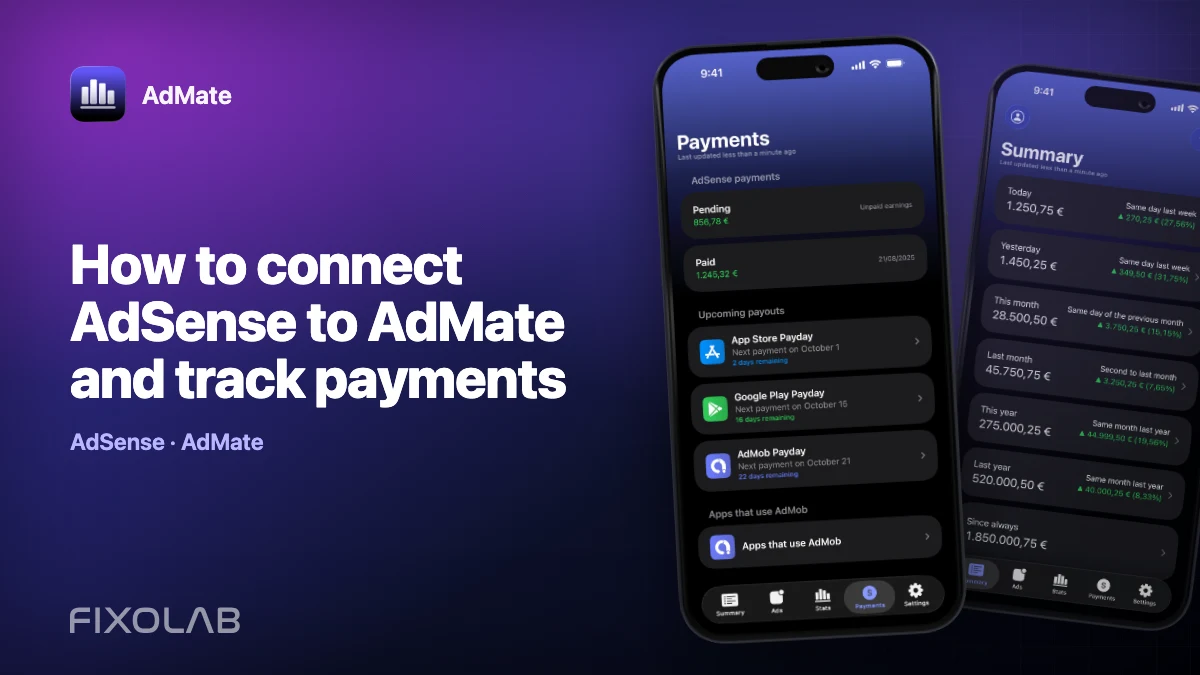
How to connect AdSense to AdMate and track payments
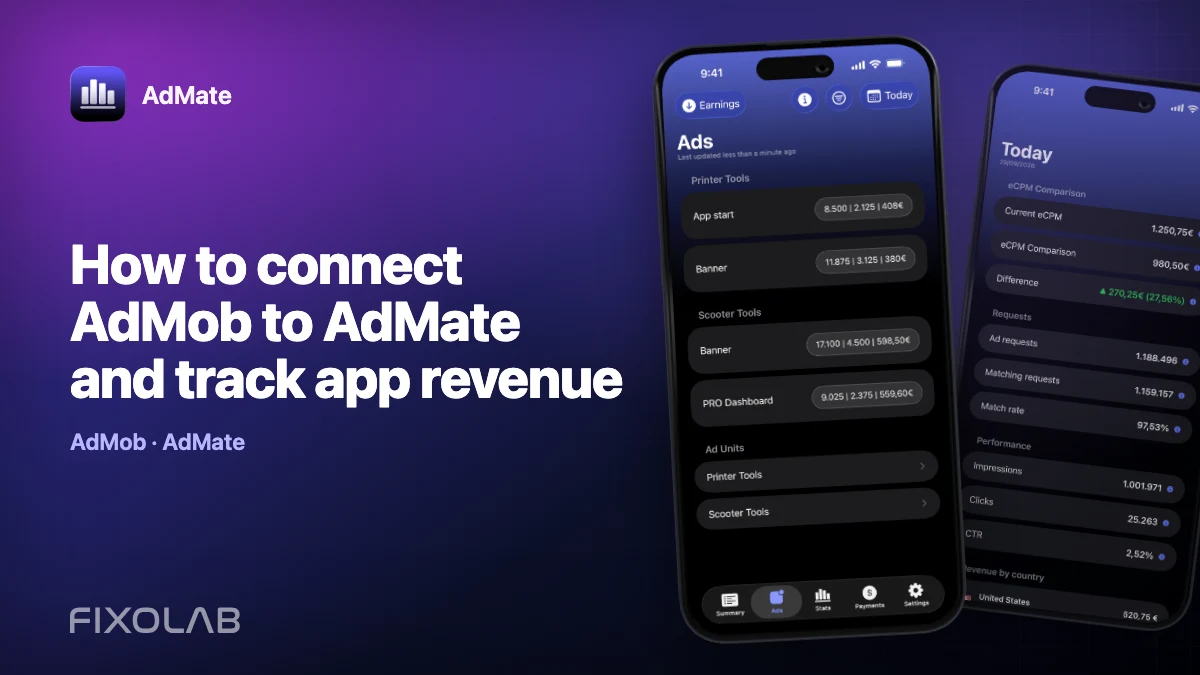
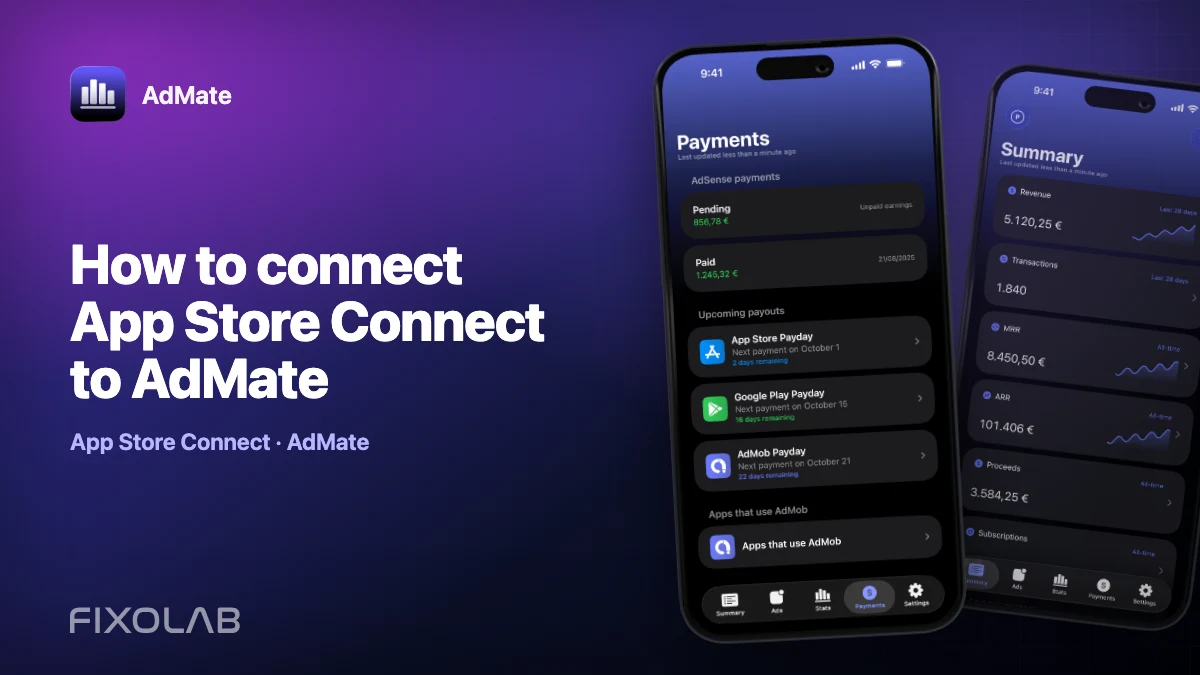
AdMob and AdSense are closely related, but they answer different questions. AdMob reports advertising performance and estimated earnings. AdSense is where the associated balance and payment process become relevant. In AdMate, AdSense payment information is reached through the authorized Google account rather than through a separate password-based account type.
The practical goal is to keep three stages separate: ads served, earnings estimated and money paid.
All your revenue in one dashboard
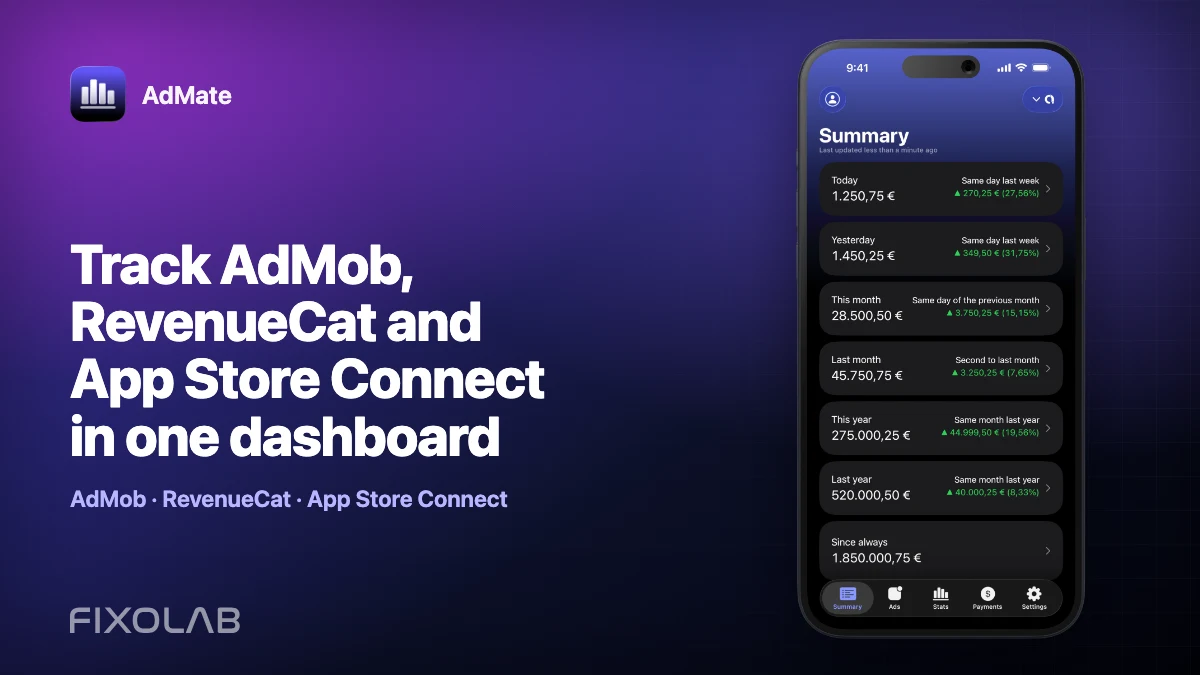
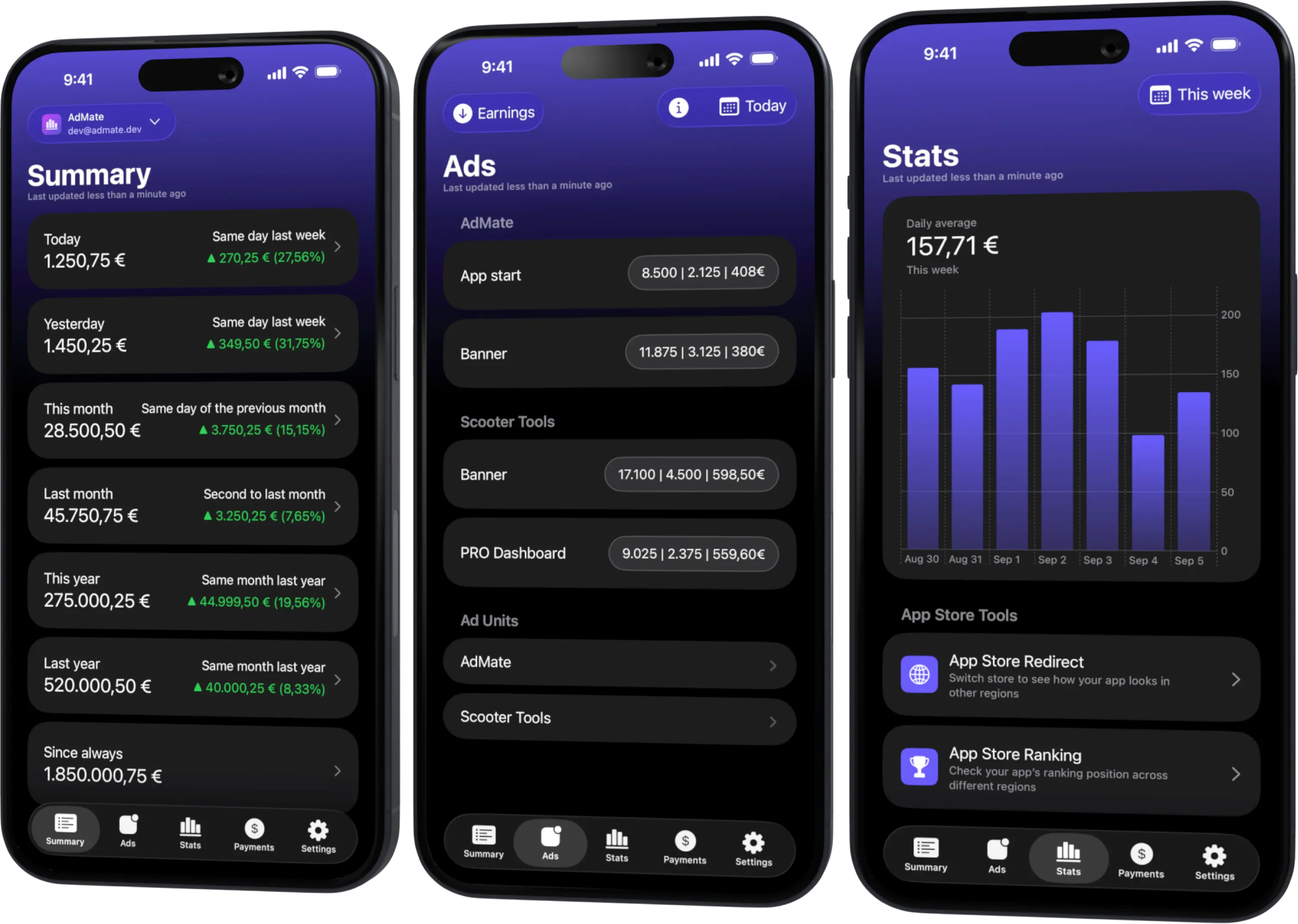
Track AdMob, AdSense, RevenueCat and App Store Connect across multiple accounts with filters by app, platform and country
Monitor revenue, clicks, eCPM, subscriptions, installs and payments on iPhone, iPad, Mac and Apple Watch
Understand the connection model
AdMate’s account screen treats AdMob as the Google advertising connection. After you authorize a Google identity, the app can request the AdMob reports and the AdSense payment information that Google’s APIs make available to that identity.
You therefore do not add the same email once as “AdMob” and again as “AdSense.” Instead, verify that the connected Google identity has access to both the intended AdMob publisher and the associated AdSense payment account.
This distinction matters for teams. An analyst may have permission to read AdMob performance while lacking access to payment data. A successful AdMob report does not prove that AdSense payments will also be visible.
Connect the account
- Open Settings and the account-management screen in AdMate.
- Add or open the relevant AdMob account.
- Complete Google authorization with the identity that has access to the payment profile.
- Open the payments area after the advertising summary has loaded.
- Check the selected account, currency and available payment records.
If an AdMob account is already connected, start by refreshing it. Reauthorize only when Google reports an expired grant, the required account is missing or the permission set has changed.
Estimated earnings are not a payment
The figure in an AdMob performance report can differ from the amount that eventually enters the payment process. Common reasons include:
- estimated reporting that has not been finalized;
- invalid-traffic deductions or other adjustments;
- payment thresholds that have not been reached;
- tax, identity or payment-profile holds;
- different currencies or conversion dates;
- revenue belonging to a different publisher or payment account;
- a reporting period that does not match the payment cycle.
Use an explicit label whenever you compare values. “AdMob estimated earnings for September” and “AdSense payment issued in October” are not interchangeable even if one led to the other.
A useful monthly review
At the end of a reporting period:
- record the closed AdMob estimate for the intended publisher;
- wait for the provider’s finalization and adjustment process;
- check the AdSense balance and any payment hold;
- confirm whether the payment threshold was reached;
- match the issued payment with the provider’s transaction record and bank receipt.
AdMate helps you move between performance and payments, but Google remains the authority for the final balance, payment status and transaction documentation.
Troubleshoot missing payments
The payments view is empty
Open the official AdSense account with the same Google identity. Confirm that the identity can access the correct payment profile and that the selected account has payment history.
Earnings are visible but payments are not
The identity may have AdMob reporting permission without payment permission, or the current balance may not yet have generated a payment. Check access and payment status in Google’s dashboard.
The amount is lower than expected
Compare finalized values rather than today’s estimate. Then inspect adjustments, threshold status, currency and the date range behind the expectation.
The account is correct but data is stale
Refresh the account in the main app. Widgets and cached snapshots are designed for a glance and may trail a newly published provider report.
Do not use the dashboard as an accounting statement
An operational dashboard is excellent for noticing a change, but bookkeeping should use finalized provider documents and actual payment records. Keep the provider transaction ID and financial period with your accounting evidence. AdMate should make the review easier, not erase the difference between estimates and cash.
Read why AdMob, RevenueCat and App Store Connect totals differ before combining advertising and store revenue.
Frequently asked questions
Is AdSense a separate account in AdMate?
AdSense payment information is associated with the authorized Google advertising account. You do not sign in by giving AdMate an AdSense password.
Why is my AdSense payment smaller than the AdMob estimate?
You may be comparing an estimated performance period with a finalized payment after adjustments, thresholds, currency conversion or a different payment cycle.
Can a team member see performance but not payments?
Yes. Google permissions can expose different resources. Confirm payment-profile access with the account owner.
Should I reconcile from a widget?
No. Use the refreshed main app and the official provider records for reconciliation.
All your revenue in one dashboard
Track AdMob, AdSense, RevenueCat and App Store Connect across multiple accounts with filters by app, platform and country
Monitor revenue, clicks, eCPM, subscriptions, installs and payments on iPhone, iPad, Mac and Apple Watch