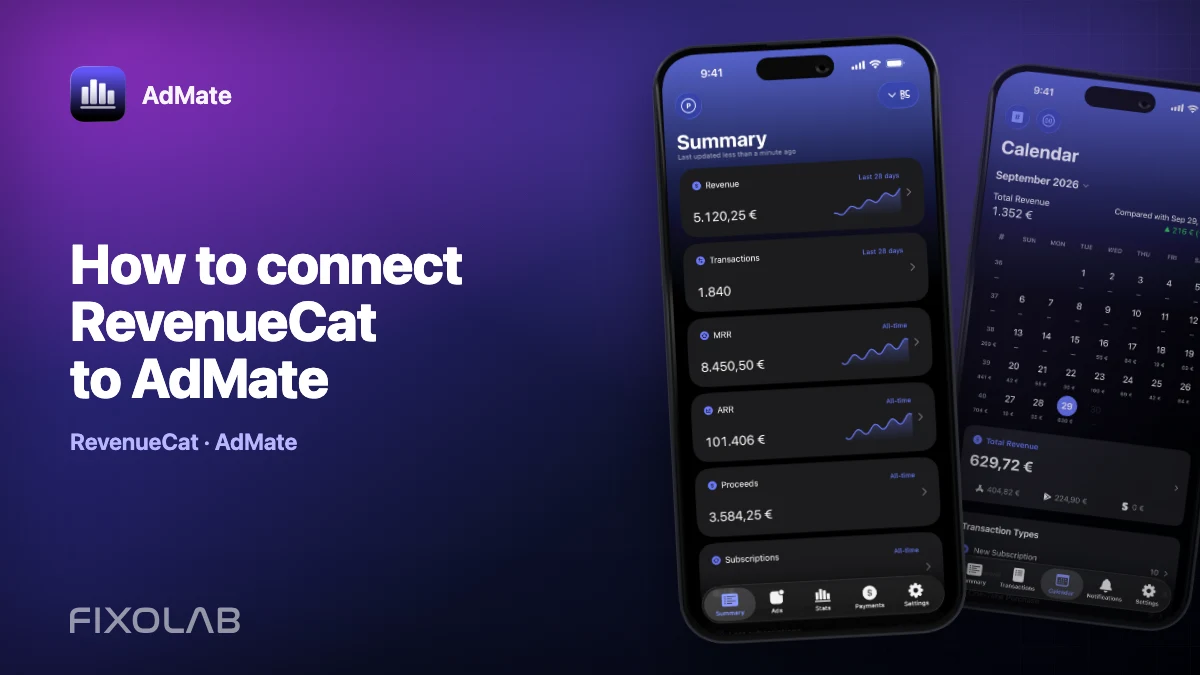
How to connect RevenueCat to AdMate
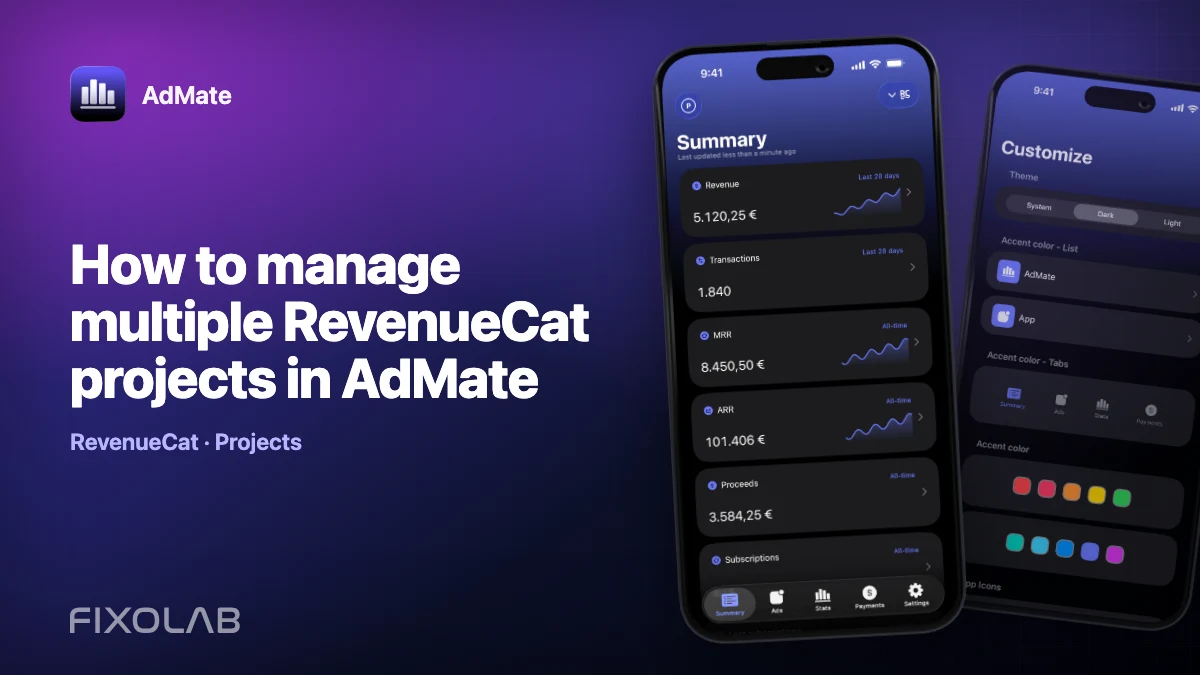
A RevenueCat connection gives AdMate a subscription-focused view beside advertising and store reports. It can surface the projects, transactions and metrics exposed by RevenueCat without turning the AdMate API into a server-side revenue store.
RevenueCat credentials are powerful. Prepare the connection carefully, use the authorization mode offered by your current AdMate build and never paste a secret key into a public issue or screenshot.
All your revenue in one dashboard
Track AdMob, AdSense, RevenueCat and App Store Connect across multiple accounts with filters by app, platform and country
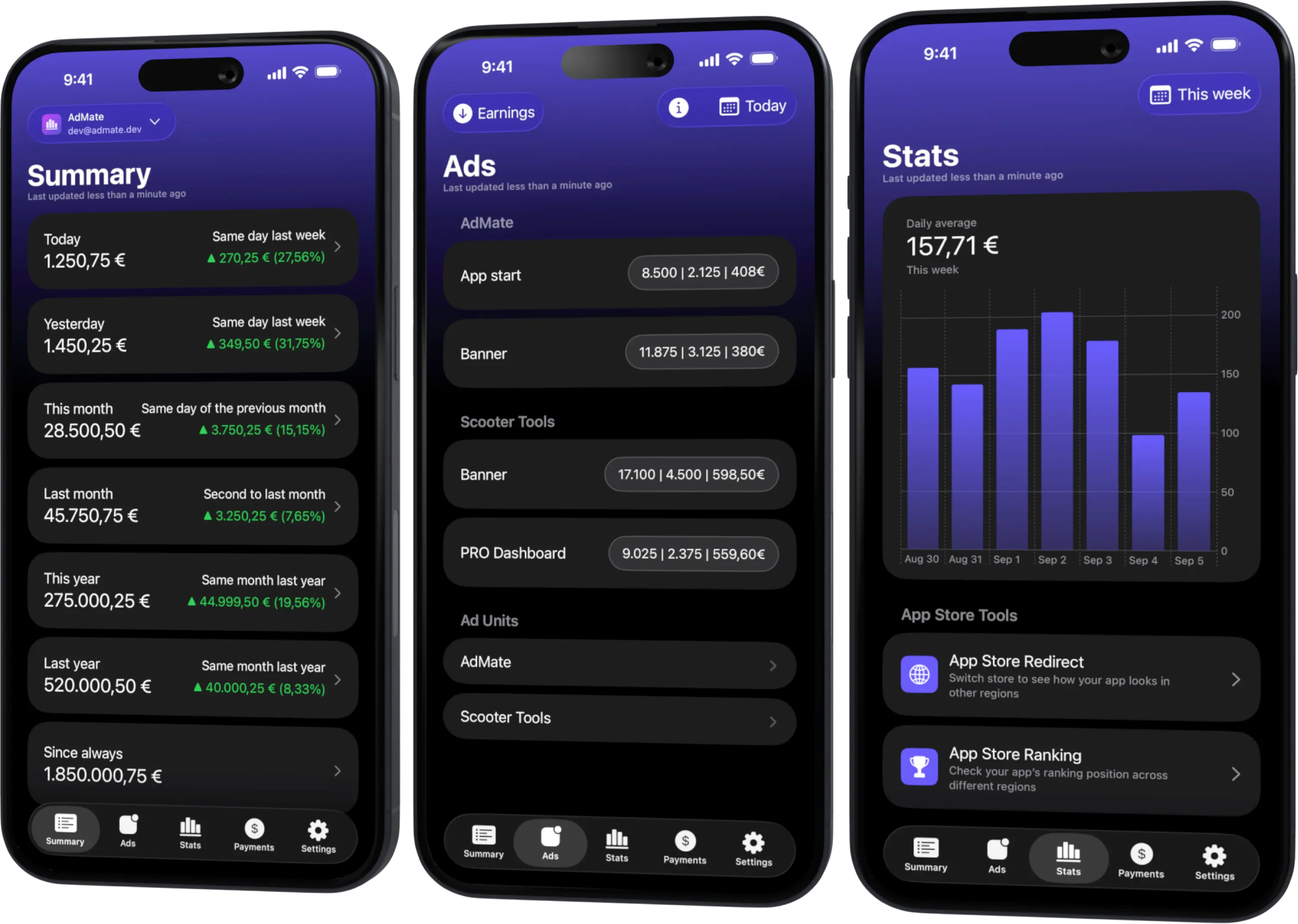
Monitor revenue, clicks, eCPM, subscriptions, installs and payments on iPhone, iPad, Mac and Apple Watch
Choose the correct RevenueCat access
AdMate supports RevenueCat account configuration and multiple projects. Depending on the current account and build, the credential screen can use supported API v2 authorization, including project secret keys, and may offer an account-level authorization flow.
Use the least-privileged credential that can read the data you need. A public SDK key intended for embedding in an app is not automatically a replacement for a secret API credential, and a credential for one project cannot be assumed to list every project in an organization.
Before setup:
- identify the RevenueCat organization and projects you need;
- confirm whether you are adding one project key or an account-level connection;
- remove old keys that are no longer required;
- decide a clear alias for the account in AdMate.
Add the RevenueCat account
- Open Settings and account management in AdMate.
- Find RevenueCat and choose to add an account.
- Select the authorization method shown by the current app.
- Enter or authorize the requested credential without modifying its characters.
- Let AdMate validate the account and retrieve the accessible projects.
- Give the connection a recognizable name when several organizations or clients are involved.
- Open the RevenueCat summary and confirm the intended project and period.
If you use several project secret keys, map each one to the correct project. Do not label every entry simply “RevenueCat”; a descriptive alias prevents accidental cross-client comparisons.
What to verify after connection
Start with identity before totals:
- account or organization name;
- project name and project identifier;
- included applications and stores;
- selected date range and currency;
- whether refunds or downward adjustments are included by the displayed metric.
Then compare a closed period with the RevenueCat dashboard. Small differences can come from refresh timing, currency rules or metric definitions. A completely missing project usually points to credential scope or project mapping rather than a calculation error.
Dashboard access and webhooks are separate
AdMate uses RevenueCat in two distinct ways:
- the Apple app queries projects configured by the user for dashboard data;
- the AdMate API can receive RevenueCat webhooks for notification workflows.
Configuring a dashboard credential does not automatically configure a webhook, and creating a webhook does not grant the app permission to list project metrics. Treat them as separate tasks with separate credentials and purposes.
The API keeps temporary device and project context so a notification can display useful names and currency. That context is not a server-side copy of the user’s full revenue history or access token.
Troubleshoot a missing project
The credential validates but only one project appears
Check whether the credential belongs specifically to that project. Add or map the required keys, or use the supported account-level method if appropriate.
No metrics appear for a valid project
Select a completed date range with known transactions, verify the project and store filters, and refresh in the main app. A new or inactive project can correctly return zero.
Authorization suddenly fails
The key may have been revoked, rotated or copied with whitespace. Verify its status in RevenueCat, then replace it in AdMate. Do not keep a revoked key as a fallback.
A project name is correct but the total looks wrong
Check the metric definition, refunds, currency and date boundary. Do not compare RevenueCat revenue directly with App Store Connect proceeds until the scopes are aligned.
Protect the credential
- never include the key in analytics, logs or a diagnostic screenshot;
- do not reuse a project key outside its intended organization;
- rotate it if it was exposed;
- remove the AdMate account from devices that should no longer read the project;
- review access periodically when a contractor or client relationship ends.
Continue with why provider totals differ before publishing a combined revenue headline.
Frequently asked questions
Can AdMate connect several RevenueCat projects?
Yes. The account model supports multiple projects and project credentials. Label and verify each project before combining views.
Is a RevenueCat public SDK key enough?
Use the credential type requested by the AdMate RevenueCat setup. Public app SDK keys and secret API credentials have different purposes.
Does AdMate send all subscription revenue to its API?
No. The app queries configured services directly. The API’s RevenueCat context supports webhook notifications and is not a revenue warehouse.
What should I send to support?
Send the project name, date range, metric and redacted error. Never send the secret key.
All your revenue in one dashboard
Track AdMob, AdSense, RevenueCat and App Store Connect across multiple accounts with filters by app, platform and country
Monitor revenue, clicks, eCPM, subscriptions, installs and payments on iPhone, iPad, Mac and Apple Watch