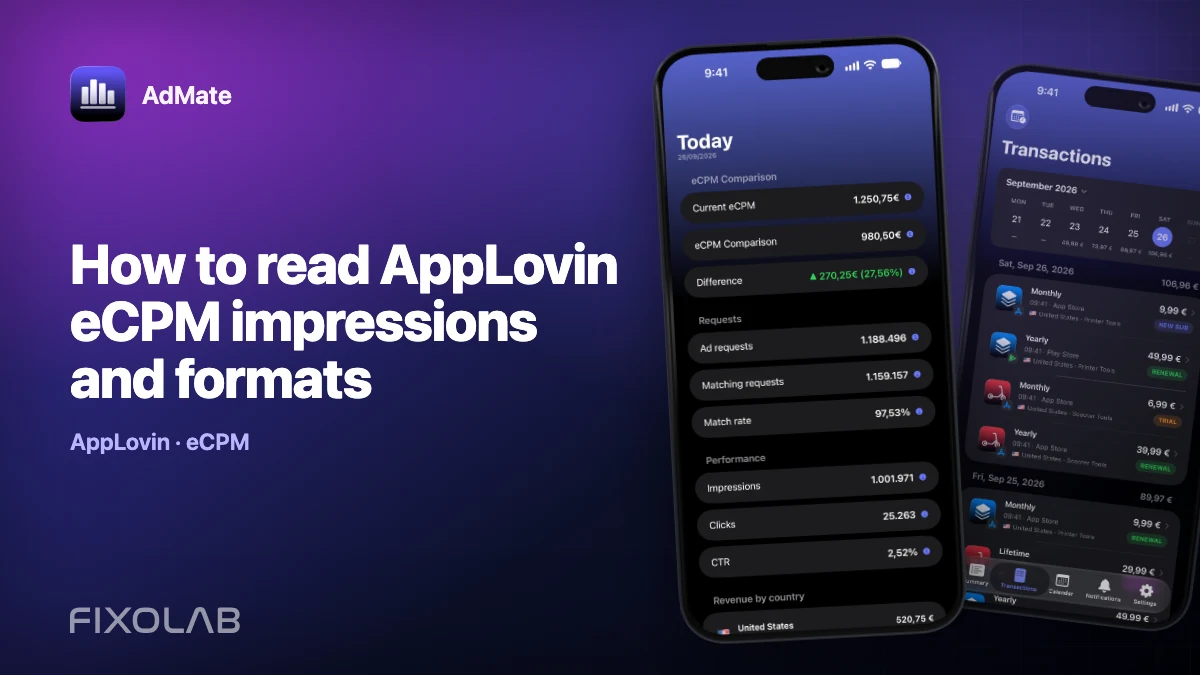
How to read AppLovin eCPM impressions and formats
AppLovin revenue is easiest to diagnose by separating delivery from price. Impressions show volume, while eCPM summarizes revenue per thousand impressions.
AdMate helps place the signals in one workspace, but the original provider remains authoritative for permissions, definitions and finalized financial records.

All your revenue in one dashboard
Track AdMob, AdSense, RevenueCat and App Store Connect across multiple accounts with filters by app, platform and country
Monitor revenue, clicks, eCPM, subscriptions, installs and payments on iPhone, iPad, Mac and Apple Watch
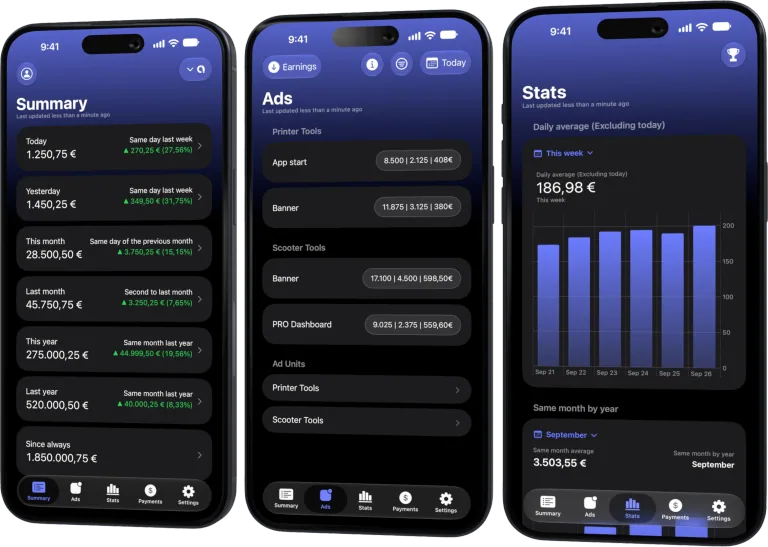
Begin with revenue and impressions
A revenue increase with similar eCPM usually comes from more impressions. A change with stable impressions points toward yield. Both can move at once, so compare them together.
Use format as context
Interstitial, banner, MREC, rewarded and native inventory behave differently. Compare a format with its own history and placement role rather than declaring the highest eCPM universally best.
Treat CTR as supporting evidence
Clicks and CTR can reveal a creative or placement change, but they are not the payment model for every impression. Avoid optimizing clicks without checking user experience and revenue.
Use complete UTC periods
AppLovin reporting days are UTC. Very recent data can remain partial, and low-volume format rows can swing dramatically. Confirm the pattern over a stable period.
Review checklist
- Choose one app and platform.
- Compare revenue, impressions and eCPM.
- Split by format.
- Confirm the trend over multiple complete days.
Frequently asked questions
How is eCPM calculated?
It is revenue divided by impressions and multiplied by one thousand.
Why can eCPM rise while revenue falls?
The app may have served far fewer impressions.
Does AppLovin expose ad requests in this report?
The publisher report used here does not provide the request and match metrics shown for some other sources.
All your revenue in one dashboard
Track AdMob, AdSense, RevenueCat and App Store Connect across multiple accounts with filters by app, platform and country
Monitor revenue, clicks, eCPM, subscriptions, installs and payments on iPhone, iPad, Mac and Apple Watch
| FixoLab
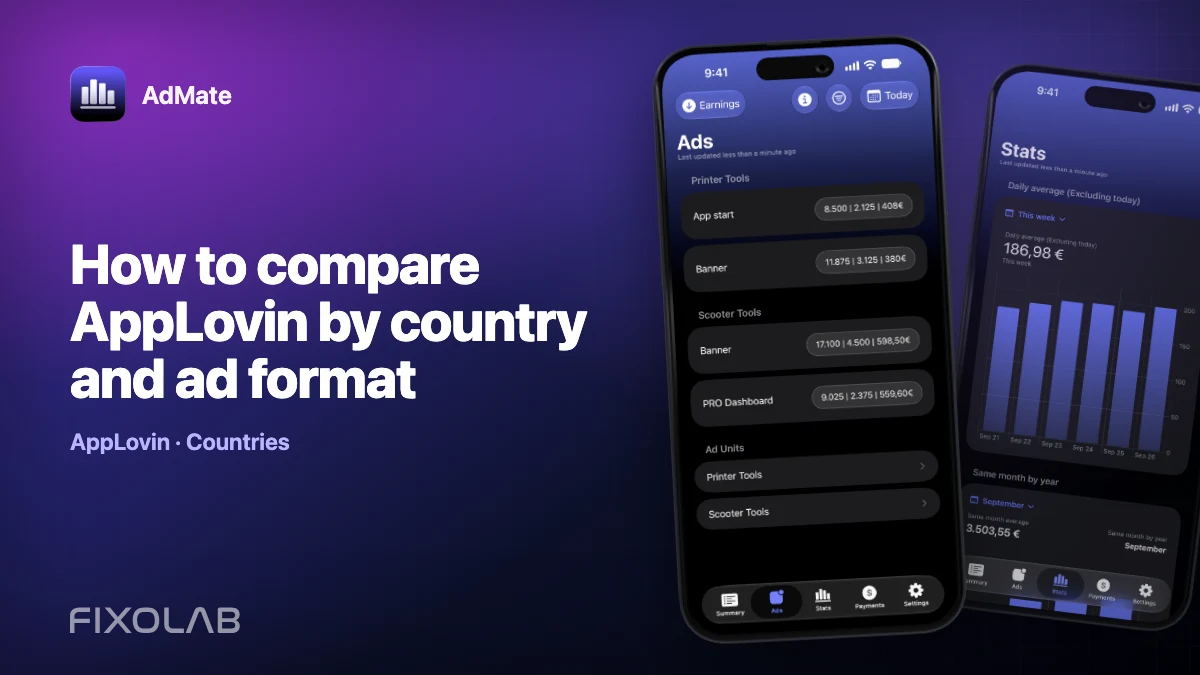
How to compare AppLovin by country and ad format
Find whether AppLovin changes come from market mix, format mix or genuine within-segment performance.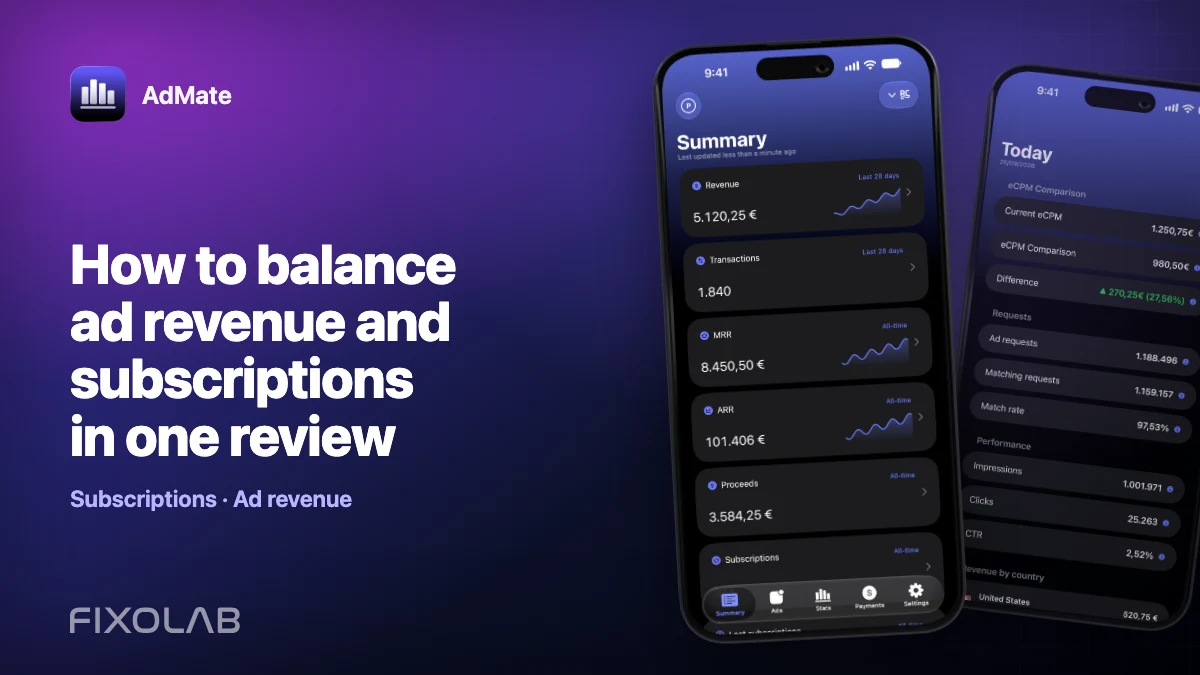
| FixoLab
How to review ad revenue and subscriptions together
Compare ad revenue and subscriptions in one report without mixing different metrics or counting the same revenue twice.
| FixoLab
How to compare country revenue without confusing volume and value
Separate audience scale, monetization yield and provider coverage when comparing countries in AdMate.
| FixoLab
How to compare Google Play acquisition with revenue
Compare store acquisition signals with monetization in AdMate without treating installs, users and revenue as interchangeable.