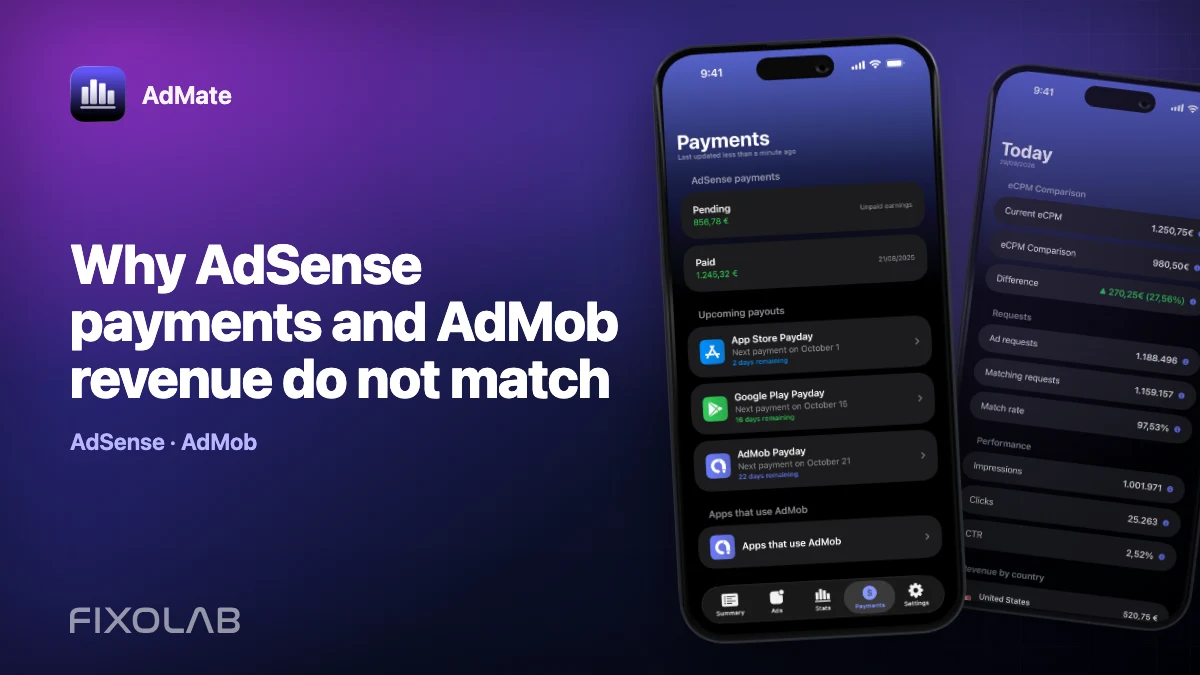
Why AdSense payments and AdMob revenue do not match
An AdMob revenue card and an AdSense payment can both be correct while showing different amounts. They belong to different stages of the advertising lifecycle: AdMob measures performance and estimated earnings; AdSense manages the balance and payment process associated with eligible finalized revenue.
The mistake is usually not arithmetic. It is comparing values with different definitions, dates or status.
All your revenue in one dashboard
Track AdMob, AdSense, RevenueCat and App Store Connect across multiple accounts with filters by app, platform and country
Monitor revenue, clicks, eCPM, subscriptions, installs and payments on iPhone, iPad, Mac and Apple Watch
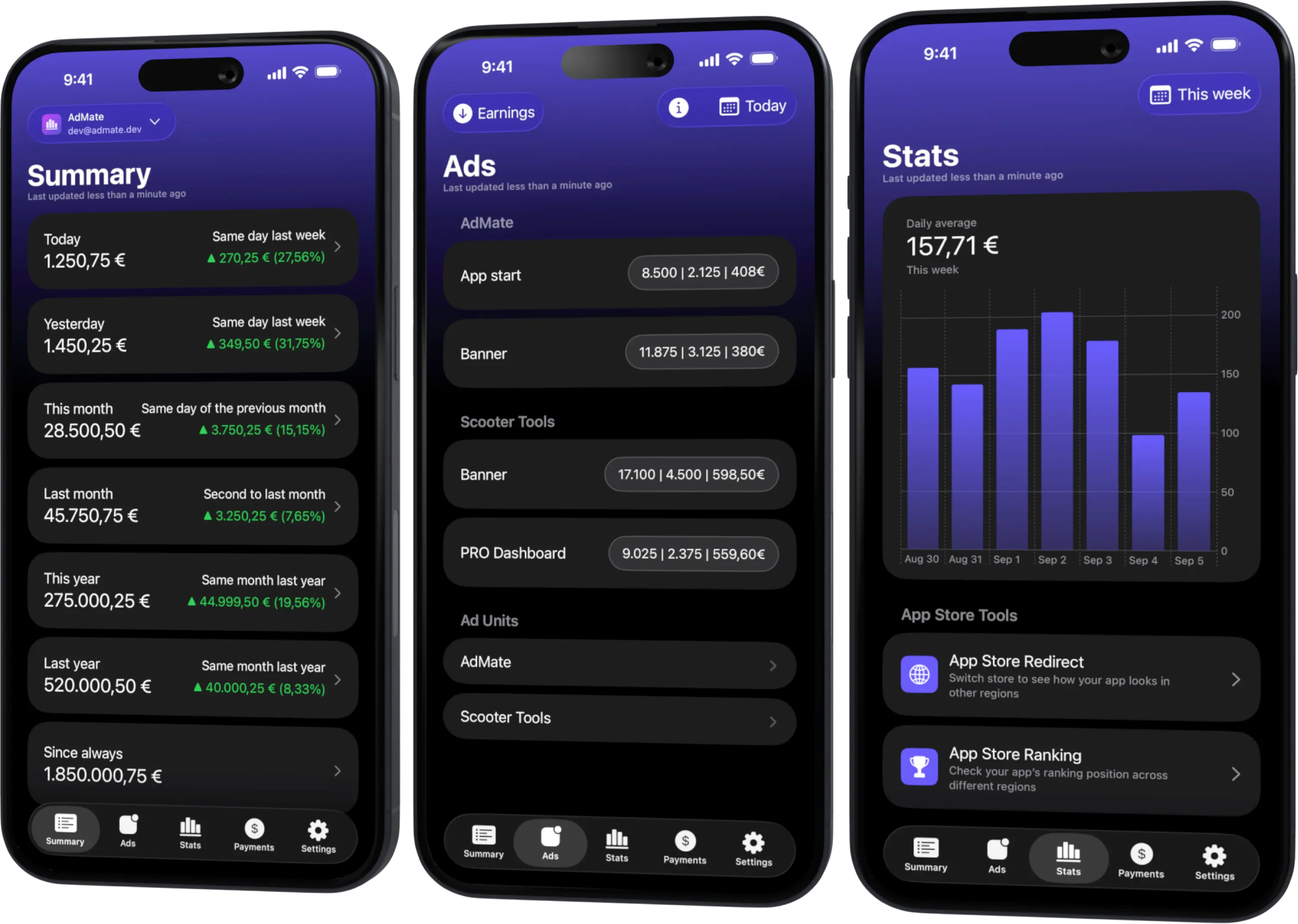
Follow the money through its stages
Advertising revenue normally moves through this sequence:
- an app serves ads and AdMob records performance;
- AdMob reports estimated earnings for a selected period;
- Google processes adjustments and finalizes eligible revenue;
- the corresponding balance reaches the AdSense payment account;
- payment thresholds, holds and the payment calendar are applied;
- an issued payment reaches the configured payment method.
A screenshot taken at stage two cannot be expected to equal stage six. Keep the stage in the metric name whenever you record it.
The five checks that explain most differences
Reporting period
An AdMob calendar month and an AdSense payment issued in the following month are related but not dated the same way. Compare the payment with the earnings period that generated it, not with the current dashboard month.
Finalization and adjustments
Estimated earnings can change during provider processing. Invalid-activity deductions and other adjustments may reduce the value before payment.
Threshold and carry-over
If the account did not reach the payment threshold in one cycle, the balance may carry into a later payment. That later payment can therefore represent more than one performance month.
Currency
The reporting currency, payment-account currency and bank currency can differ. Conversion timing and bank fees can add another difference after the provider issues the payment.
Account scope
One Google identity may see several publishers or payment profiles. Confirm that the AdMob account and AdSense payment account belong to the same business scope.
Reconcile the values in AdMate
Use AdMate to collect the context, then use provider records as the final evidence:
- select the intended AdMob account;
- choose the closed earnings period;
- record estimated earnings and the currency;
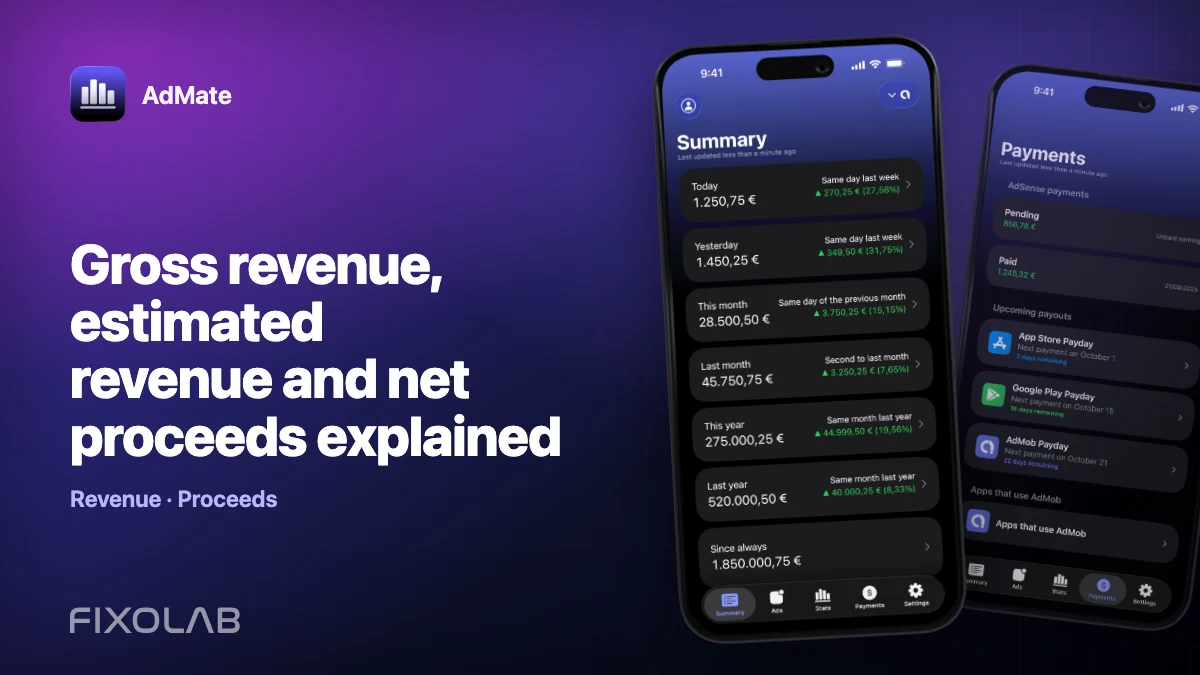
- open the associated payments view;
- identify the payment period and status;
- note adjustments, holds or threshold carry-over;
- match the issued payment with the official transaction record;
- match that record with the bank receipt when accounting requires it.
Do not force the values to match by manually changing dates until they look similar. The reconciliation should explain the difference and preserve the original provider definitions.
Example
Suppose September AdMob estimated earnings close at 1,000 in the reporting currency, while the October AdSense payment is 940. Possible explanations include a later invalid-traffic adjustment, currency conversion, a hold released from an earlier period or the fact that only part of the account scope belongs to the selected publisher.
The correct response is to inspect the finalized transactions and payment breakdown. It is not to treat the 60 difference as an AdMate calculation error without checking the provider.
When the payment is missing entirely
Check, in order:
- whether the balance reached the threshold;
- whether identity, tax or payment-method verification is pending;
- whether a payment hold is active;
- whether the expected date falls inside the provider’s payment window;
- whether the connected identity can access the payment profile;
- whether the payment appears in the official AdSense interface.
AdMate cannot release a Google payment hold or change a payment method. It can help you notice the state and keep the advertising and payment context together.
Operational dashboard versus accounting
Use AdMate and AdMob for daily monitoring, anomaly detection and period comparisons. Use finalized AdSense transactions, invoices where applicable, bank receipts and professional accounting guidance for the books.
The distinction is the same one described in why provider revenue totals differ: a useful operational estimate is not automatically a final accounting value.
Frequently asked questions
Should last month’s AdMob total equal this month’s payment?
Not necessarily. Finalization, adjustments, thresholds, carry-over, currency and the payment calendar can all change the relationship.
Why is the bank deposit different from the AdSense payment?
Your bank or payment route may apply currency conversion or fees after Google issues the payment. Compare the provider transaction and bank receipt.
Can AdMate correct a payment hold?
No. Payment holds and verification are controlled by Google. Resolve them in the official account.
Which amount should be used for accounting?
Use finalized provider documents and actual payment records according to your accountant’s requirements.
All your revenue in one dashboard
Track AdMob, AdSense, RevenueCat and App Store Connect across multiple accounts with filters by app, platform and country
Monitor revenue, clicks, eCPM, subscriptions, installs and payments on iPhone, iPad, Mac and Apple Watch