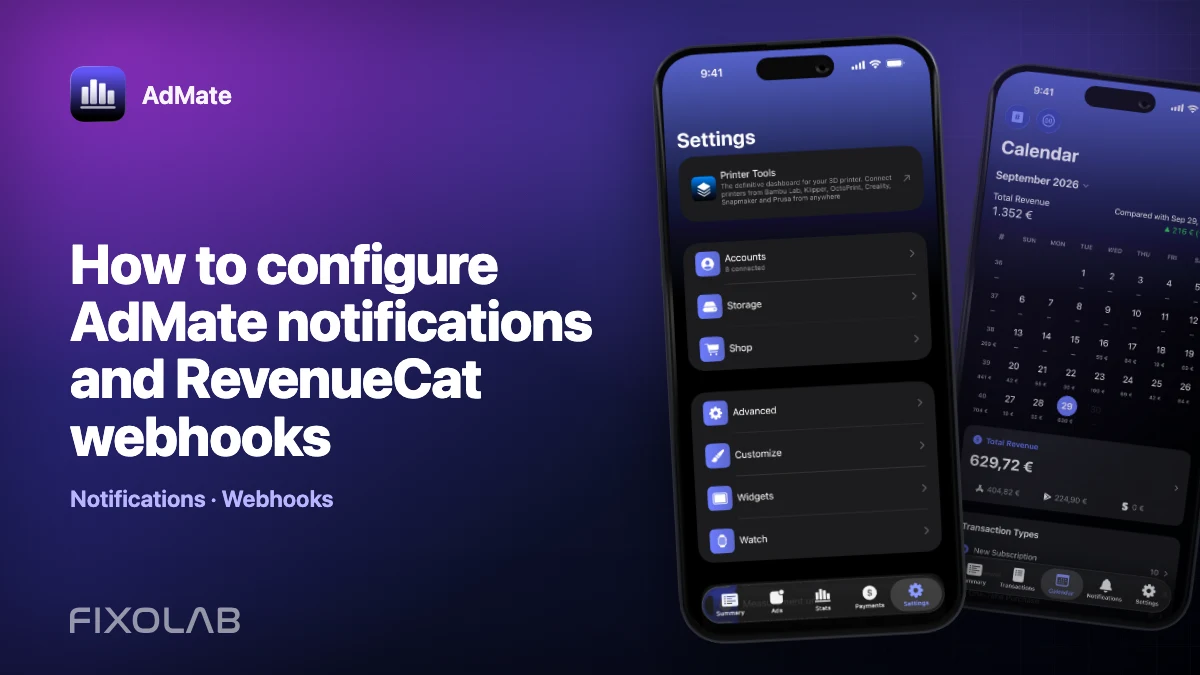
How to configure AdMate notifications and RevenueCat webhooks
AdMate notifications can add context to RevenueCat events, but the notification path is separate from the dashboard connection. The app queries projects with user-configured credentials; the AdMate API receives configured webhooks and uses temporary device context to create the appropriate notification.
Keeping those responsibilities separate is essential for security and troubleshooting.

All your revenue in one dashboard
Track AdMob, AdSense, RevenueCat and App Store Connect across multiple accounts with filters by app, platform and country
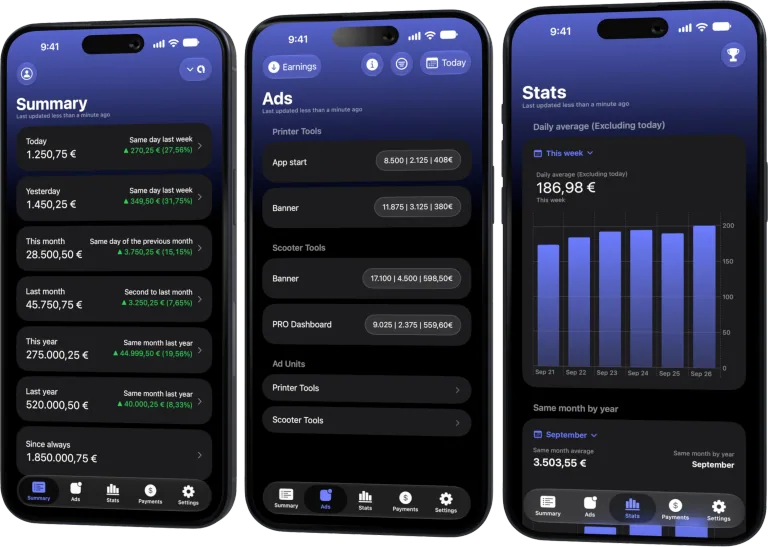
Monitor revenue, clicks, eCPM, subscriptions, installs and payments on iPhone, iPad, Mac and Apple Watch
Two configurations, two purposes
Dashboard connection
The RevenueCat account in AdMate lets the app read the projects and metrics available to the configured authorization.
Webhook delivery
RevenueCat sends events to the AdMate API webhook endpoint. The API uses registered device context—such as project, app, language and currency metadata—to prepare supported notifications.
Adding a dashboard key does not automatically create the provider webhook. Creating the webhook does not make the app dashboard authorized.
Prepare the app context
- Connect and validate the RevenueCat account in AdMate.
- Select the intended projects and applications.
- Open the webhook or notification setup provided by the app.
- Synchronize the device context requested by the workflow.
- Confirm language, currency and project naming.
- Allow notifications at the operating-system level.
The API context has a limited lifetime and should be refreshed by the supported app flow. It is not a permanent financial database.
Configure RevenueCat
Use RevenueCat’s webhook configuration to add the endpoint and authorization information shown by the AdMate workflow. Follow the current in-app instructions rather than copying credentials from another environment.
Test with a non-sensitive event when possible. Never include a secret key or full webhook authorization value in a screenshot, repository or public support thread.
Verify end to end
Check the entire chain:
- RevenueCat accepts the webhook configuration.
- A supported event is delivered successfully.
- The AdMate API can resolve the device and project context.
- Push delivery is accepted by the platform service.
- The device is still registered and permits notifications.
- The displayed project, app, language and currency are correct.
A successful dashboard refresh verifies only a different path.
Troubleshooting
RevenueCat reports a webhook error
Check endpoint, authorization and response status in RevenueCat. Do not rotate unrelated dashboard keys.
Webhook succeeds but no notification arrives
Verify device context, push permission, registration and whether the event type is supported. The device context can expire after inactivity.
Notification shows the wrong project name
Refresh context from the correct project and make sure two accounts were not mapped to the same display alias.
One device works and another does not
Each device has its own registration and context. Test permissions and context on the affected device.
Security rules
- Keep webhook authorization and provider keys out of Git.
- Do not log full payloads containing customer or transaction identifiers.
- Do not use the webhook API as a revenue warehouse.
- Rotate exposed authorization immediately.
- Remove device context when a device should no longer receive events.
Frequently asked questions
Does AdMate store my full RevenueCat history on its server?
No. The API processes webhook events and temporary device/project context; the app queries configured services directly.
Why do I need both a dashboard account and a webhook?
They serve different paths: interactive reporting and server-delivered event notifications.
Can a webhook fix missing dashboard metrics?
No. Check the app’s RevenueCat authorization and project mapping.
What should a safe support report contain?
Event type, approximate time, redacted status and device/app context—never secret keys or full customer identifiers.
All your revenue in one dashboard
Track AdMob, AdSense, RevenueCat and App Store Connect across multiple accounts with filters by app, platform and country
Monitor revenue, clicks, eCPM, subscriptions, installs and payments on iPhone, iPad, Mac and Apple Watch
| FixoLab
How to connect RevenueCat to AdMate
Connect RevenueCat projects to AdMate with the supported authorization mode, verify project access and keep secret keys out of logs and support messages.
| FixoLab
How to troubleshoot RevenueCat projects that do not appear
Find missing RevenueCat projects in AdMate by checking authorization mode, project-specific keys, account scope, mapping and filters without exposing credentials.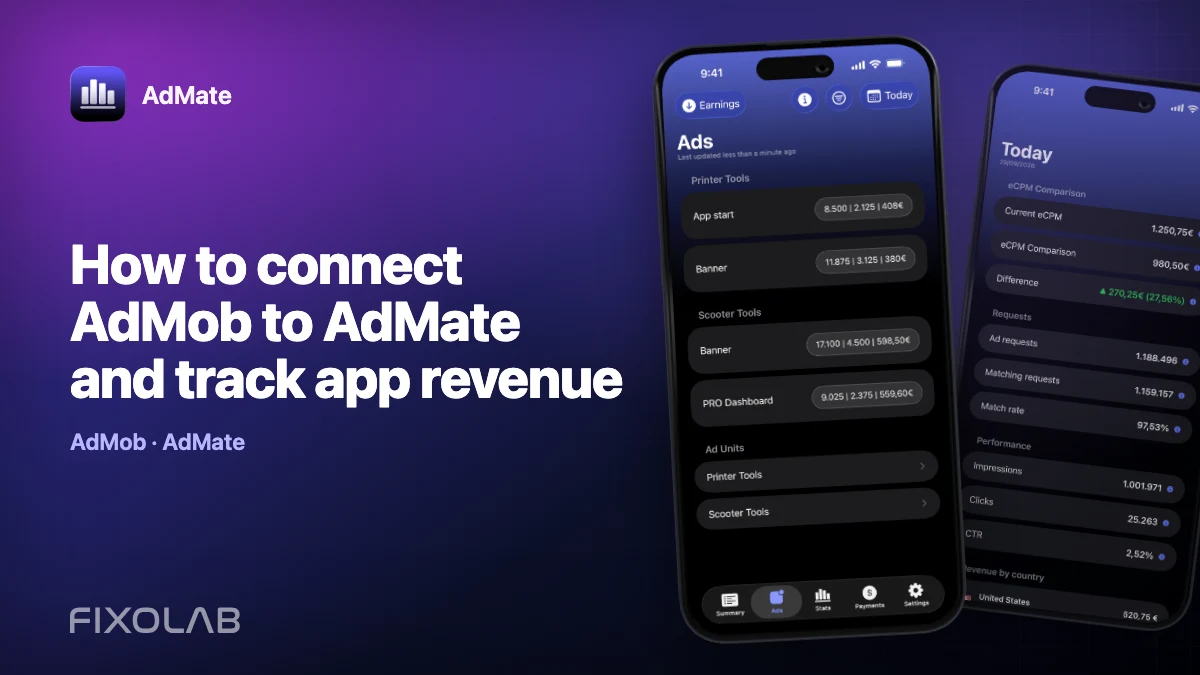
| FixoLab
How to connect AdMob to AdMate and track app revenue
Connect an AdMob account to AdMate, verify publisher access, review advertising metrics and troubleshoot missing apps or stale reports.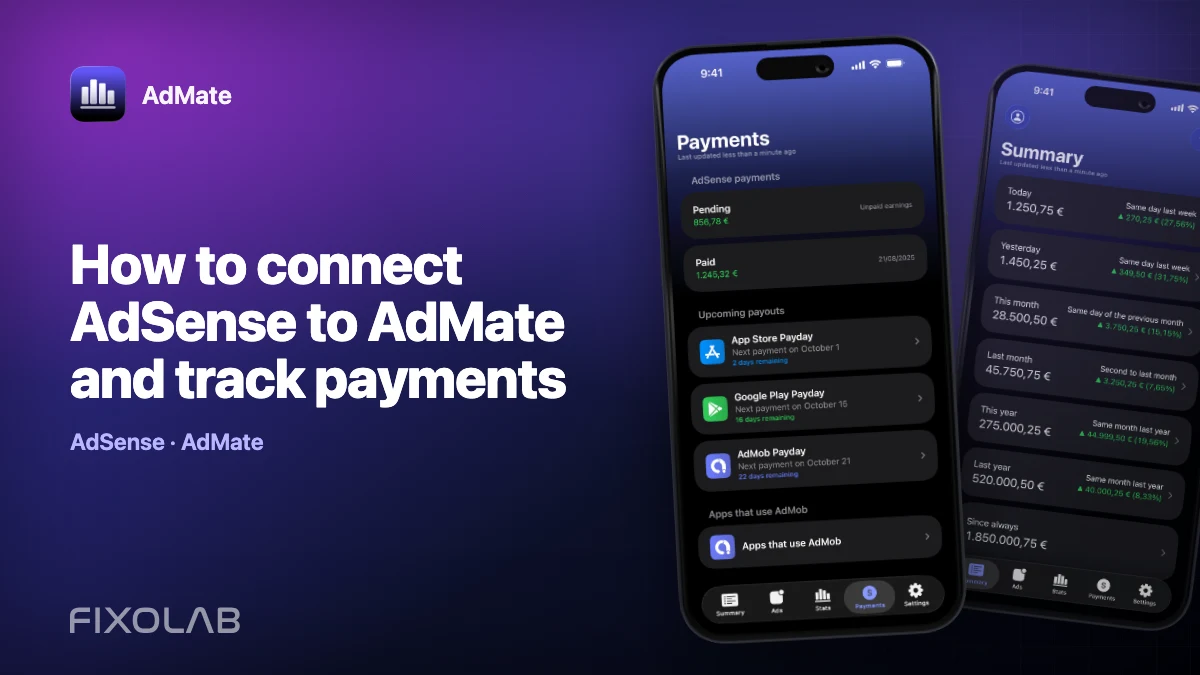
| FixoLab
How to connect AdSense to AdMate and track payments
Use the Google account connected for AdMob to review available AdSense balances and payments in AdMate without confusing them with estimated earnings.