How to troubleshoot RevenueCat projects that do not appear
A RevenueCat credential can be valid and still expose only one project. That is expected when the authorization is project-specific. When a project is missing in AdMate, diagnose scope and mapping before assuming that the RevenueCat API returned an incomplete account.

All your revenue in one dashboard
Track AdMob, AdSense, RevenueCat and App Store Connect across multiple accounts with filters by app, platform and country
Monitor revenue, clicks, eCPM, subscriptions, installs and payments on iPhone, iPad, Mac and Apple Watch
Identify the authorization mode
Open the RevenueCat account configuration and determine whether it uses an account-level flow or project secret keys. The current AdMate setup supports project mappings and stores the selected mode with the account.
A project secret key should be expected to represent its project, not discover unrelated projects automatically.
Confirm the project in RevenueCat
Using an authorized browser session—not by pasting the key into a third-party tool—confirm:
- organization;
- project name and identifier;
- apps and stores inside the project;
- status of the credential;
- permissions or scope of the connected account.
Similar project names across organizations are a common source of confusion.
Check project-key mapping
When secret-key mode uses several projects, each key must be associated with the intended project. Review aliases and identifiers, not fragments of the secret itself.
If a key was rotated:
- create or obtain the replacement through the authorized organization workflow;
- update the correct AdMate project mapping;
- validate that project;
- remove the revoked credential;
- never keep both values in notes or support messages.
Clear filters and select the account
The project can exist but be hidden by an active account, app, store or date filter. Return to the RevenueCat account, select the intended organization and clear unrelated filters before reloading.
Choose a complete period with known transactions. A project with no activity can correctly display an empty metric view even though the project itself is connected.
Distinguish four symptoms
Project absent from the list
Likely authorization scope, organization selection or project mapping.
Project present but no apps
Check RevenueCat project configuration and whether the apps belong to another project.
Apps present but no metrics
Check date range, store filters, metric availability and project activity.
Authorization error
Check revocation, rotation, copied whitespace and credential type. Rotate if exposure is possible.
Compare with provider data
Use RevenueCat’s dashboard to test the same project, period and metric. If it is also empty, fix provider configuration or select a period with data. If RevenueCat is populated and AdMate is consistently empty after a valid refresh, collect a redacted reproducible report.
Safe diagnostic report
Include AdMate version, platform, authorization mode, account alias, project name, selected period and redacted error. Never include the secret key, OAuth token, full customer identifier or transaction payload.
For several connected projects, follow how to manage multiple RevenueCat projects.
Frequently asked questions
Why does only one project appear?
The configured credential may be project-specific. Add the other authorized project mapping or use the supported account-level flow where appropriate.
Can a public SDK key list projects?
Use the credential type required by the AdMate setup. Public app SDK keys and secret API access have different purposes.
Should I delete the account and start again?
First inspect mode, mapping, filters and credential status. Correcting one project is safer than discarding all account context.
What if the key was exposed?
Revoke or rotate it in RevenueCat, update the correct mapping and do not reuse the compromised value.
All your revenue in one dashboard
Track AdMob, AdSense, RevenueCat and App Store Connect across multiple accounts with filters by app, platform and country
Monitor revenue, clicks, eCPM, subscriptions, installs and payments on iPhone, iPad, Mac and Apple Watch
| FixoLab
How to connect RevenueCat to AdMate
Connect RevenueCat projects to AdMate with the supported authorization mode, verify project access and keep secret keys out of logs and support messages.
| FixoLab
How to configure AdMate notifications and RevenueCat webhooks
Set up AdMate notification context and RevenueCat webhooks without confusing dashboard credentials with server delivery or exposing access tokens.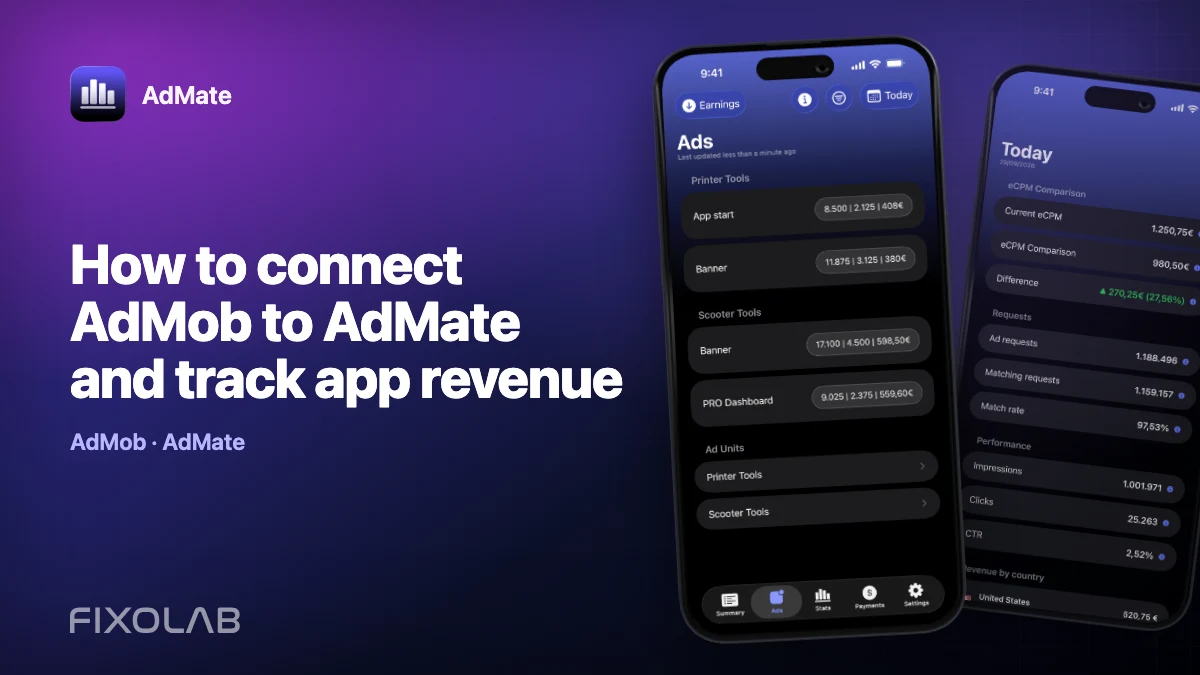
| FixoLab
How to connect AdMob to AdMate and track app revenue
Connect an AdMob account to AdMate, verify publisher access, review advertising metrics and troubleshoot missing apps or stale reports.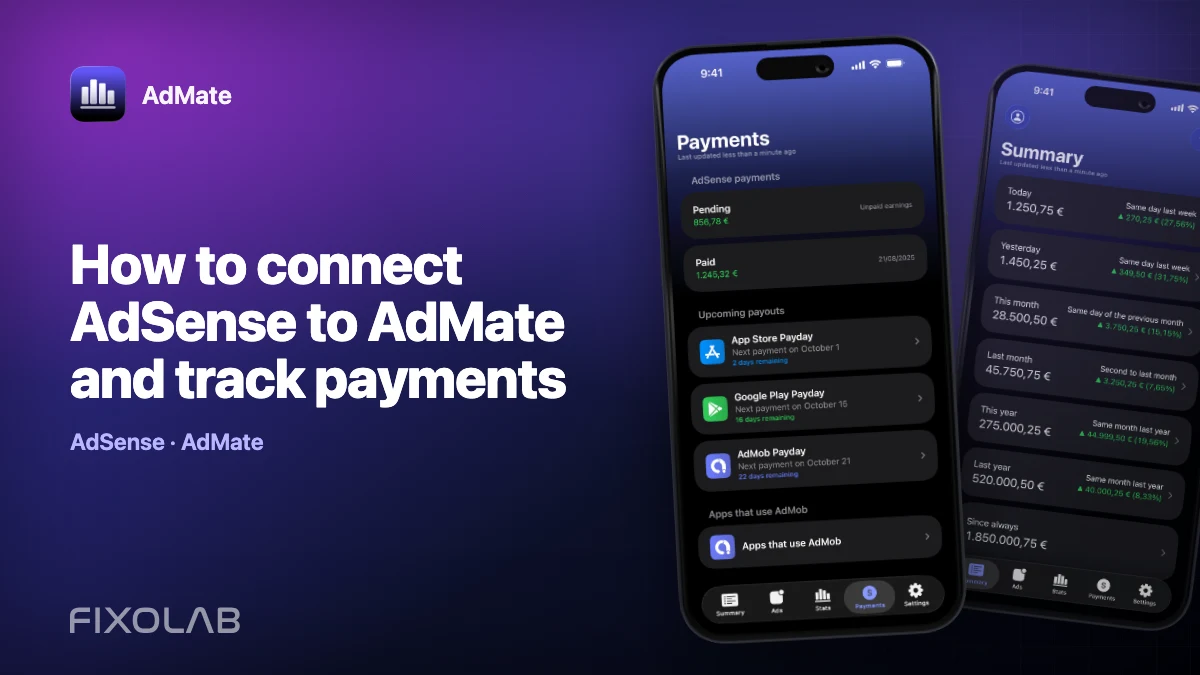
| FixoLab
How to connect AdSense to AdMate and track payments
Use the Google account connected for AdMob to review available AdSense balances and payments in AdMate without confusing them with estimated earnings.