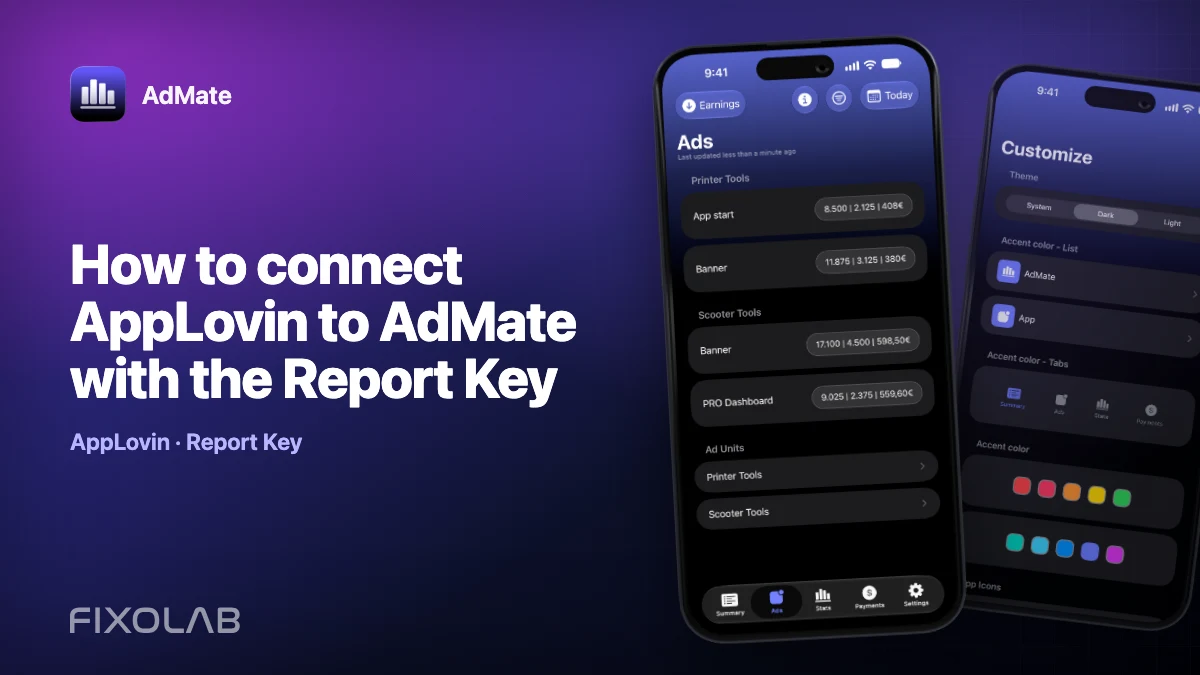
How to connect AppLovin to AdMate with the Report Key
AdMate connects AppLovin through the provider’s web sign-in flow. It reads the reporting credential needed for publisher reports, validates it and creates or reuses the matching account.
AdMate helps place the signals in one workspace, but the original provider remains authoritative for permissions, definitions and finalized financial records.

All your revenue in one dashboard
Track AdMob, AdSense, RevenueCat and App Store Connect across multiple accounts with filters by app, platform and country
Monitor revenue, clicks, eCPM, subscriptions, installs and payments on iPhone, iPad, Mac and Apple Watch
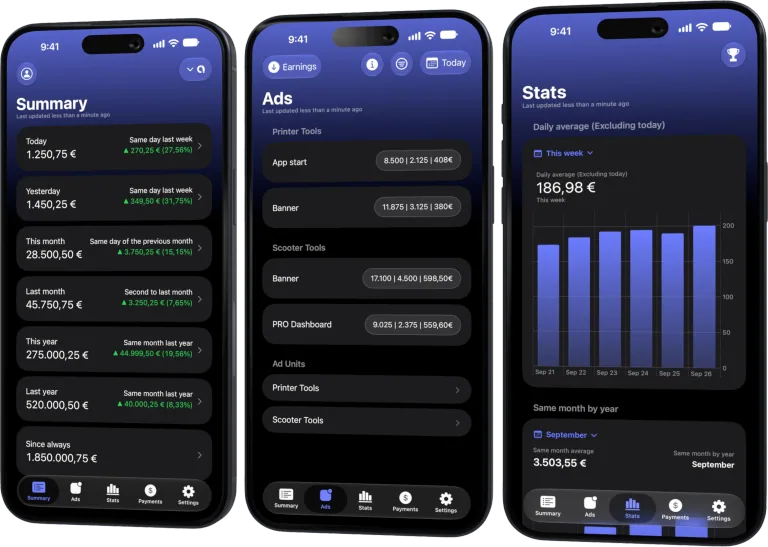
Use the built-in sign-in flow
Choose Add AppLovin and sign in to the AppLovin dashboard inside AdMate. If the account has no Report Key yet, create it in the provider’s Account and Keys area, then return to the flow.
Understand the credential boundary
The Report Key is used for read-only publisher reporting. Other AppLovin keys do not provide the same earnings report. Never paste or share the key in a support message.
Let validation finish
AdMate tests a recent report and proposes an account name from available app data. An invalid key returns an authentication error; a valid account can then be renamed with an alias.
Keep the web session current
The saved dashboard session can expire before the reporting key. Sign in again when AdMate asks so it can refresh the key and continue filling older history from the panel where supported.
Review checklist
- Open Add AppLovin in AdMate.
- Complete the official provider sign-in.
- Create a Report Key if prompted.
- Confirm recent apps and earnings.
Frequently asked questions
Do I paste the Report Key manually?
No. The current flow reads it after you sign in to the provider dashboard.
Does AdMate need a MAX key?
No. AdMate uses the publisher Report Key for this source.
Where should I report a connection issue?
Share the error and time, but never the key, cookies or dashboard credentials.
All your revenue in one dashboard
Track AdMob, AdSense, RevenueCat and App Store Connect across multiple accounts with filters by app, platform and country
Monitor revenue, clicks, eCPM, subscriptions, installs and payments on iPhone, iPad, Mac and Apple Watch
| FixoLab
How to troubleshoot AppLovin data loading in AdMate
Diagnose AppLovin refresh failures by separating Report Key errors, expired web sessions, slow history and filters.
| FixoLab
How to tell a reporting delay from a real revenue decline
Diagnose a falling revenue total by checking provider freshness, partial days and supporting metrics before reacting.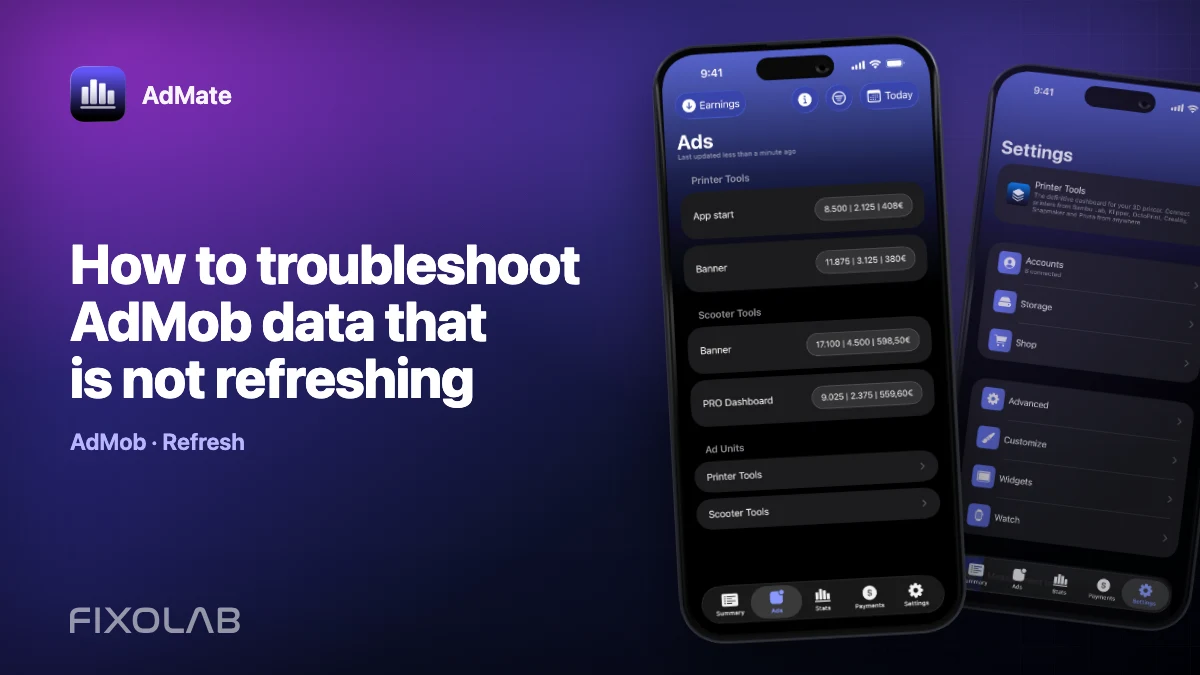
| FixoLab
How to troubleshoot AdMob data that is not refreshing
Diagnose stale or missing AdMob data in AdMate by checking snapshot time, date filters, account access, provider status and authorization before reconnecting.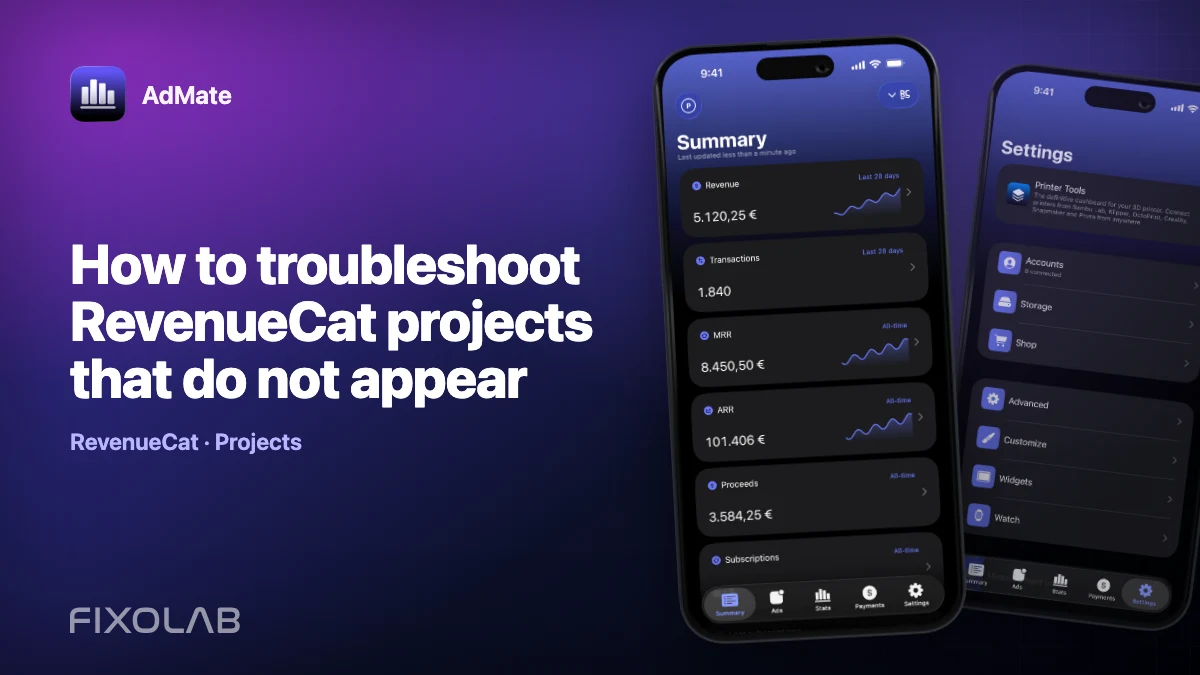
| FixoLab
How to troubleshoot RevenueCat projects that do not appear
Find missing RevenueCat projects in AdMate by checking authorization mode, project-specific keys, account scope, mapping and filters without exposing credentials.