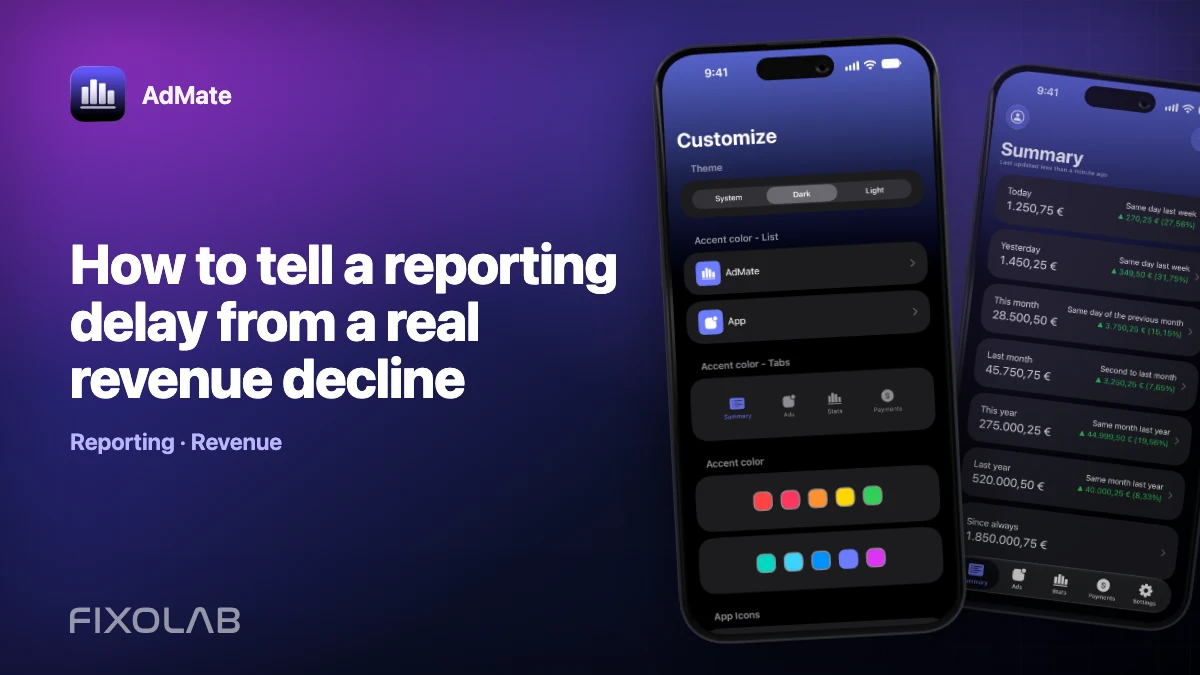
How to tell a reporting delay from a real revenue decline
A low number can mean weaker performance, or simply that the provider has not finished reporting. The fastest diagnosis is to look for consistency across time, sources and supporting metrics.
AdMate helps place the signals in one workspace, but the original provider remains authoritative for permissions, definitions and finalized financial records.

All your revenue in one dashboard
Track AdMob, AdSense, RevenueCat and App Store Connect across multiple accounts with filters by app, platform and country
Monitor revenue, clicks, eCPM, subscriptions, installs and payments on iPhone, iPad, Mac and Apple Watch
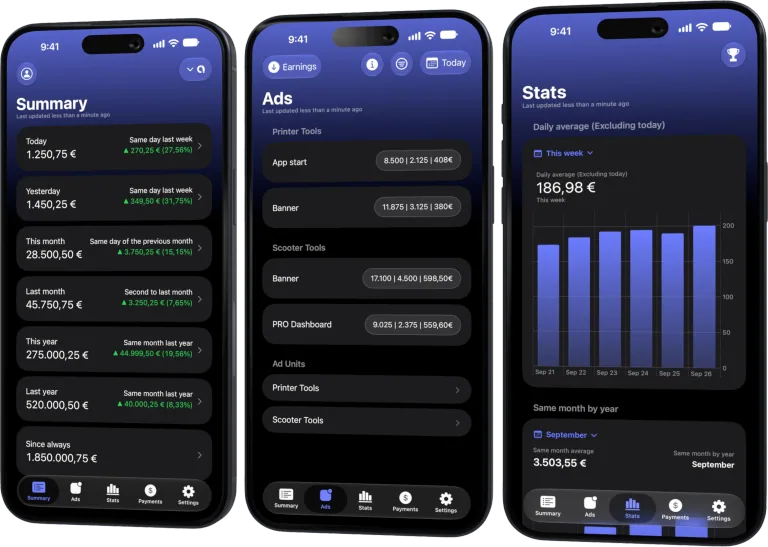
Check whether the period is complete
Today and yesterday are often still changing. Compare the same elapsed hours only when hourly data exists, and avoid comparing a partial current day with a closed previous day.
Look for a provider-specific pattern
If only one source is flat while others continue, inspect its status, authentication and last refresh. A real product decline can affect multiple metrics, while a delayed feed often freezes together.
Use driver metrics
For ads, compare impressions, clicks and eCPM. For subscriptions, compare trials, renewals, cancellations and refunds. A revenue decline with stable volume points to yield or price; missing all metrics points to ingestion or reporting.
Wait for the right confirmation window
Record the anomaly and recheck after the provider’s usual settlement delay. Escalate sooner for explicit credential errors, but do not change campaigns or pricing on an unclosed number.
Review checklist
- Identify the last complete date.
- Refresh the affected provider once.
- Compare volume and yield metrics.
- Set a specific recheck time.
Frequently asked questions
Does a zero always mean an outage?
No. It may be no activity, a filter, an incomplete day or a failed request.
Should I reconnect the account immediately?
Only after confirming an authorization error. Reconnecting can remove useful diagnostic context.
How long should I wait?
Use the provider’s normal reporting behavior and compare with the official dashboard.
All your revenue in one dashboard
Track AdMob, AdSense, RevenueCat and App Store Connect across multiple accounts with filters by app, platform and country
Monitor revenue, clicks, eCPM, subscriptions, installs and payments on iPhone, iPad, Mac and Apple Watch
| FixoLab
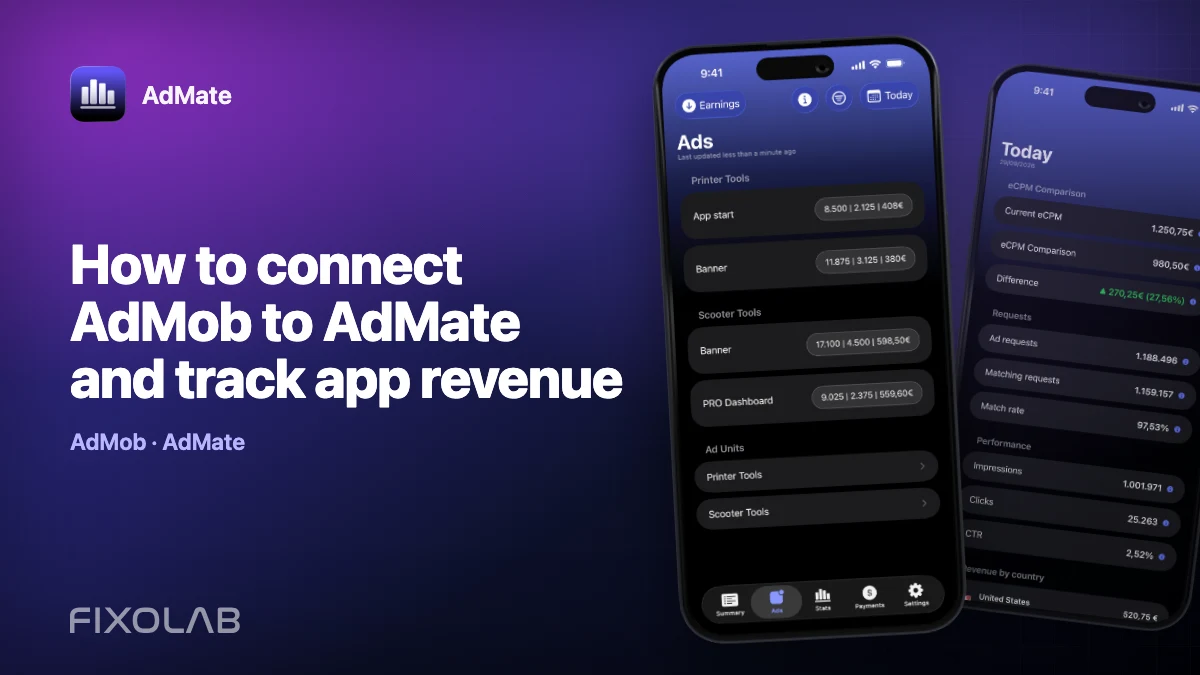
How to connect AdMob to AdMate and track app revenue
Connect an AdMob account to AdMate, verify publisher access, review advertising metrics and troubleshoot missing apps or stale reports.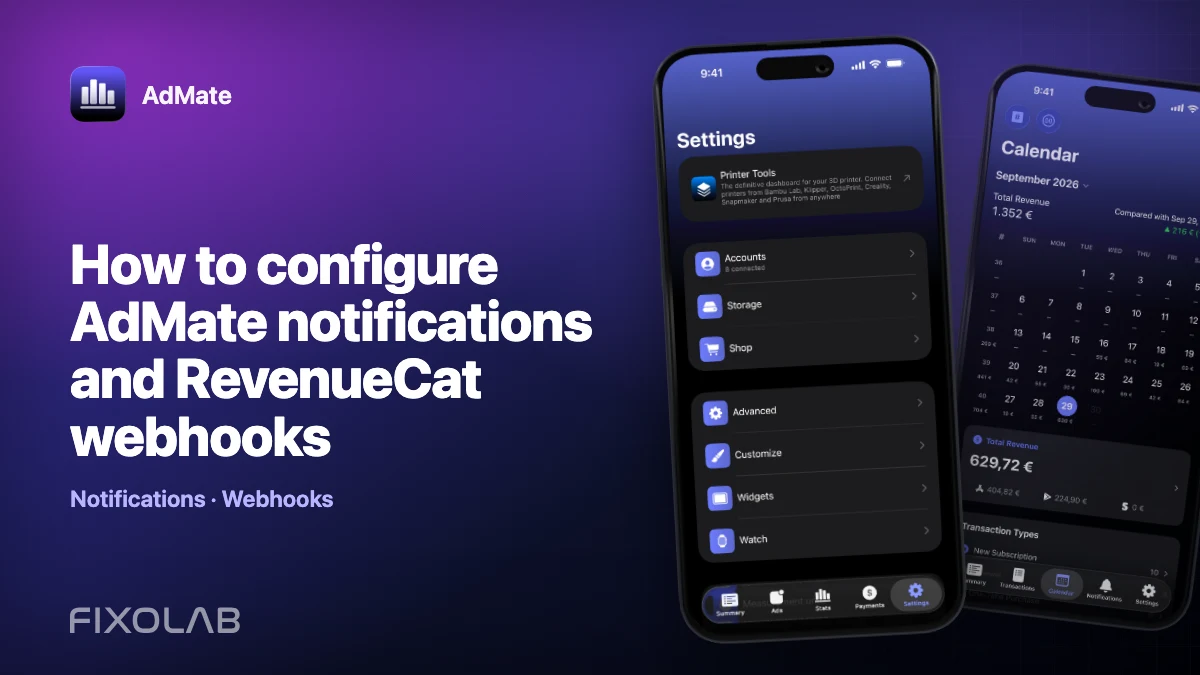
| FixoLab
How to configure AdMate notifications and RevenueCat webhooks
Set up AdMate notification context and RevenueCat webhooks without confusing dashboard credentials with server delivery or exposing access tokens.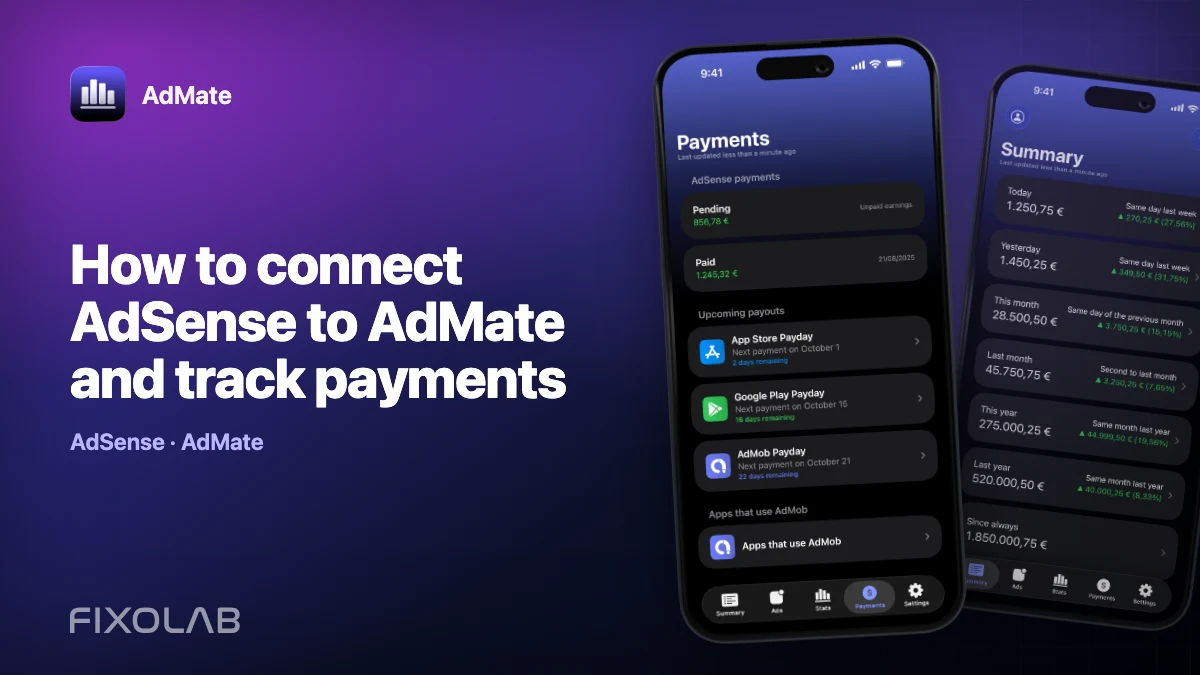
| FixoLab
How to connect AdSense to AdMate and track payments
Use the Google account connected for AdMob to review available AdSense balances and payments in AdMate without confusing them with estimated earnings.
| FixoLab
How to connect App Store Connect to AdMate
Add an App Store Connect API key to AdMate, verify issuer, key and vendor details, and troubleshoot missing apps, analytics or financial reports.