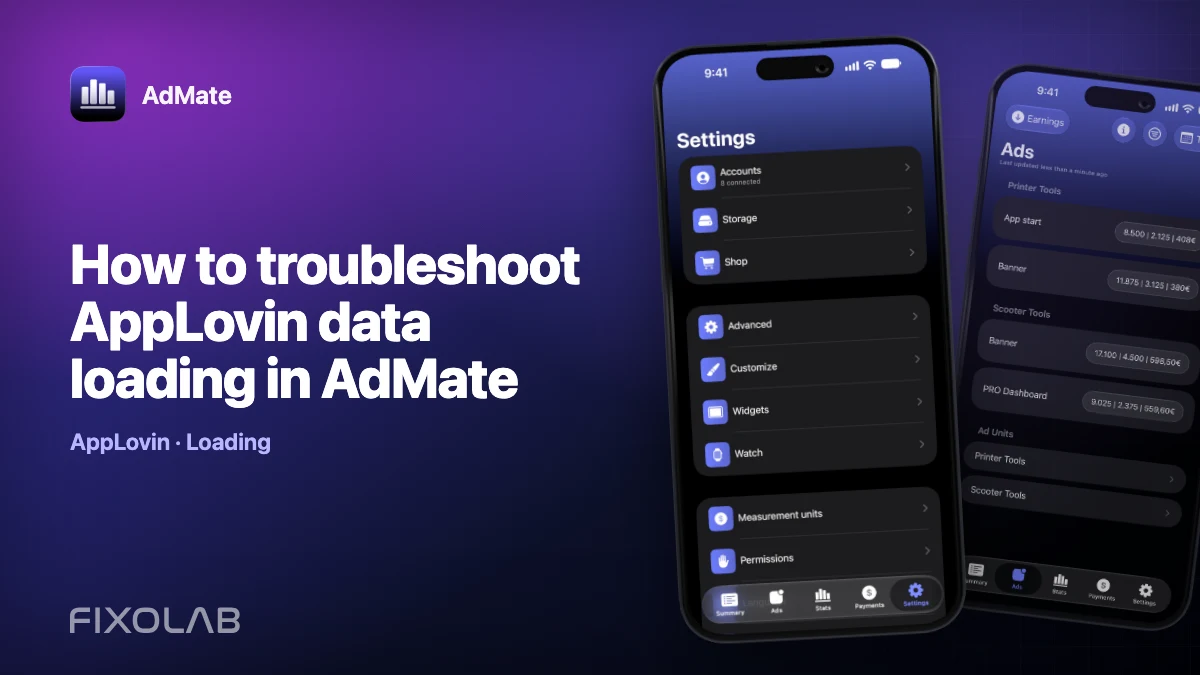
How to troubleshoot AppLovin data loading in AdMate
An AppLovin loading problem can affect recent API data, optional dashboard history or only the visible filter. Identify which layer failed before reconnecting anything.
AdMate helps place the signals in one workspace, but the original provider remains authoritative for permissions, definitions and finalized financial records.

All your revenue in one dashboard
Track AdMob, AdSense, RevenueCat and App Store Connect across multiple accounts with filters by app, platform and country
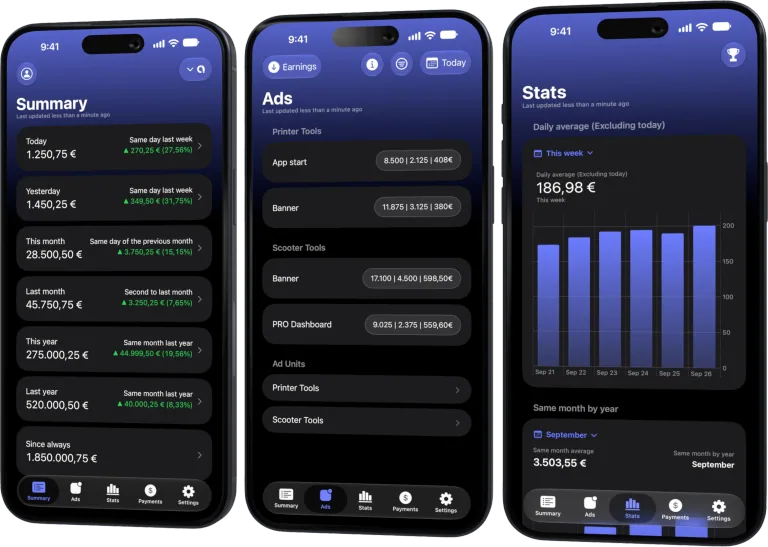
Monitor revenue, clicks, eCPM, subscriptions, installs and payments on iPhone, iPad, Mac and Apple Watch
Check recent data first
Open a short recent range and remove narrow app or platform filters. If recent totals load, the Report Key works and the problem may be historical synchronization or an empty filter.
Read the authentication state
An invalid Report Key produces an authentication failure. An expired dashboard session mainly affects older backfill and asks for sign-in again; it does not automatically mean the reporting key failed.
Allow chunked history to finish
The detailed 45-day report can be large. AdMate downloads history in smaller ranges and saves each completed chunk. Keep the app able to finish and retry later rather than repeatedly removing the account.
Preserve evidence
Record the account alias, date range, visible error and time. Do not share the Report Key, cookies or a URL containing credentials. Remove and re-add only after confirming that recovery steps failed.
Review checklist
- Clear filters and test recent dates.
- Identify key failure or session expiry.
- Wait for historical chunks.
- Capture a safe diagnostic note.
Frequently asked questions
Why does today load but this year is incomplete?
Recent API data may work while older dashboard backfill is missing or still running.
Will deleting the account fix a timeout?
Not necessarily, and it removes locally preserved history for that account.
Can AppLovin be slow without being down?
Yes. Detailed reports can be large and the provider may respond slowly.
All your revenue in one dashboard
Track AdMob, AdSense, RevenueCat and App Store Connect across multiple accounts with filters by app, platform and country
Monitor revenue, clicks, eCPM, subscriptions, installs and payments on iPhone, iPad, Mac and Apple Watch
| FixoLab
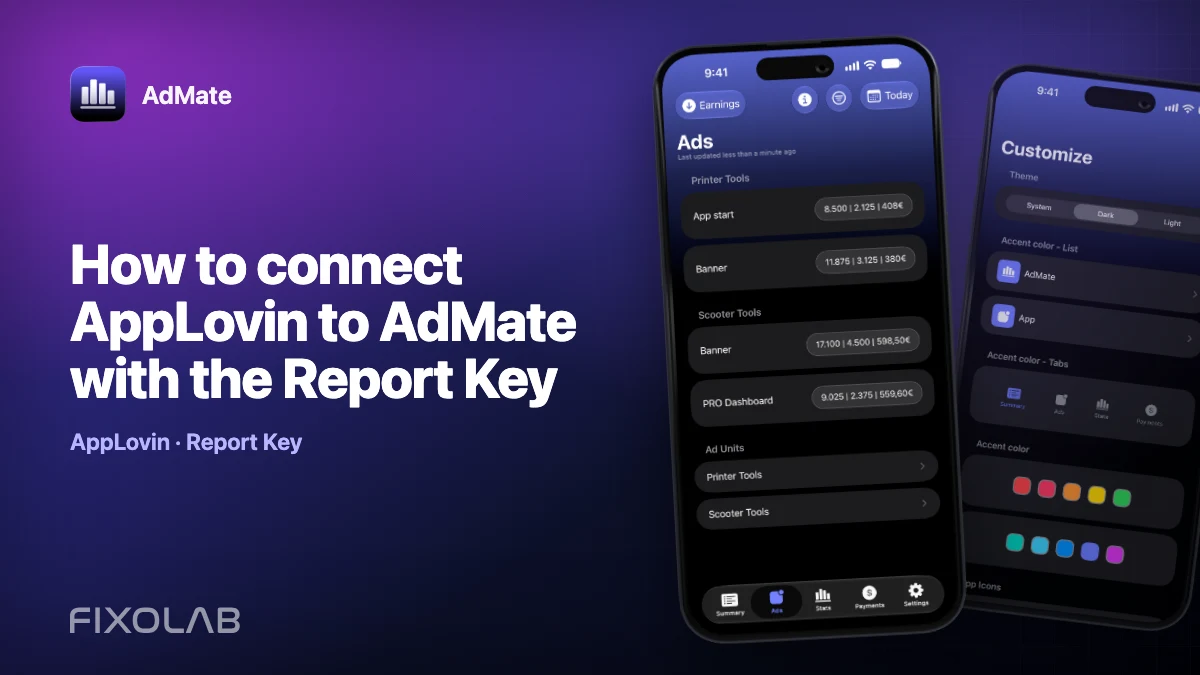
How to connect AppLovin to AdMate with the Report Key
Sign in through AdMate so it can read the AppLovin Report Key and build a read-only earnings account.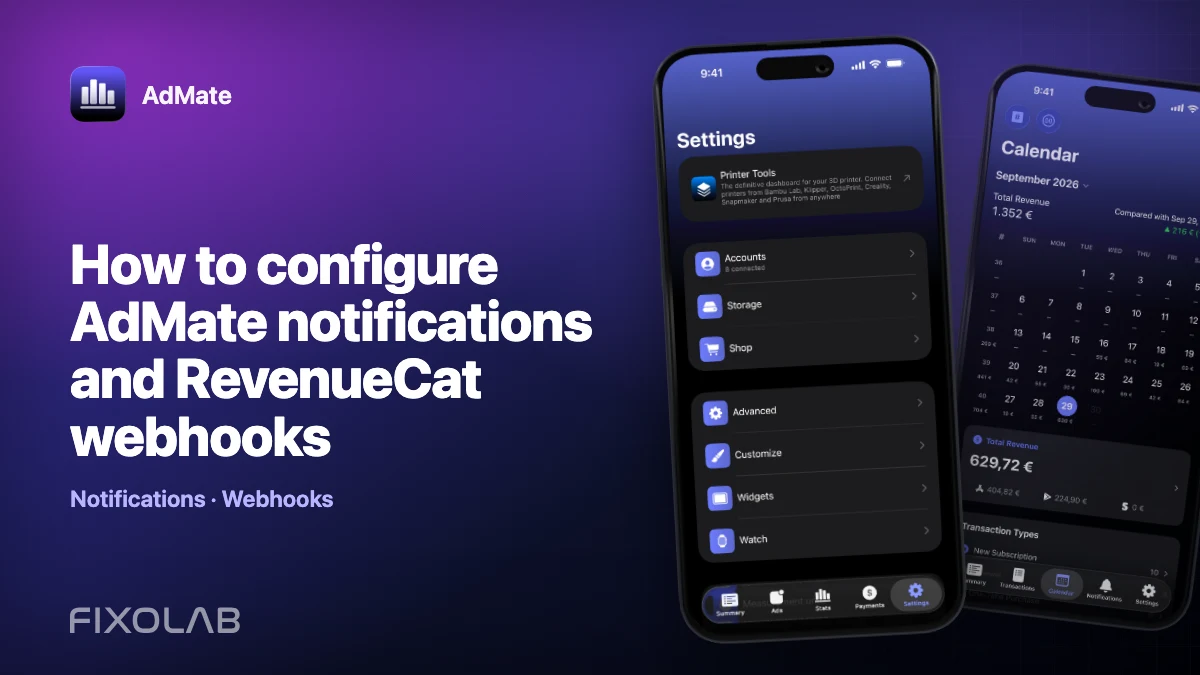
| FixoLab
How to configure AdMate notifications and RevenueCat webhooks
Set up AdMate notification context and RevenueCat webhooks without confusing dashboard credentials with server delivery or exposing access tokens.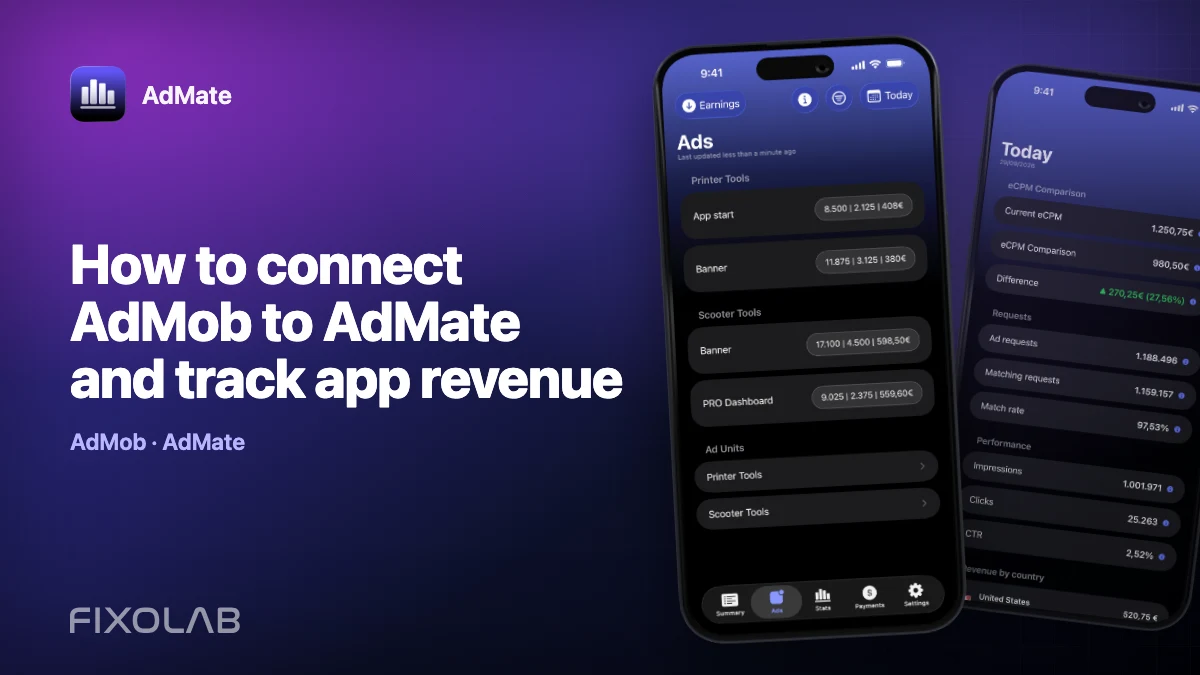
| FixoLab
How to connect AdMob to AdMate and track app revenue
Connect an AdMob account to AdMate, verify publisher access, review advertising metrics and troubleshoot missing apps or stale reports.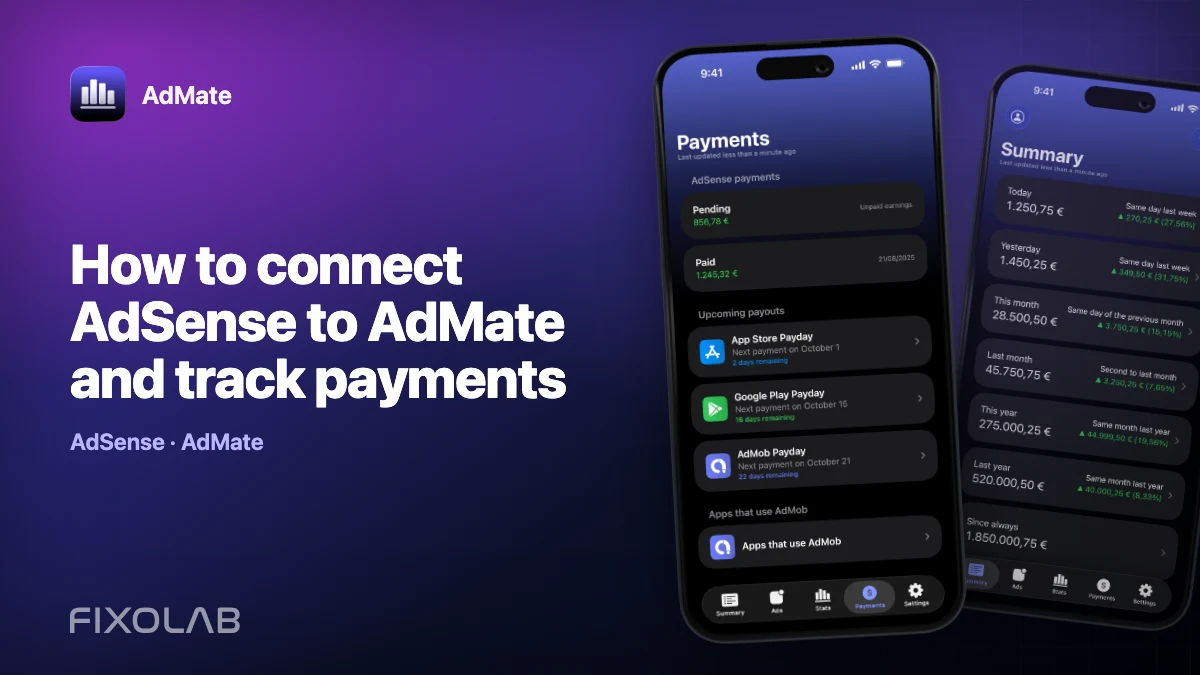
| FixoLab
How to connect AdSense to AdMate and track payments
Use the Google account connected for AdMob to review available AdSense balances and payments in AdMate without confusing them with estimated earnings.