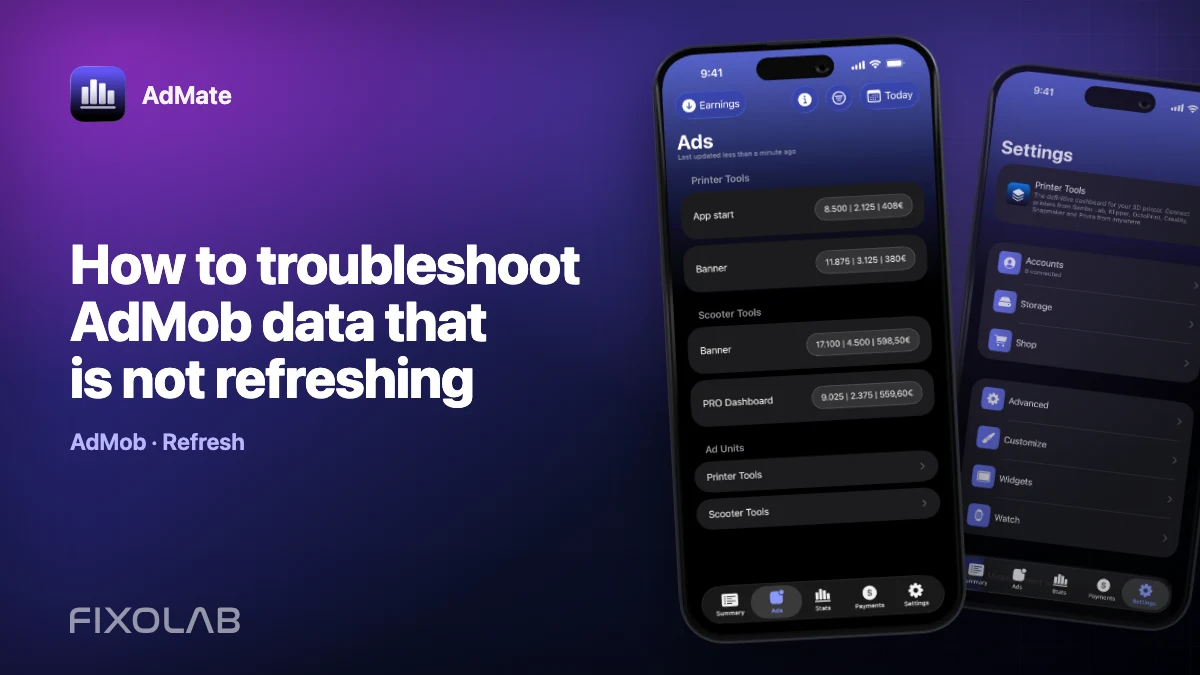
How to troubleshoot AdMob data that is not refreshing
When an AdMob total stops moving, first determine whether the value is a cached snapshot, a valid report with no new activity or a failed provider request. Removing and re-adding the account too early can destroy useful context without fixing the cause.
Use this sequence from the visible symptom back to Google access.

All your revenue in one dashboard
Track AdMob, AdSense, RevenueCat and App Store Connect across multiple accounts with filters by app, platform and country
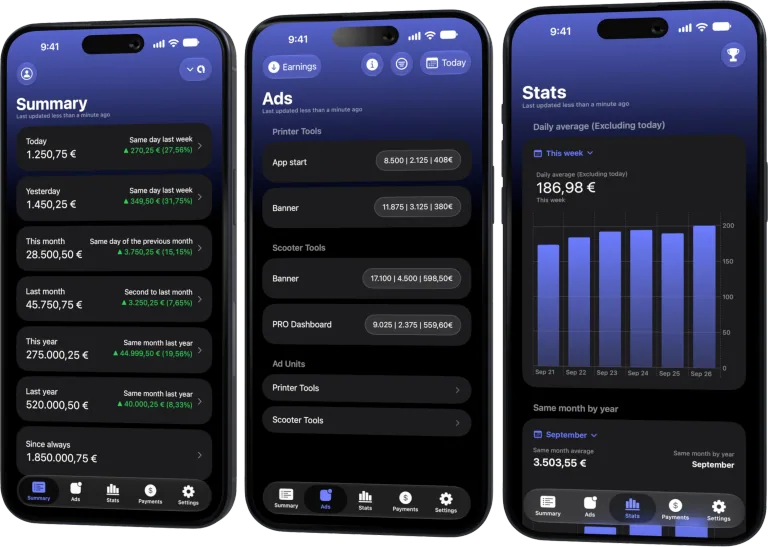
Monitor revenue, clicks, eCPM, subscriptions, installs and payments on iPhone, iPad, Mac and Apple Watch
1. Confirm the surface
Is the stale value in the main app, a widget or Apple Watch? Extensions can trail the main app because they read snapshots and follow platform refresh schedules.
Open the main app, select the same account and compare its value before diagnosing the widget.
2. Check the period and filters
Verify:
- date range includes current or known activity;
- publisher account is correct;
- app and ad-unit filters are not hiding rows;
- currency and metric are the intended ones;
- the current day is not simply delayed or incomplete.
Clear stale filters before changing credentials.
3. Compare a closed historical period
Choose a completed day that previously contained impressions. If it loads correctly, the connection is probably valid and the issue may be today’s provider lag or real lack of traffic.
If historical data also fails, continue toward authorization and provider status.
4. Open the official AdMob dashboard
Use the same Google identity. Confirm that:
- the publisher is accessible;
- expected apps and units remain assigned;
- the provider report itself has updated;
- no account or policy status blocks reporting.
AdMate cannot display data absent from the official account.
5. Refresh authorization
Reauthorize when the provider reports an expired grant, account membership changed or the selected identity is wrong. Do not reconnect solely because today’s value stayed constant for a short time.
Read the account chooser carefully; signing into a different Google identity can create a valid but empty connection.
6. Distinguish error classes
- No network: other provider calls may also fail.
- Unauthorized: grant or account access needs attention.
- Forbidden: the identity lacks permission for the resource.
- Empty report: request succeeded but filters or activity produced no rows.
- Provider delay: official dashboard is also waiting.
- Parsing/display issue: official report is stable and the refreshed AdMate value remains inconsistent.
Preserve a redacted error code and timestamp for support.
7. Update extensions after the main app
Once the main view is correct, allow widgets and Watch time to reload their shared snapshot. Re-add an extension only if its configuration is wrong; it will not repair failed AdMob authorization.
Safe support information
Include app version, platform, approximate time, account alias, date range, metric and redacted provider error. Never attach OAuth tokens, full publisher IDs, payment details or account email unless an authorized private support channel explicitly requires the minimum necessary data.
Frequently asked questions
Should I reinstall AdMate?
Not first. Verify filters, historical reports, provider access and authorization. Reinstallation can remove context without changing Google permissions.
Why does a widget show yesterday’s value?
It may still hold the last snapshot. Refresh the main app and allow the system to update the extension.
What if AdMob itself has not updated?
Wait for the provider and avoid repeatedly reconnecting. AdMate cannot accelerate provider processing.
When is it likely an AdMate issue?
When the authorized official report is stable and reproducible but the refreshed main-app view consistently parses or displays another result.
All your revenue in one dashboard
Track AdMob, AdSense, RevenueCat and App Store Connect across multiple accounts with filters by app, platform and country
Monitor revenue, clicks, eCPM, subscriptions, installs and payments on iPhone, iPad, Mac and Apple Watch
| FixoLab
How to connect AdMob to AdMate and track app revenue
Connect an AdMob account to AdMate, verify publisher access, review advertising metrics and troubleshoot missing apps or stale reports.
| FixoLab
How to connect AdSense to AdMate and track payments
Use the Google account connected for AdMob to review available AdSense balances and payments in AdMate without confusing them with estimated earnings.
| FixoLab
How to connect App Store Connect to AdMate
Add an App Store Connect API key to AdMate, verify issuer, key and vendor details, and troubleshoot missing apps, analytics or financial reports.
| FixoLab
How to connect RevenueCat to AdMate
Connect RevenueCat projects to AdMate with the supported authorization mode, verify project access and keep secret keys out of logs and support messages.