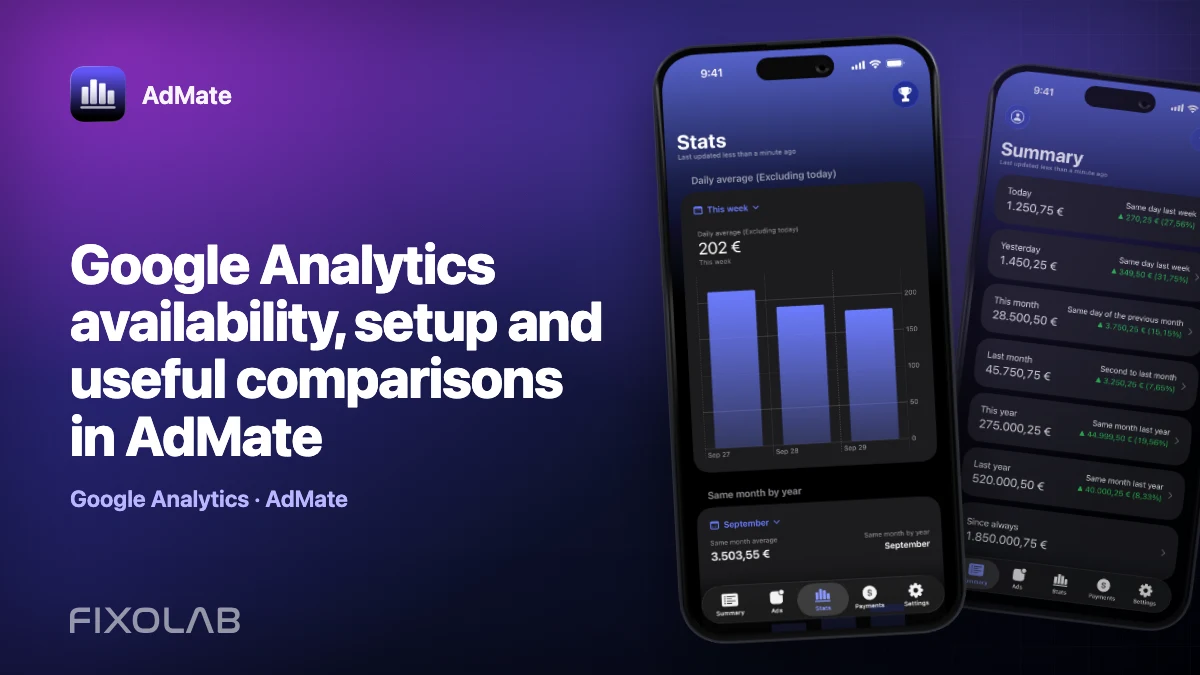
Google Analytics availability, setup and useful comparisons in AdMate
Revenue explains what an app earned. Analytics helps explain how people reached and used it. Putting both perspectives in AdMate can shorten the path from “revenue changed” to a more useful question about users, countries, versions or product activity.
Google Analytics account management is currently behind a feature or developer-access gate in AdMate. The integration exists in the product code, but the setup may not be visible in every public build. Treat the installed app as the authority for availability.
All your revenue in one dashboard
Track AdMob, AdSense, RevenueCat and App Store Connect across multiple accounts with filters by app, platform and country
Monitor revenue, clicks, eCPM, subscriptions, installs and payments on iPhone, iPad, Mac and Apple Watch
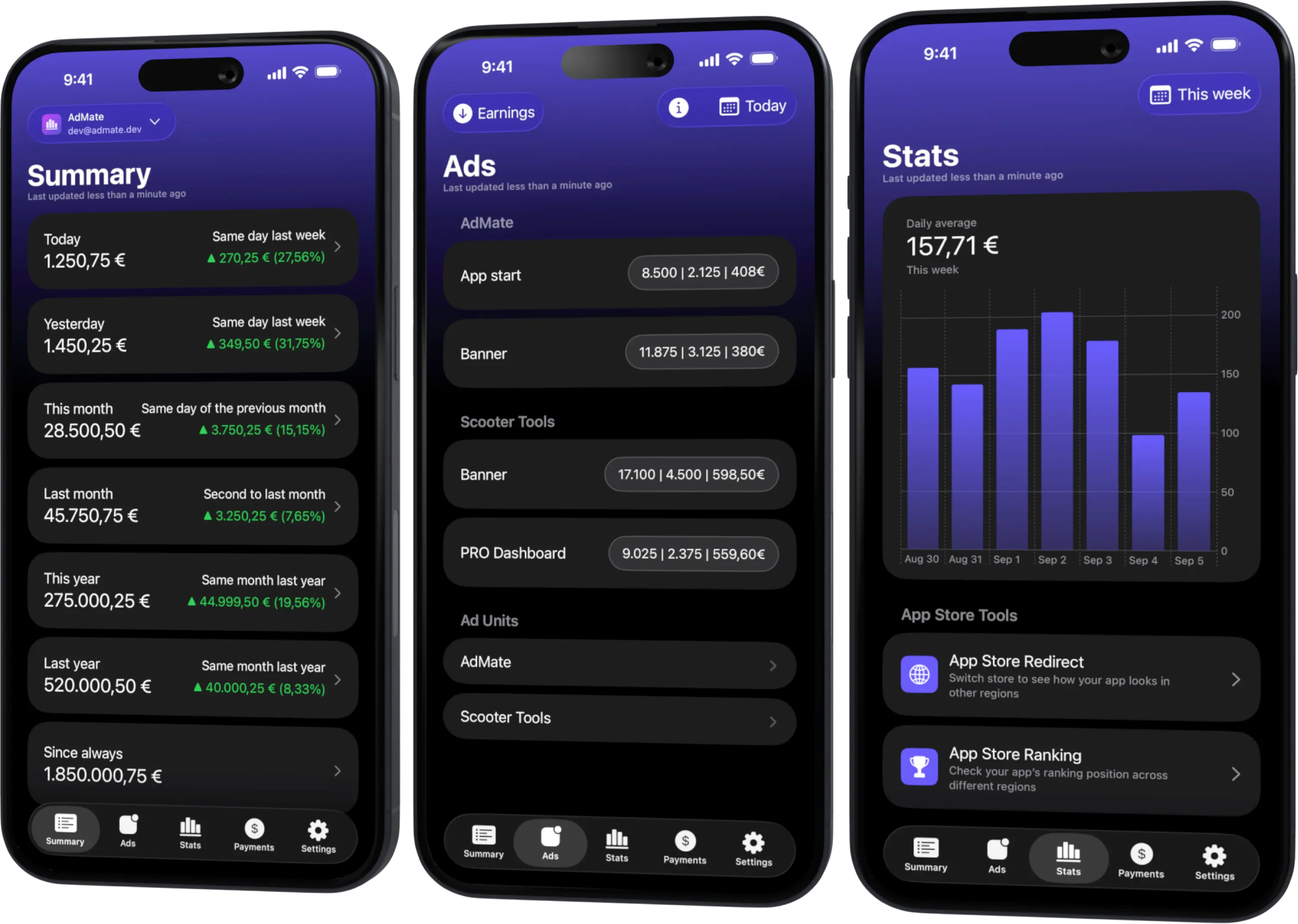
What Analytics adds to a revenue dashboard
Analytics does not replace AdMob, RevenueCat or a store report. It adds context such as product activity and compatible breakdowns exposed by the selected Google Analytics account and property.
Useful questions include:
- did active usage change at the same time as advertising impressions?;
- did a release change the country or device mix?;
- did a traffic increase produce subscriptions, ad impressions or neither?;
- is a revenue change broad or concentrated in one application?;
These are comparison questions, not automatic causal conclusions. Two lines rising together do not prove that one caused the other.
Account and property access
Google authorization applies to the selected identity, but Analytics access also depends on the properties assigned to that identity. A marketing account, Firebase account and company owner can each see different properties even when they refer to the same app.
Before connecting, confirm in Google’s own interface:
- the correct Google identity;
- the intended Analytics property;
- the applications or data streams represented by that property;
- the reporting time zone and currency where applicable;
- the permission level needed to read reports.
Connect Analytics when the feature is enabled
- Open account management in AdMate.
- Locate Analytics. If it is not visible, the current feature gate is closed for this build.
- Choose to add an Analytics account.
- Complete the dedicated Google sign-in flow.
- Confirm the identity and accessible properties.
- Open a known property and select a completed date range.
- Compare one metric with the official Analytics report before building a larger workflow.
Do not change or remove the working AdMob account because the Analytics section is hidden. They are separate service entries and can have different availability.
Build comparisons that mean something
Align the app
Match the Analytics property or stream with the AdMob app, RevenueCat project and store application. A portfolio-wide Analytics property should not be compared with a single-app revenue card without a filter.
Align the dates
Use complete days and note the reporting time zone. A transaction or session around midnight can fall into different days across services.
Choose a driver and an outcome
For advertising, impressions may be a better companion to active usage than earnings alone. For subscriptions, transactions or active subscriptions may be more useful than a generic event count.
Keep currency out of non-monetary ratios
User and event metrics have no currency. Do not let a currency conversion make an unrelated activity line look financially precise.
Example investigation
Suppose AdMob estimated earnings fall while Analytics activity appears stable:
- confirm the same app and dates;
- check whether AdMob impressions fell;
- inspect eCPM, match rate and ad-unit mix;
- check whether Analytics activity shifted to a country or screen with different ad exposure;
- verify the final explanation in the provider reports.
Stable users with lower eCPM suggest a different problem from stable eCPM with fewer impressions. Analytics narrows the question but does not certify the answer.
Troubleshooting
The Analytics section is not visible
The current build may not expose Google product account management. Do not interpret this as a broken AdMob login.
The account connects but the property is missing
Verify access in Google Analytics with the same identity. Ask the property administrator to grant the correct permission if necessary.
The numbers differ from another dashboard
Check property, filters, time zone, attribution and data freshness. Export or compare the same completed period before assuming a parsing problem.
A widget is behind the main app
Refresh the main app first. Widgets and snapshots prioritize quick access and may not contain a report published moments ago.
Privacy discipline
Analytics can contain sensitive business and audience information. Do not include raw identifiers, account emails or unredacted property details in support screenshots. Use aggregate examples and follow the access policy of the organization that owns the property.
Frequently asked questions
Does Analytics revenue replace store proceeds?
No. Analytics is a product-analysis source. Use store and payment reports for finalized financial values.
Why is the setup hidden?
Current AdMate code gates Google Play and Analytics account management behind a feature or developer-access condition while those surfaces evolve.
Can Analytics prove why revenue changed?
It can provide evidence and useful breakdowns, but correlation is not proof. Verify the hypothesis with the relevant provider reports and product events.
Can a different Google account be used from AdMob?
Yes. Each service can be authorized with the identity that has the correct access.
All your revenue in one dashboard
Track AdMob, AdSense, RevenueCat and App Store Connect across multiple accounts with filters by app, platform and country
Monitor revenue, clicks, eCPM, subscriptions, installs and payments on iPhone, iPad, Mac and Apple Watch
| FixoLab
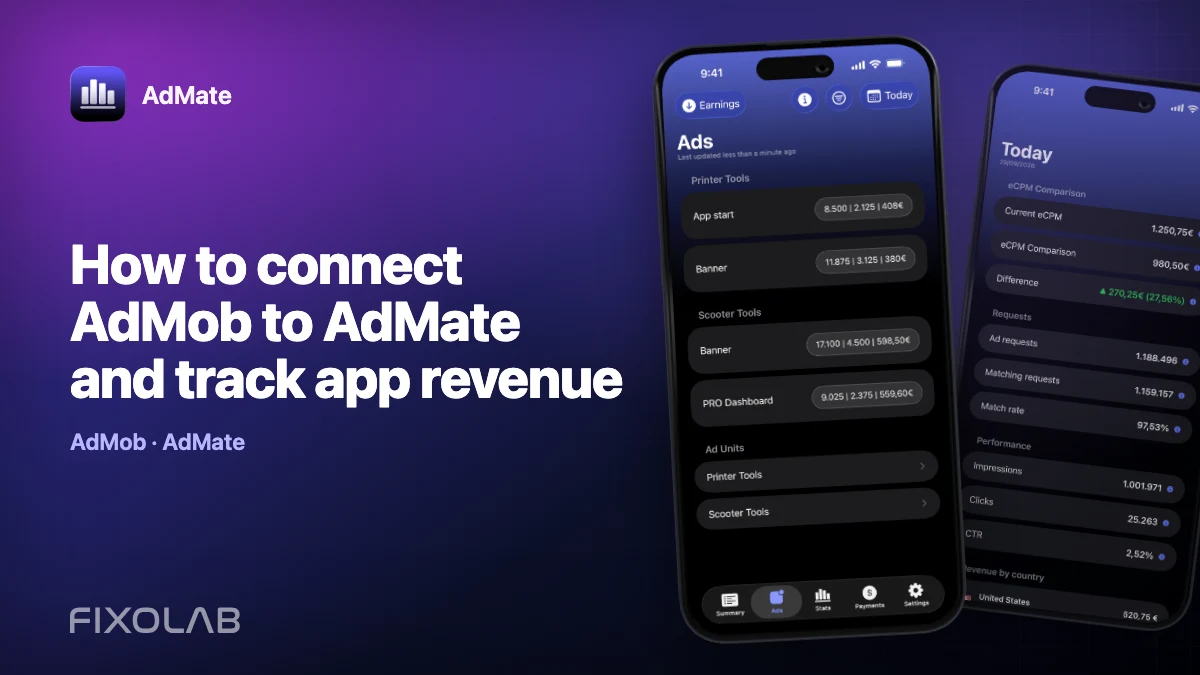
How to connect AdMob to AdMate and track app revenue
Connect an AdMob account to AdMate, verify publisher access, review advertising metrics and troubleshoot missing apps or stale reports.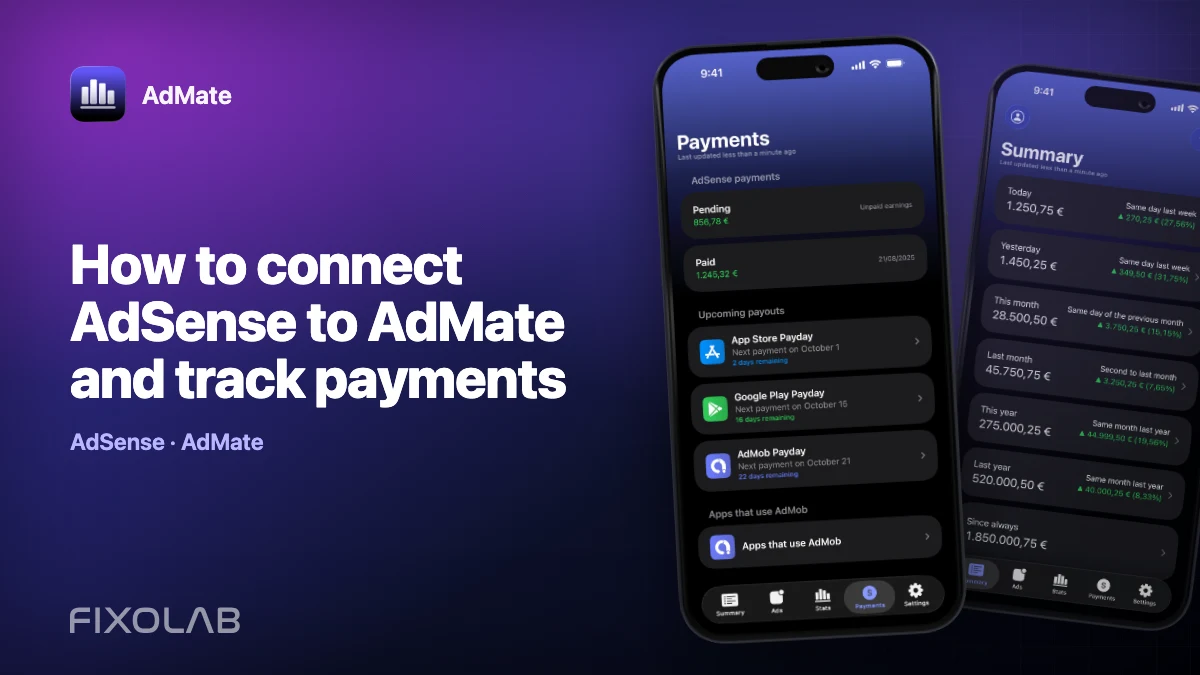
| FixoLab
How to connect AdSense to AdMate and track payments
Use the Google account connected for AdMob to review available AdSense balances and payments in AdMate without confusing them with estimated earnings.
| FixoLab
How to connect App Store Connect to AdMate
Add an App Store Connect API key to AdMate, verify issuer, key and vendor details, and troubleshoot missing apps, analytics or financial reports.
| FixoLab
How to connect RevenueCat to AdMate
Connect RevenueCat projects to AdMate with the supported authorization mode, verify project access and keep secret keys out of logs and support messages.