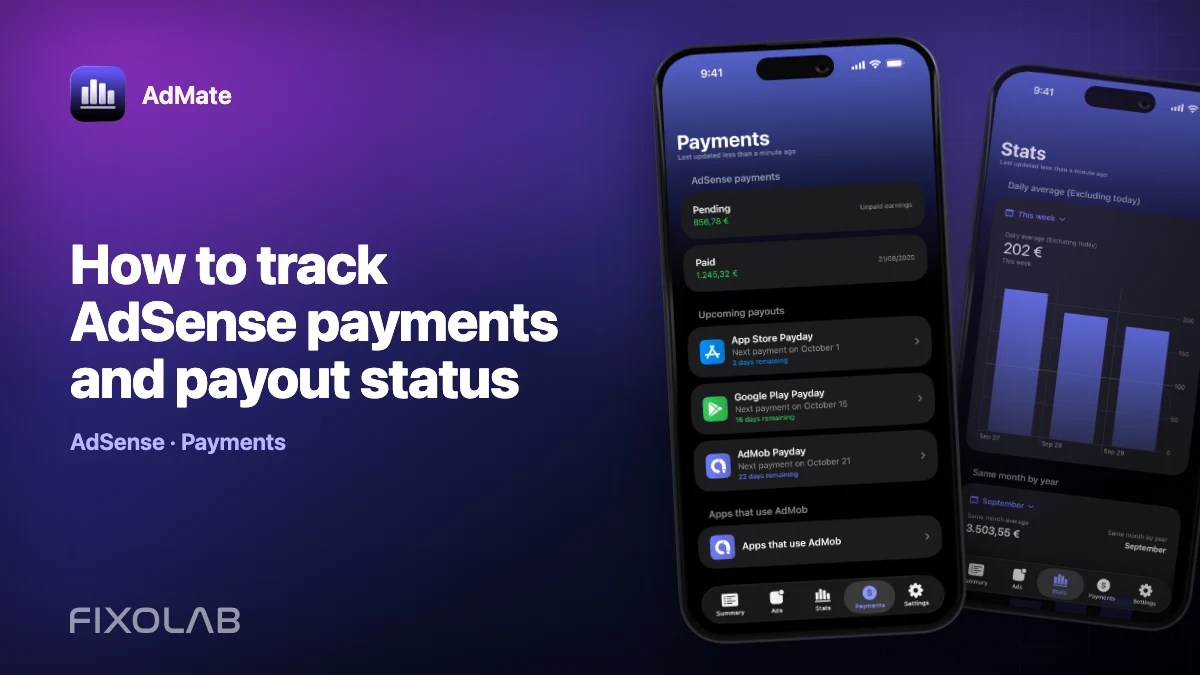
How to track AdSense payments and payout status
Advertising performance answers “what did the apps earn?” Payment status answers “has the provider issued the money?” These are different questions. AdMate can surface available AdSense payment information beside AdMob reports, but Google controls thresholds, holds, verification and the final transaction.
Use a payment checklist instead of interpreting every non-paid balance as a failure.
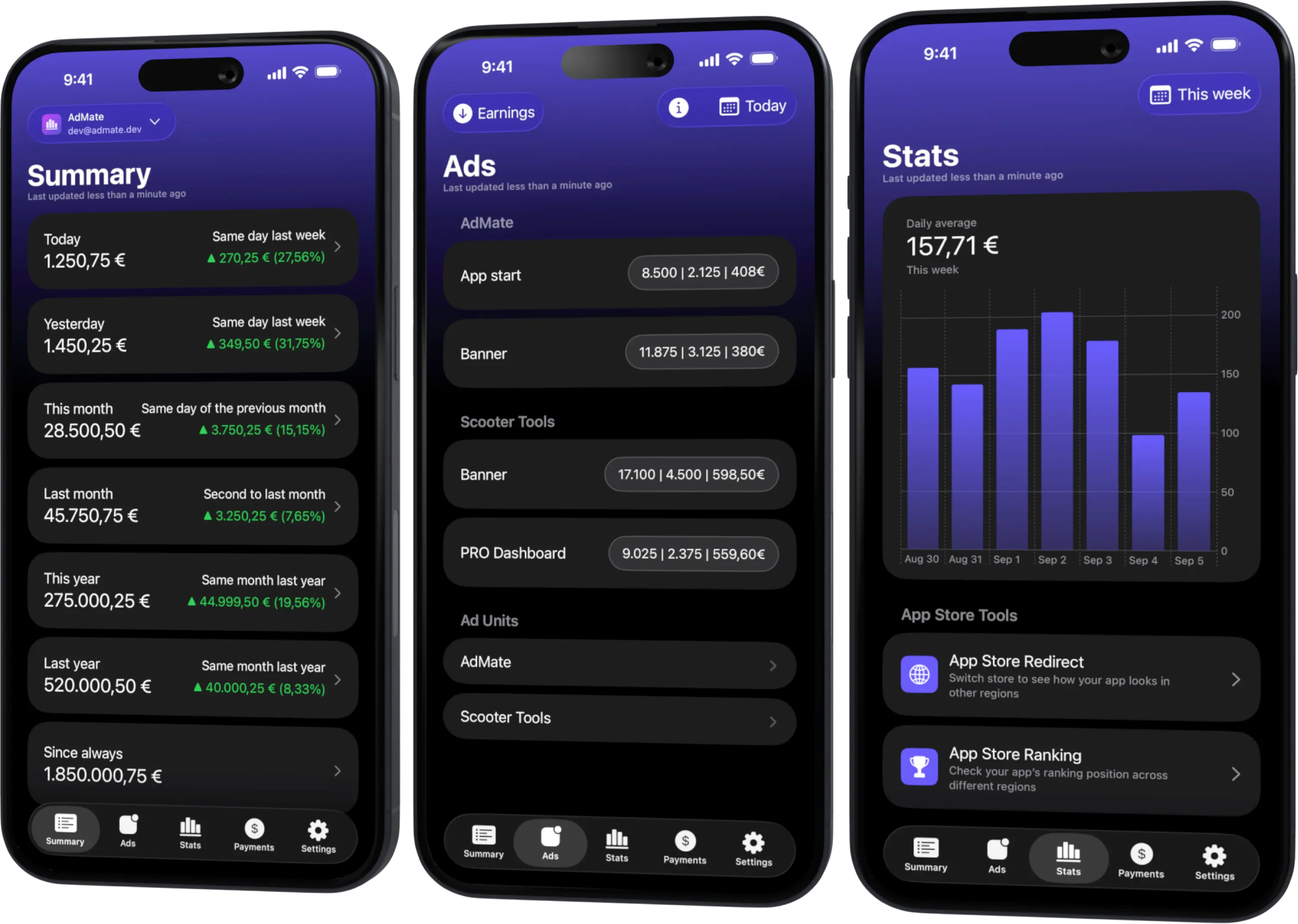
All your revenue in one dashboard
Track AdMob, AdSense, RevenueCat and App Store Connect across multiple accounts with filters by app, platform and country
Monitor revenue, clicks, eCPM, subscriptions, installs and payments on iPhone, iPad, Mac and Apple Watch
The payment states to distinguish
Accruing or pending balance
Eligible earnings can accumulate before the payment threshold or payment window. A balance is not the same as an issued payout.
Hold or verification required
Identity, tax, address or payment-method requirements can prevent payment. Resolve these in Google’s official account; AdMate cannot override them.
Payment issued
The provider has created a payment transaction. Record its date, currency, amount and transaction reference from the official record.
Payment received
The bank or selected payment method has credited the money. Conversion, banking delays or fees can make this date and amount differ from the issued transaction.
Review payments in AdMate
- Refresh the connected Google advertising account.
- Open the payments area.
- Verify the active account and payment profile.
- Select the relevant period.
- Identify balance, transaction or status rather than reading one unlabeled amount.
- Open the official AdSense account for any hold or missing transaction.
- Match an issued payment with the bank receipt.
If the payments view is empty, first check whether the identity has access to the payment profile and whether that profile has transaction history.
Relate payment to AdMob performance
Use closed reporting periods. The payment issued this month may correspond to earlier finalized earnings and can include carried balance. It should not be compared with today’s or this month’s live AdMob estimate.
Preserve a reconciliation note with:
- AdMob earnings period;
- finalized or adjusted amount when available;
- AdSense payment period;
- threshold or carry-over information;
- provider transaction;
- bank receipt.
Common reasons payment is delayed
- threshold not reached;
- payment window not yet open;
- identity, tax or address verification pending;
- payment-method problem;
- account hold or compliance review;
- recent account or payment-detail change;
- banking delay after issue.
Do not attempt to solve a Google hold by repeatedly removing the account from AdMate. The official account contains the required action.
Multi-account caution
When several AdMob identities are connected, payment profiles can differ. Confirm that the transaction belongs to the same publisher scope as the earnings being reviewed. Avoid sharing a screen that exposes another client’s payment amount or email.
What to archive
For business records, keep the provider’s finalized transaction or statement, currency, payment reference and bank evidence. A widget, daily chart or screenshot without provider identifiers is useful operationally but insufficient as the sole accounting record.
For the reasons estimates and payments differ, read AdSense payments versus AdMob revenue.
Frequently asked questions
Can AdMate release an AdSense hold?
No. Complete the required verification or payment action in Google’s official interface.
Why does the payment not equal this month’s earnings?
It usually belongs to a prior finalized period and can include adjustments or carried balance.
When should I contact support?
Start with Google for provider payment status. Contact AdMate support when the official transaction exists but a refreshed authorized view is parsed or displayed incorrectly.
Should I share the transaction ID?
Treat financial identifiers as sensitive. Redact them from public reports and provide only the minimum needed through an appropriate support channel.
All your revenue in one dashboard
Track AdMob, AdSense, RevenueCat and App Store Connect across multiple accounts with filters by app, platform and country
Monitor revenue, clicks, eCPM, subscriptions, installs and payments on iPhone, iPad, Mac and Apple Watch
| FixoLab
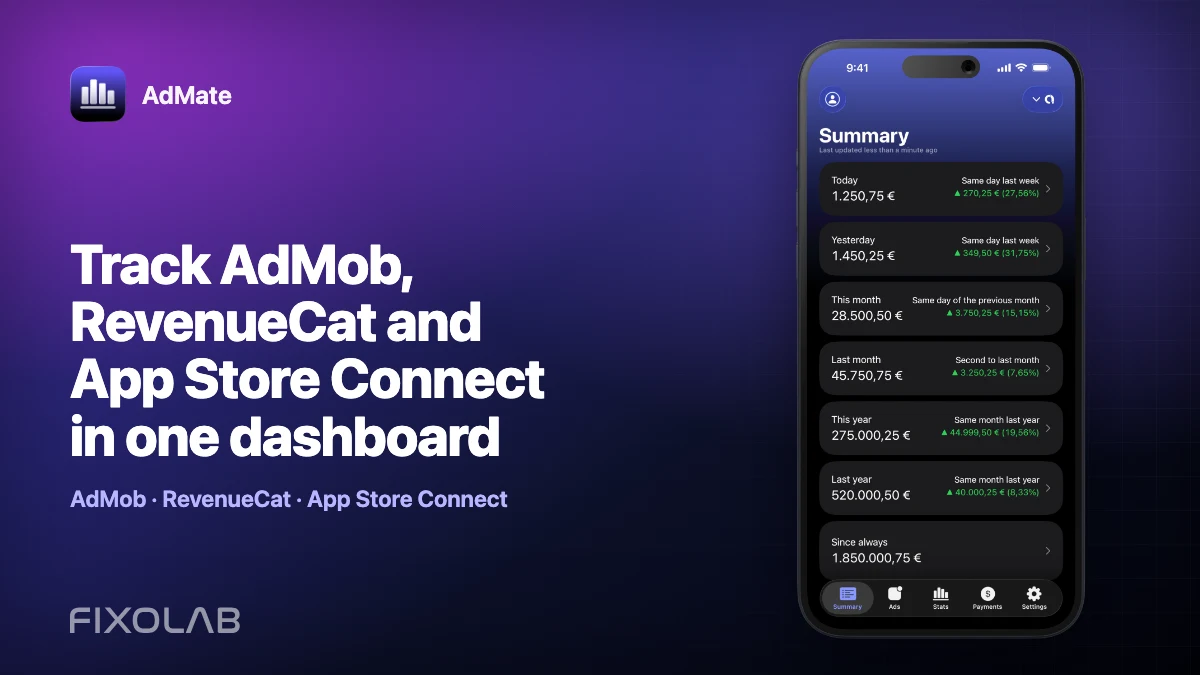
Track AdMob, RevenueCat and App Store Connect in one dashboard
Use AdMate to review AdMob, AdSense, RevenueCat and App Store Connect across multiple accounts without sending revenue through an AdMate server.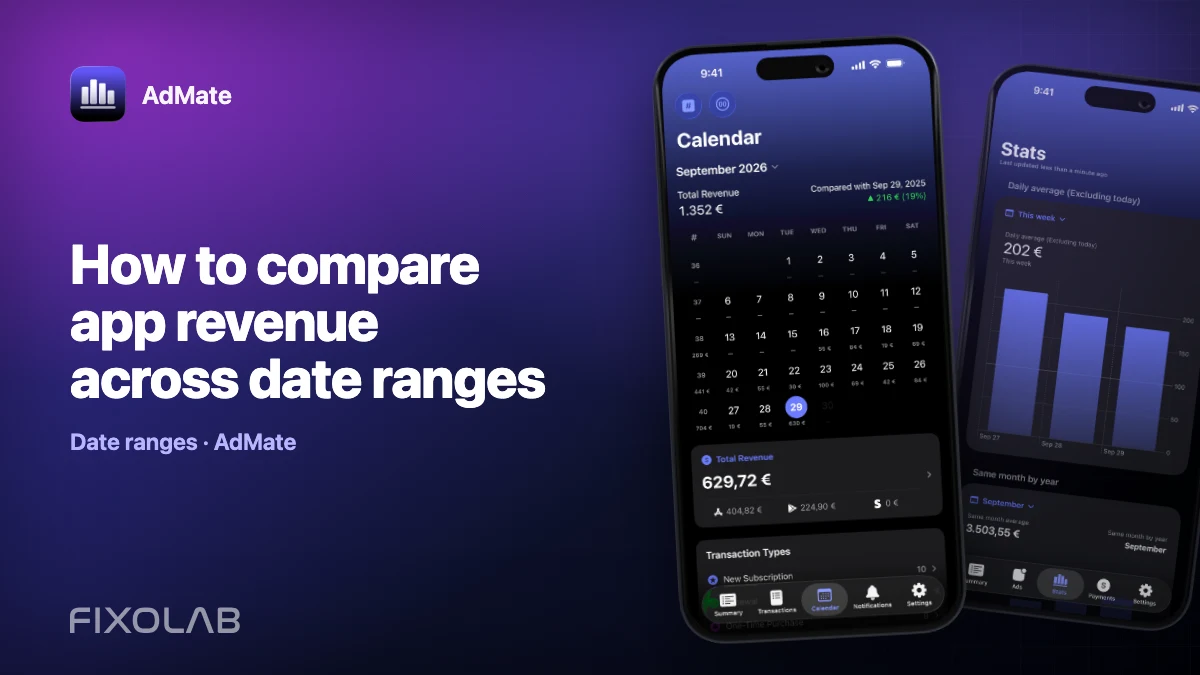
| FixoLab
How to compare app revenue across date ranges
Build fair daily, weekly and monthly revenue comparisons in AdMate by aligning duration, account scope, app filters, time zones and incomplete periods.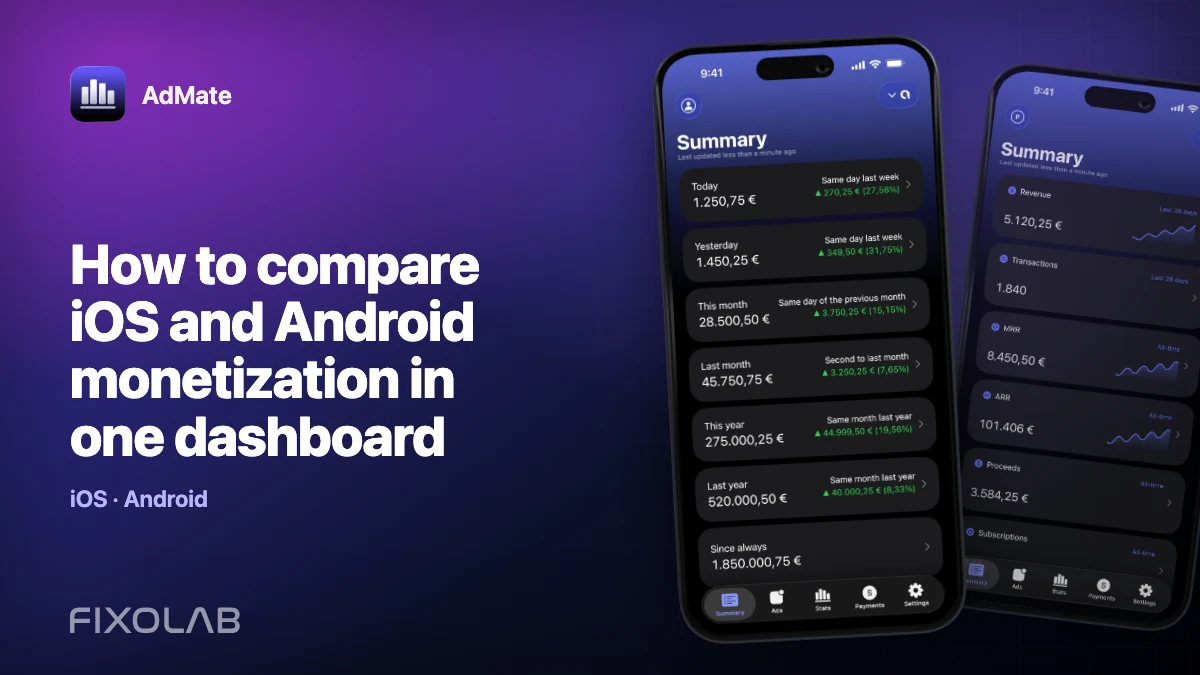
| FixoLab
How to compare iOS and Android monetization in one dashboard
Compare iOS and Android advertising, subscription and store performance in AdMate without mixing incompatible metrics, currencies or overlapping transactions.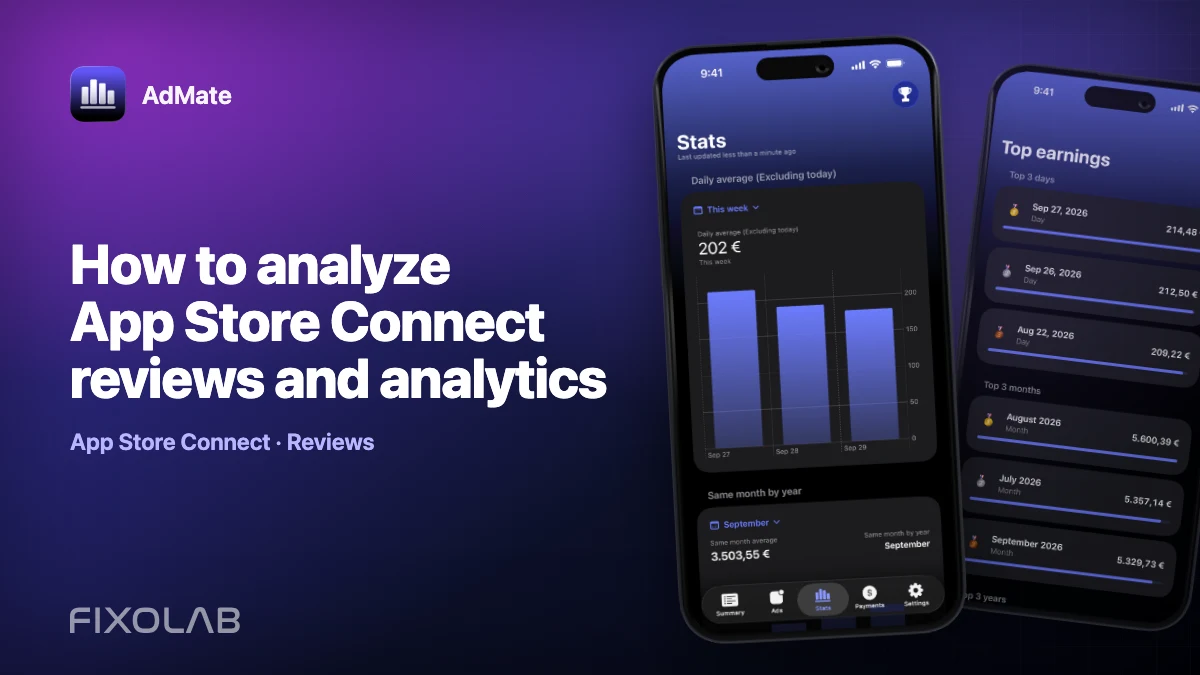
| FixoLab
How to analyze App Store Connect reviews and analytics
Combine App Store Connect reviews with analytics breakdowns in AdMate while preserving app, country, version, period and sample-size context.