How currency and timezone affect dashboard totals
Two dashboards can contain the same transactions and still group or value them differently. Currency determines how amounts are represented; timezone determines which day receives an event. When both differ, daily comparisons can look wrong even while a longer-period total is reasonable.
Official sources: Google AdMob Help — Time zones and currencies · Google AdMob Help — Report currency · RevenueCat — Charts (UTC time zone) · Apple — Differences in reporting tools

All your revenue in one dashboard
Track AdMob, AdSense, RevenueCat and App Store Connect across multiple accounts with filters by app, platform and country
Monitor revenue, clicks, eCPM, subscriptions, installs and payments on iPhone, iPad, Mac and Apple Watch
Four currencies to recognize
- Transaction currency: what the customer or advertiser event used.
- Provider reporting currency: the currency used in an aggregated dashboard.
- Payment currency: the currency in which the provider issues a payout.
- Bank currency: the currency credited by the receiving account.
Conversion can happen between these stages using different rates and dates. Do not label all values with one symbol unless the provider confirms the conversion.
Three time boundaries
- the provider report timezone;
- the device’s local timezone;
- the business or accounting timezone.
An event at 23:30 UTC can belong to the next local day in Madrid and another day in a provider report. Daily bars shift even though the two-day total remains the same.
Compare within one provider first
For the cleanest trend:
- keep the provider’s timezone;
- keep the same reporting currency;
- use complete periods;
- keep account and app filters fixed;
- compare equal duration.
Only after understanding that result should you compare another provider.
Cross-provider comparison
Document:
| Field | Source A | Source B |
|---|---|---|
| Metric definition | Explicit name | Explicit name |
| Timezone | Provider zone | Provider zone |
| Date range | Start/end | Start/end |
| Currency | Report currency | Report currency |
| Conversion | Rule/date | Rule/date |
If you cannot align a field, keep the limitation with the result.
Why daily charts can disagree
A renewal, refund or ad adjustment near a date boundary can land on different days. Provider processing can also publish it later. Use seven-day or closed-month comparisons when the business question does not require daily attribution.
Do not move events manually between days just to make charts look equal.
Currency conversion discipline
When creating a portfolio reporting currency:
- preserve original amounts;
- record the exchange-rate source;
- record the conversion date or method;
- apply one rule consistently;
- separate bank fees;
- avoid reconverting values the provider already converted.
Small residual differences are expected when providers use different conversion methods.
AdMate workflow
- Open the provider and account.
- note the displayed currency;
- select a completed range;
- confirm the service’s date boundary where documented;
- compare the underlying count as well as money;
- align or document differences before combining;
- use finalized reports for accounting.
This workflow explains many cases covered by why provider totals differ.
Frequently asked questions
Why does the same transaction appear on different days?
Providers or the device may use different timezones and processing cutoffs.
Should I convert every dashboard to my bank currency?
Only with a documented consistent rule. Preserve original provider amounts for reconciliation.
Can changing the phone timezone change provider history?
It can change local presentation, but it does not rewrite the provider’s authoritative report boundaries.
Why does the bank amount still differ?
Payment conversion, banking conversion and fees can occur after the dashboard report.
All your revenue in one dashboard
Track AdMob, AdSense, RevenueCat and App Store Connect across multiple accounts with filters by app, platform and country
Monitor revenue, clicks, eCPM, subscriptions, installs and payments on iPhone, iPad, Mac and Apple Watch
| FixoLab
Why AdMate daily totals can change after a report is loaded
Learn why provider data can revise a daily total after refresh, how caching and open periods work, and when a changing value indicates a real problem.
| FixoLab
Why AdMob, RevenueCat and App Store Connect totals differ
Reconcile AdMob estimated earnings, RevenueCat revenue and App Store Connect sales or proceeds by aligning definitions, dates, currencies and filters.
| FixoLab
Availability and workflow of Google Play and AdMob data in AdMate
Understand how Google Play and AdMob are kept as separate sources in AdMate, what account access they require and how to avoid double-counting revenue.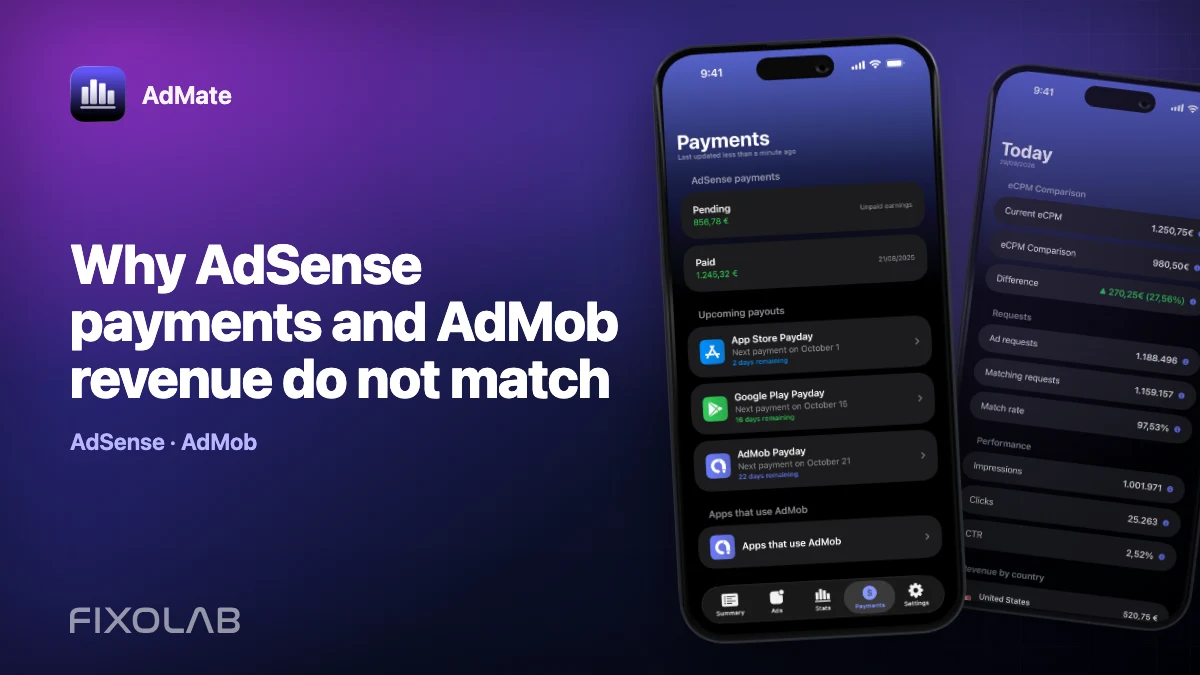
| FixoLab
Why AdSense payments and AdMob revenue do not match
Understand why an AdSense payment differs from AdMob estimated earnings by separating reporting periods, adjustments, thresholds, currencies and payment status.