How AdMate handles provider credentials securely and privately
A monetization dashboard can access sensitive business data. Its security model matters as much as its charts. AdMate is designed so the Apple app queries Google, RevenueCat and App Store Connect services directly. The AdMate API must not become a proxy or long-term store for users’ provider revenue.
That architecture reduces one class of central exposure, but users still need to protect credentials, devices and support material.

All your revenue in one dashboard
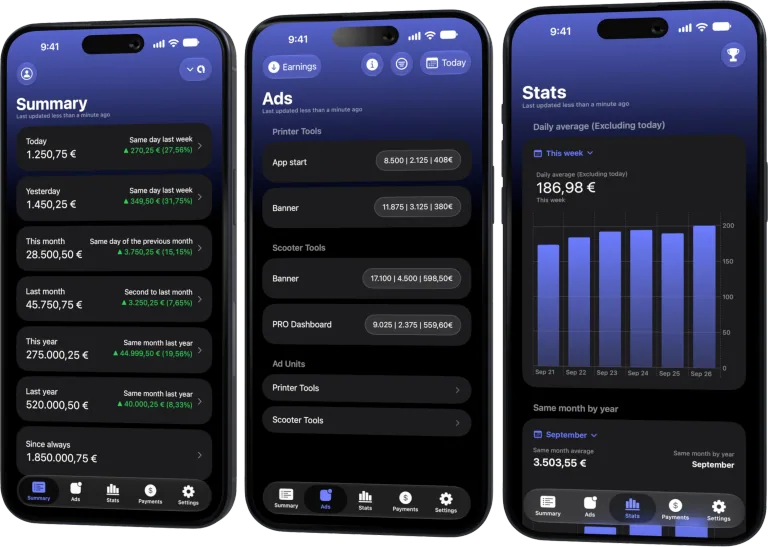
Track AdMob, AdSense, RevenueCat and App Store Connect across multiple accounts with filters by app, platform and country
Monitor revenue, clicks, eCPM, subscriptions, installs and payments on iPhone, iPad, Mac and Apple Watch
Direct provider connections
The main app uses the account authorization or API credential configured for each service. Google accounts use the relevant sign-in flows; RevenueCat uses supported authorization modes; App Store Connect uses its API key identifiers and private key.
Provider permissions determine which accounts, apps, projects and reports are visible. AdMate cannot grant access that the provider did not authorize.
What the AdMate API does
The API supports product metadata and selected operational flows such as RevenueCat webhook notifications. Temporary RevenueCat device context can include project, app, language and currency information so an event can produce a useful notification.
That context is not intended to hold the user’s full revenue history or access token. Dashboard data remains a direct app-to-provider responsibility.
Credentials on Apple platforms
The app and its extensions share compatible state through the App Group so widgets and Watch features can work. Treat every device signed into the account as a device with access to sensitive business summaries.
Use device passcodes, platform security updates and appropriate Lock Screen privacy. Remove provider accounts before transferring or decommissioning a device.
Rules for each credential
Google authorization
Use the official sign-in flow. Never provide a Google password to AdMate or support.
RevenueCat secret access
Use the authorization mode requested by the current setup, apply least privilege, map project keys carefully and rotate any exposed key.
App Store Connect private key
Protect the .p8 file, Key ID and Issuer ID as a credential set. Never commit the private key or attach it to a ticket.
Webhook authorization
Keep endpoint authorization in the provider and server secret stores. It serves a different purpose from dashboard credentials.
Safe diagnostics
When asking for help, include:
- AdMate version and platform;
- service name;
- non-sensitive account alias;
- date range and metric;
- redacted error code or message;
- steps that reproduce the problem.
Remove:
- tokens and private keys;
- full account, publisher or customer identifiers;
- payment and bank details;
- unredacted emails;
- complete provider payloads.
If a secret was included accidentally, revoke or rotate it. Deleting the message is not enough because copies or logs may remain.
Multi-account offboarding
When a team member or client relationship ends:
- remove access in the provider;
- rotate shared or exposed credentials;
- remove the account from AdMate devices;
- clear unsupported copies in notes or files;
- verify widgets and Watch no longer show the account;
- document the new account owner.
Privacy versus accounting retention
Business records may need retention, but they should live in the organization’s approved accounting and document systems—not in public repositories or casual screenshots. AdMate is an operational dashboard and does not replace that retention policy.
Frequently asked questions
Does AdMate upload all provider revenue to its server?
No. The product architecture keeps provider dashboard queries direct from the app. The API handles limited operational flows such as webhook notification context.
Can support ask for my private key?
A legitimate diagnosis should use redacted errors and context. Do not send provider private keys or tokens.
What should I do after exposing a key?
Revoke or rotate it at the provider, update the authorized AdMate account and remove the compromised value from every stored location.
Are widgets private by default?
They follow platform visibility settings. Choose Lock Screen and watch content appropriate for anyone who can see the device.
All your revenue in one dashboard
Track AdMob, AdSense, RevenueCat and App Store Connect across multiple accounts with filters by app, platform and country
Monitor revenue, clicks, eCPM, subscriptions, installs and payments on iPhone, iPad, Mac and Apple Watch
| FixoLab
How to configure AdMate notifications and RevenueCat webhooks
Set up AdMate notification context and RevenueCat webhooks without confusing dashboard credentials with server delivery or exposing access tokens.
| FixoLab
How to connect AdMob to AdMate and track app revenue
Connect an AdMob account to AdMate, verify publisher access, review advertising metrics and troubleshoot missing apps or stale reports.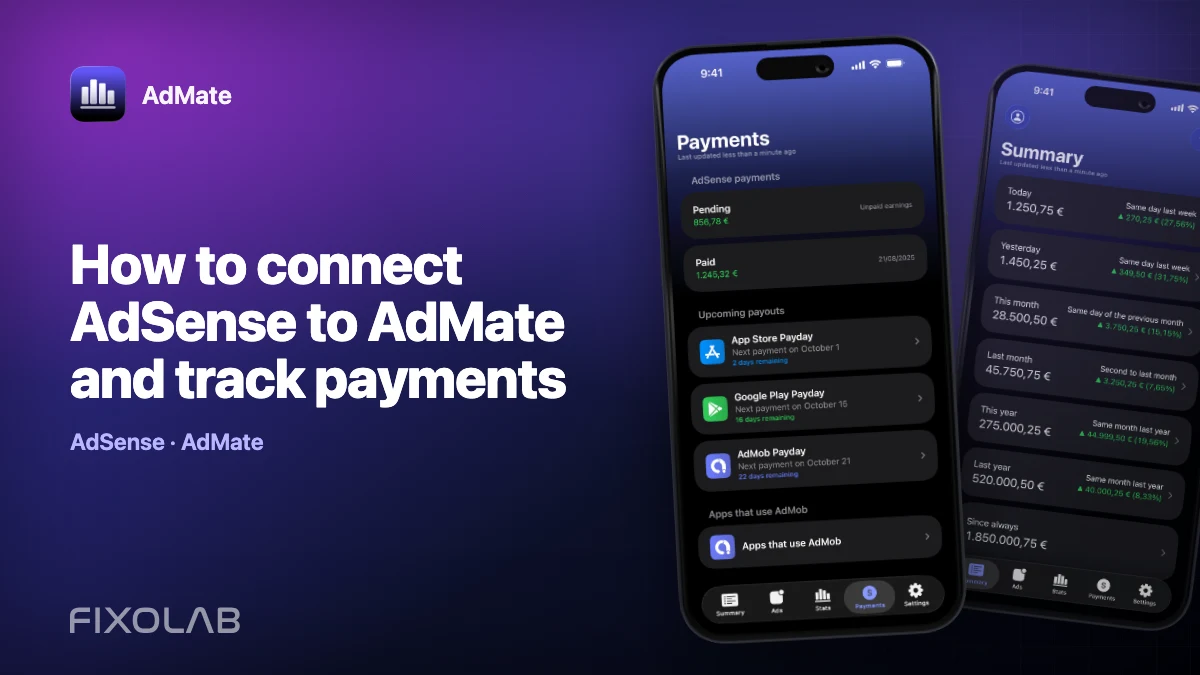
| FixoLab
How to connect AdSense to AdMate and track payments
Use the Google account connected for AdMob to review available AdSense balances and payments in AdMate without confusing them with estimated earnings.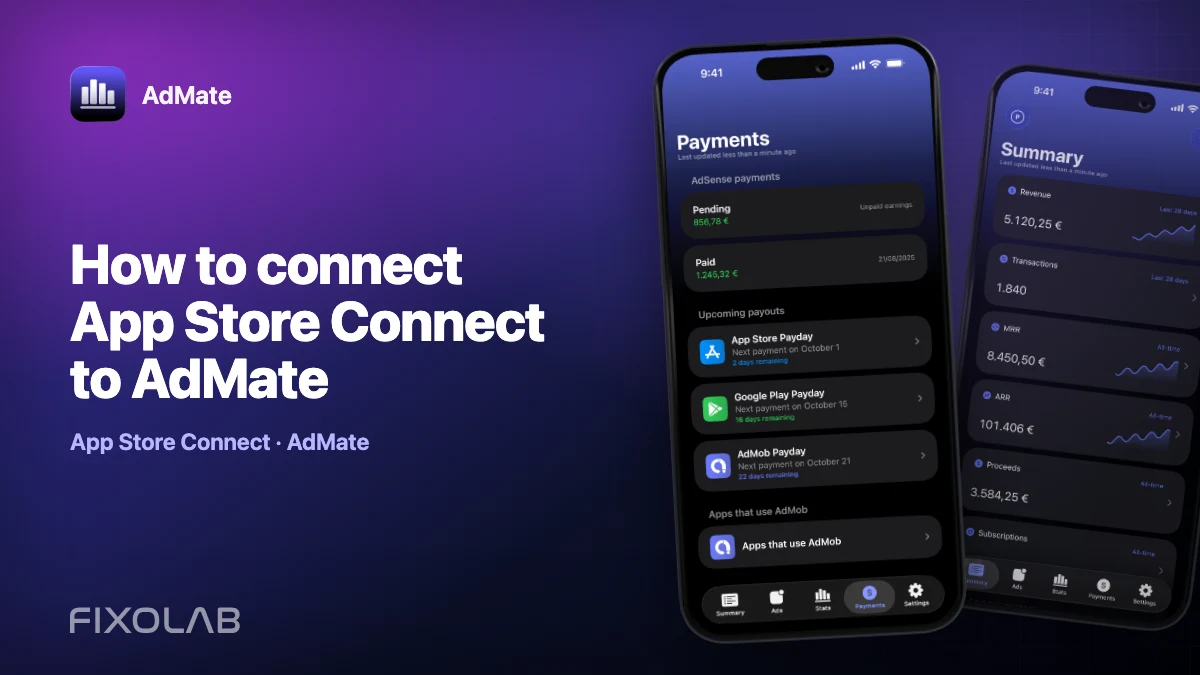
| FixoLab
How to connect App Store Connect to AdMate
Add an App Store Connect API key to AdMate, verify issuer, key and vendor details, and troubleshoot missing apps, analytics or financial reports.